


Read AI
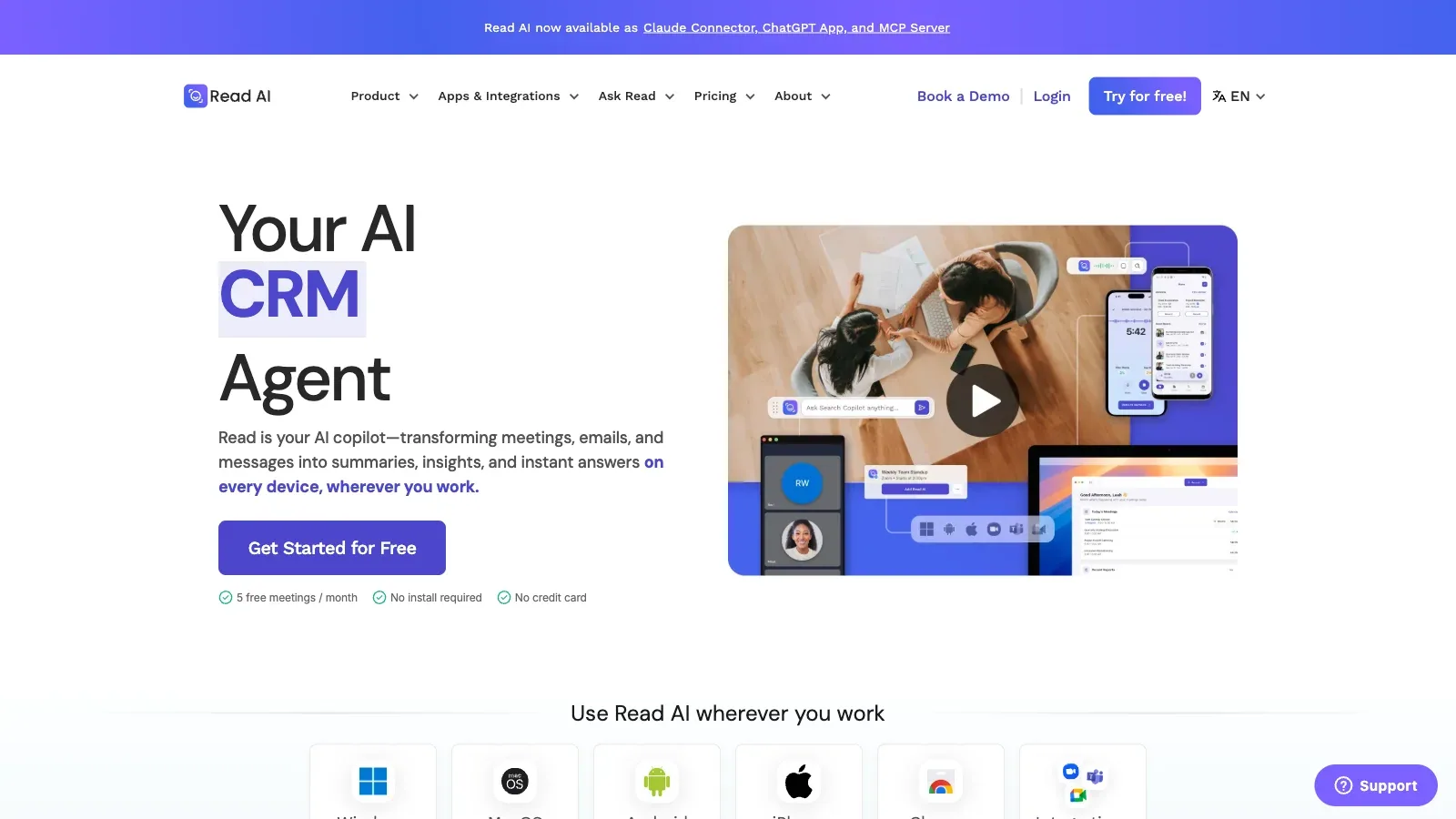
Read AI is an AI tool for productivity tasks. Create searchable meeting reports with summaries, action items, transcripts and participation metrics across supported calls and uploads.
- Free
- $15/user/month
- $22.5/user/month
- $29.75/user/month
Features
Read AI creates searchable meeting reports with summaries, transcripts, action items, participation metrics, workspace access, and selected audio or video playback.
- Input
- Zoom, Google Meet and Microsoft Teams calls, plus uploaded audio or video files.
- Capture setup
- Use Read Assistant in supported meetings, upload recordings, or work through Read's desktop and mobile apps.
- Output & review
- Meeting reports include summaries, action items, key points, transcripts and meeting metrics. Higher plans add audio or video playback and highlights.
- Platforms & languages
- Supports Zoom, Google Meet and Teams, with iOS, Android, Windows and macOS apps. The Free plan lists more than 20 languages.
- Integrations
- Pro includes Notion, Salesforce, HubSpot, Jira, Confluence, Zapier and webhooks; Read also lists Slack, API and MCP access.
Pricing
Read AI offers Free, Pro, Enterprise, and Enterprise+ plans. Paid tiers add unlimited transcripts, file-upload credits, playback, and enterprise administration.
Free
For occasional individual meetings.
- Five meetings per month
- Meeting reports in more than 20 languages
- Core summaries, transcripts and metrics
Pro
For regular meeting reports and connected workflows.
- Unlimited meeting transcripts and storage
- 100 file-upload credits per month
- Premium integrations and workspace access
Enterprise
For teams that need playback and richer review.
- Audio and video playback
- Video highlights
- 200 file-upload credits per month
Enterprise+
For larger managed deployments.
- SAML and SCIM
- Custom retention controls
- Expanded enterprise administration
Limits
Pro includes 100 file-upload credits a month; Enterprise includes 200 and is required for audio and video playback. Every workspace member needs the same paid plan.
- Practical limit
- Pro includes 100 file-upload credits per month. Audio and video playback require Enterprise, which includes 200 upload credits per month.
- Data & sharing
- Workspaces require a paid license for every member and all workspace licenses must use the same plan; there is no admin-only license.
FAQ
How does Read AI capture meetings?
Zoom, Google Meet and Microsoft Teams calls, plus uploaded audio or video files.
Use Read Assistant in supported meetings, upload recordings, or work through Read's desktop and mobile apps.
What is included in a Read AI meeting report?
Meeting reports include summaries, action items, key points, transcripts and meeting metrics. Higher plans add audio or video playback and highlights.
What do Read AI's Free and Pro plans include?
Free covers five meetings per month. Pro is $15 per user per month when billed annually and includes unlimited meeting reports and storage.
Pro includes 100 file-upload credits per month. Audio and video playback require Enterprise, which includes 200 upload credits per month.
Which platforms, languages and integrations are supported?
Supports Zoom, Google Meet and Teams, with iOS, Android, Windows and macOS apps. The Free plan lists more than 20 languages.
Pro includes Notion, Salesforce, HubSpot, Jira, Confluence, Zapier and webhooks; Read also lists Slack, API and MCP access.
How does Read AI workspace licensing work?
Workspaces require a paid license for every member and all workspace licenses must use the same plan; there is no admin-only license.
Scenarios




Alternatives

Avoma
Turn customer calls into transcripts, structured notes, follow-up emails and CRM updates, with optional coaching and revenue add-ons.

Fathom
Record Zoom, Google Meet or Teams calls, then review searchable transcripts, summaries, clips and follow-up actions.

Fireflies.ai
Capture live meetings or uploaded recordings, then search transcripts, summaries and action items across a team workspace.

Granola
Capture meetings without a bot, combine the transcript with your own notes, and prepare actions or follow-up emails from the result.

MeetGeek
Capture meetings with or without a bot, then review transcripts, summaries, action items and team analytics.

Notion
Notion organizes documents, project databases, and meeting notes in a shared workspace, with AI for drafting, editing, and finding information across connected sources.