


Notion
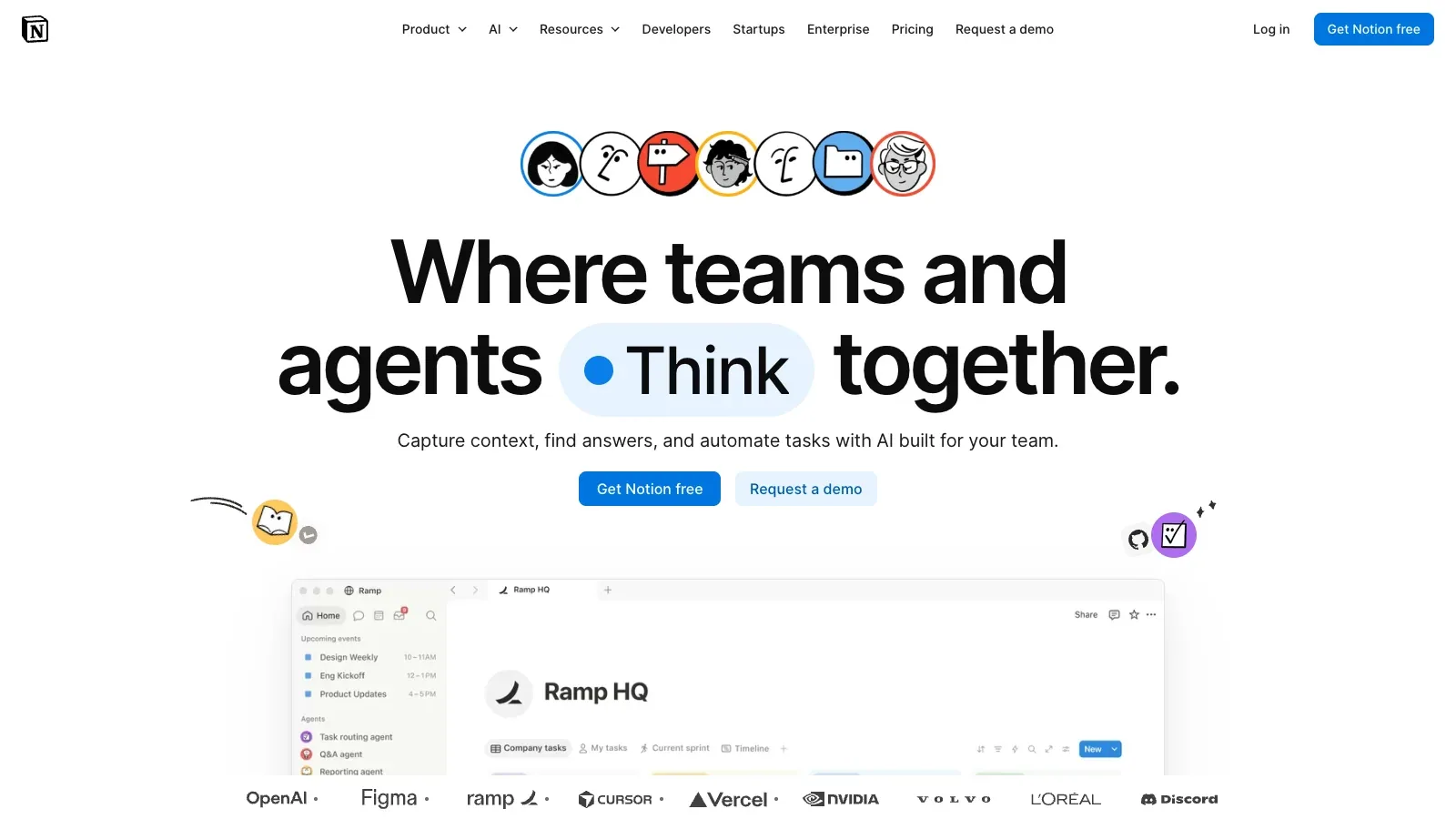
Notion is an AI tool that organizes documents, project databases, and meeting notes in a shared workspace, with AI for drafting, editing, and finding information across connected sources.
- Free
- £8.5/member/month
- £16.5/member/month
- Custom pricing
Features
Notion keeps documents, project databases, and meeting notes in a shared workspace, with AI for drafting, editing, search, and meeting follow-up.
- Input
- Live conversations captured in Notion and uploaded AAC, M4A, MP3 or WAV audio files.
- Capture setup
- The desktop app captures system audio and microphone input. Browser and mobile recording use microphone input only, so they are better suited to in-person meetings.
- AI Meeting Notes
- Creates a transcript, key points and action items inside a Notion page, with citations that jump from the summary to transcript lines.
- Platforms
- Available in the Notion desktop app, browser and mobile app. Desktop requires Notion 4.7 or later; Mac users need macOS 13 or later.
- Workflow integration
- Connects to Notion Calendar, can store notes in a chosen Notion database, and offers a desktop Chrome add-on for speaker labels in Google Meet.
- Writing and editing
- Draft or revise text inline on a Notion page, using AI blocks for custom outputs.
- Workspace context
- Notion Agent uses workspace and connected-app context to create and edit pages.
Pricing
Notion offers Free, Plus, Business, and Enterprise plans. Business and Enterprise include Notion AI and AI Meeting Notes, while Enterprise adds SCIM and advanced controls.
Free
Organize individual notes and documents.
- Pages and blocks for individuals
- Limited complimentary AI responses
Plus
Collaborate on pages in a small workspace.
- Unlimited collaborative blocks
- Limited complimentary AI responses
Business
The standard workspace plan that includes AI Meeting Notes.
- AI Meeting Notes included
- Notion Agent and Enterprise Search
- SAML SSO and granular database permissions
Enterprise
For organizations that need advanced administration and compliance.
- AI Meeting Notes included
- SCIM, audit logs and advanced security controls
- Zero data retention with LLM providers
Limits
A meeting recording needs at least one minute of audio for a summary. Audio uploads work, but MOV, MP4, and Loom files do not; AI use is limited on Free and Plus.
- Practical limit
- A recording must contain at least one minute of audio to generate a summary. Audio upload is supported, but MOV, MP4 and Loom files are not.
- Data & sharing
- Meeting notes are private by default. You can share them manually or enable automatic sharing with internal participants from a Notion Calendar event.
- AI access
- Business and Enterprise include Notion AI with usage allowances. Free and Plus offer limited complimentary AI responses.
FAQ
How does Notion capture a meeting?
Live conversations captured in Notion and uploaded AAC, M4A, MP3 or WAV audio files.
The desktop app captures system audio and microphone input. Browser and mobile recording use microphone input only, so they are better suited to in-person meetings.
What does Notion AI Meeting Notes produce?
Creates a transcript, key points and action items inside a Notion page, with citations that jump from the summary to transcript lines.
Which Notion plan includes AI Meeting Notes?
AI Meeting Notes requires a Business or Enterprise plan, or an eligible mobile subscription that includes Notion AI. The current UK pricing page lists Business at £16.50 per member per month.
What devices and file types can I use?
Available in the Notion desktop app, browser and mobile app. Desktop requires Notion 4.7 or later; Mac users need macOS 13 or later.
A recording must contain at least one minute of audio to generate a summary. Audio upload is supported, but MOV, MP4 and Loom files are not.
Who can see a Notion meeting note?
Connects to Notion Calendar, can store notes in a chosen Notion database, and offers a desktop Chrome add-on for speaker labels in Google Meet.
Meeting notes are private by default. You can share them manually or enable automatic sharing with internal participants from a Notion Calendar event.
Can I draft and edit articles in a page?
Draft or revise text inline on a Notion page, using AI blocks for custom outputs.
Business and Enterprise include Notion AI with usage allowances. Free and Plus offer limited complimentary AI responses.
Scenarios














Alternatives

ChatGPT
ChatGPT helps draft and edit text, research online sources, analyze uploaded data, and work through questions in a conversation.

Anyword
Anyword generates marketing copy and blog drafts, using brand voice settings and predictive scores to compare headline and introduction options before publication.

Avoma
Turn customer calls into transcripts, structured notes, follow-up emails and CRM updates, with optional coaching and revenue add-ons.

Claude
Claude works with prompts and uploaded material to draft content, research questions, analyze data, and create downloadable documents and spreadsheets.

Fathom
Record Zoom, Google Meet or Teams calls, then review searchable transcripts, summaries, clips and follow-up actions.

Felo
Research across languages and turn cited findings into a report, presentation, or mind map.