


Granola
Granola is an AI tool for productivity tasks. Capture meetings without a bot, combine the transcript with your own notes, and prepare actions or follow-up emails from the result.
- Free
- $14/active member/month
- $35/active member/month
Features
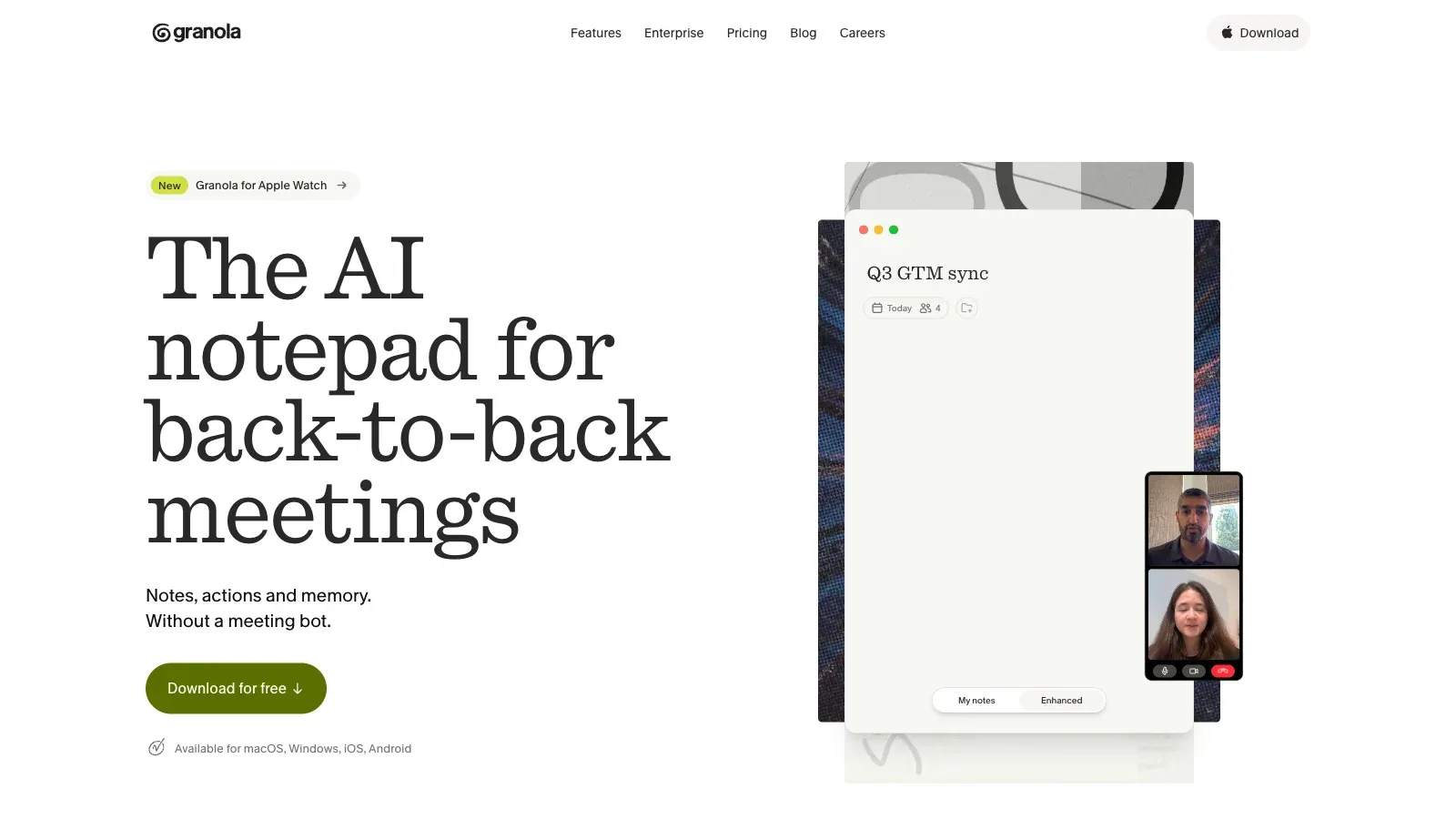
Granola captures meetings without a bot, combines the transcript with your own notes, then drafts actions and follow-up emails through its AI chat.
- Input
- Computer or phone audio, optional notes typed during the meeting, and connected calendar context.
- Capture setup
- Uses device audio without inviting a meeting bot. Desktop covers online calls; mobile supports in-person meetings and phone calls.
- Output & review
- Enhances personal notes with meeting context and produces notes, action items, follow-up emails and chat-based answers across meetings.
- Platforms
- Available for macOS, Windows, iOS, Android and Apple Watch. It works with Zoom, Google Meet, Microsoft Teams and other meeting apps.
- Integrations
- Syncs with calendars and offers Slack on Basic; Business adds integrations such as Zapier, Notion, Slack and Attio. An MCP connector exposes notes to supported AI tools.
Pricing
Granola offers Basic, Business, and Enterprise plans. Business adds unlimited note history, model selection, and integrations; Enterprise adds eligible-team administration and SSO.
Basic
For personal meeting notes with a shorter visible history.
- No daily transcription limit
- AI-enhanced notes and Chat
- Only the last 30 days are accessible in the app
Business
For ongoing use with complete history and integrations.
- Unlimited note history
- Manual model selection
- Zapier, Notion, Slack, Attio and other integrations
Enterprise
For managed organization-wide use.
- Admin and policy controls
- SSO for eligible teams
- Unlimited note history and integrations
Limits
Basic has no daily transcription cap, but only the last 30 days of notes are accessible in the app. Notes remain private unless you share them.
- Practical limit
- Basic has no daily transcription cap, but only the last 30 days of notes are accessible in the app. Older notes remain stored until you upgrade.
- Data & sharing
- Notes are private by default and shared only when you choose. Enterprise adds admin controls, policy management and SSO for eligible teams.
FAQ
How does Granola capture a meeting without a bot?
Computer or phone audio, optional notes typed during the meeting, and connected calendar context.
Uses device audio without inviting a meeting bot. Desktop covers online calls; mobile supports in-person meetings and phone calls.
What does Granola produce after a meeting?
Enhances personal notes with meeting context and produces notes, action items, follow-up emails and chat-based answers across meetings.
What is included with Granola Basic and Business?
Basic is free. Business costs $14 per active member per month and enables unlimited note history and broader integrations.
Basic has no daily transcription cap, but only the last 30 days of notes are accessible in the app. Older notes remain stored until you upgrade.
Which devices and integrations work with Granola?
Available for macOS, Windows, iOS, Android and Apple Watch. It works with Zoom, Google Meet, Microsoft Teams and other meeting apps.
Syncs with calendars and offers Slack on Basic; Business adds integrations such as Zapier, Notion, Slack and Attio. An MCP connector exposes notes to supported AI tools.
Are Granola notes private by default?
Notes are private by default and shared only when you choose. Enterprise adds admin controls, policy management and SSO for eligible teams.
Scenarios




Alternatives

Avoma
Turn customer calls into transcripts, structured notes, follow-up emails and CRM updates, with optional coaching and revenue add-ons.

Fathom
Record Zoom, Google Meet or Teams calls, then review searchable transcripts, summaries, clips and follow-up actions.

Fireflies.ai
Capture live meetings or uploaded recordings, then search transcripts, summaries and action items across a team workspace.

MeetGeek
Capture meetings with or without a bot, then review transcripts, summaries, action items and team analytics.

Notion
Notion organizes documents, project databases, and meeting notes in a shared workspace, with AI for drafting, editing, and finding information across connected sources.

Notta
Transcribe meetings and uploaded media across 58 languages, then create summaries, action items and shareable visual outputs.