


Numerous.ai
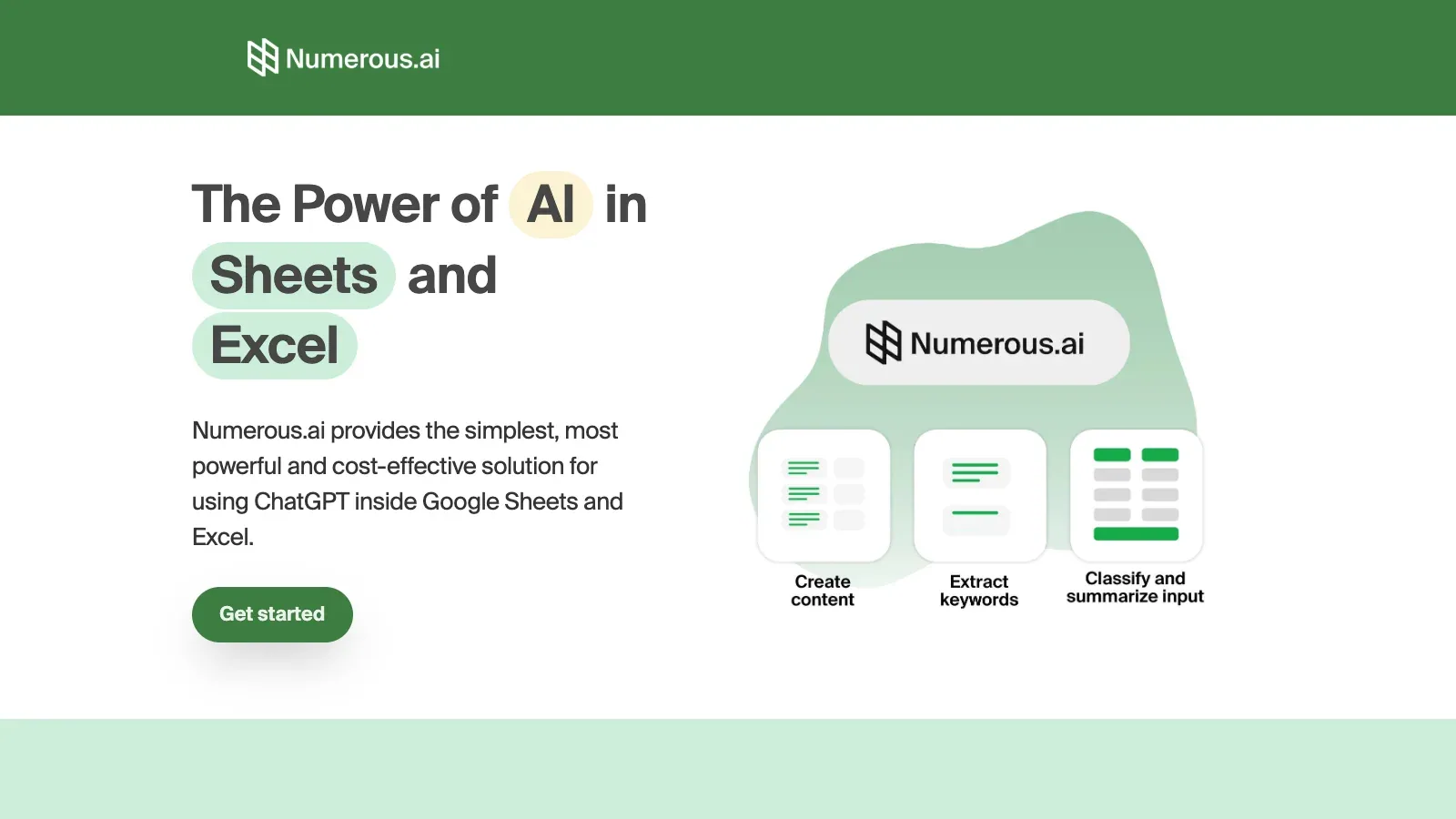
Numerous.ai is an AI tool that adds AI functions to Google Sheets and Excel for classifying, cleaning, summarizing, and generating text in cells.
- $10/month
- Price unverified
Features
Numerous.ai adds AI functions to spreadsheets so users can summarize, extract, categorize, normalize text, and generate formulas without supplying an API key.
- Use an add-on
- Install the spreadsheet add-on and use the =AI function in a cell; an API key is not required.
- Classify text responses
- Summarize, extract, categorize, and normalize text such as survey responses inside a spreadsheet.
- Generate formulas
- The service includes spreadsheet formula generation.
- Spreadsheet AI access
- The Pro plan includes spreadsheet ai access.
- Text processing
- Text processing is available with the Personal plan.
Pricing
Numerous.ai lists Personal, Pro, and Enterprise plans, but the accessible public page repeats Personal terms for Pro and does not expose a distinct Pro offer clearly.
Personal
For small projects.
- Formula generation
- Text processing
Pro
For additional spreadsheet usage.
- Spreadsheet AI access
Enterprise
For teams sharing a plan.
- Google Sheets and Excel
- Priority email support
Limits
Team members can share a purchased plan, and usage is tied to the plan allowance rather than an unlimited per-user quota.
- Shared plan
- Team members can use the same plan; usage is tied to purchased allowances.
FAQ
How do I use it in a spreadsheet?
Install the spreadsheet add-on and use the =AI function in a cell; an API key is not required.
Can it classify text responses?
Summarize, extract, categorize, and normalize text such as survey responses inside a spreadsheet.
Can it help with formulas?
The service includes spreadsheet formula generation.
What access limits should I check?
Team members can use the same plan; usage is tied to purchased allowances.
Which plan includes spreadsheet ai access?
The Pro plan includes spreadsheet ai access.
Scenarios




Alternatives

Bricks
Bricks turns uploaded tables into editable dashboards, charts, and reports, with natural-language changes and spreadsheet tools.

ChatGPT
ChatGPT helps draft and edit text, research online sources, analyze uploaded data, and work through questions in a conversation.

Claude
Claude works with prompts and uploaded material to draft content, research questions, analyze data, and create downloadable documents and spreadsheets.

Gemini
Gemini helps work with text, uploaded files, web research, and generated images through conversational prompts and editable follow-up requests.

Genspark
Use AI Sheets to clean and edit workbooks, or Super Agent to collect research and build a deliverable.

GPTExcel
GPTExcel generates and explains spreadsheet formulas, analyzes Excel and CSV files, and creates charts, pivot tables, and editable tables from images.