


Bricks
Bricks is an AI tool that turns uploaded tables into editable dashboards, charts, and reports, with natural-language changes and spreadsheet tools.
- Free
- $25/user/month
- $100/user/month
- Price unverified
Features
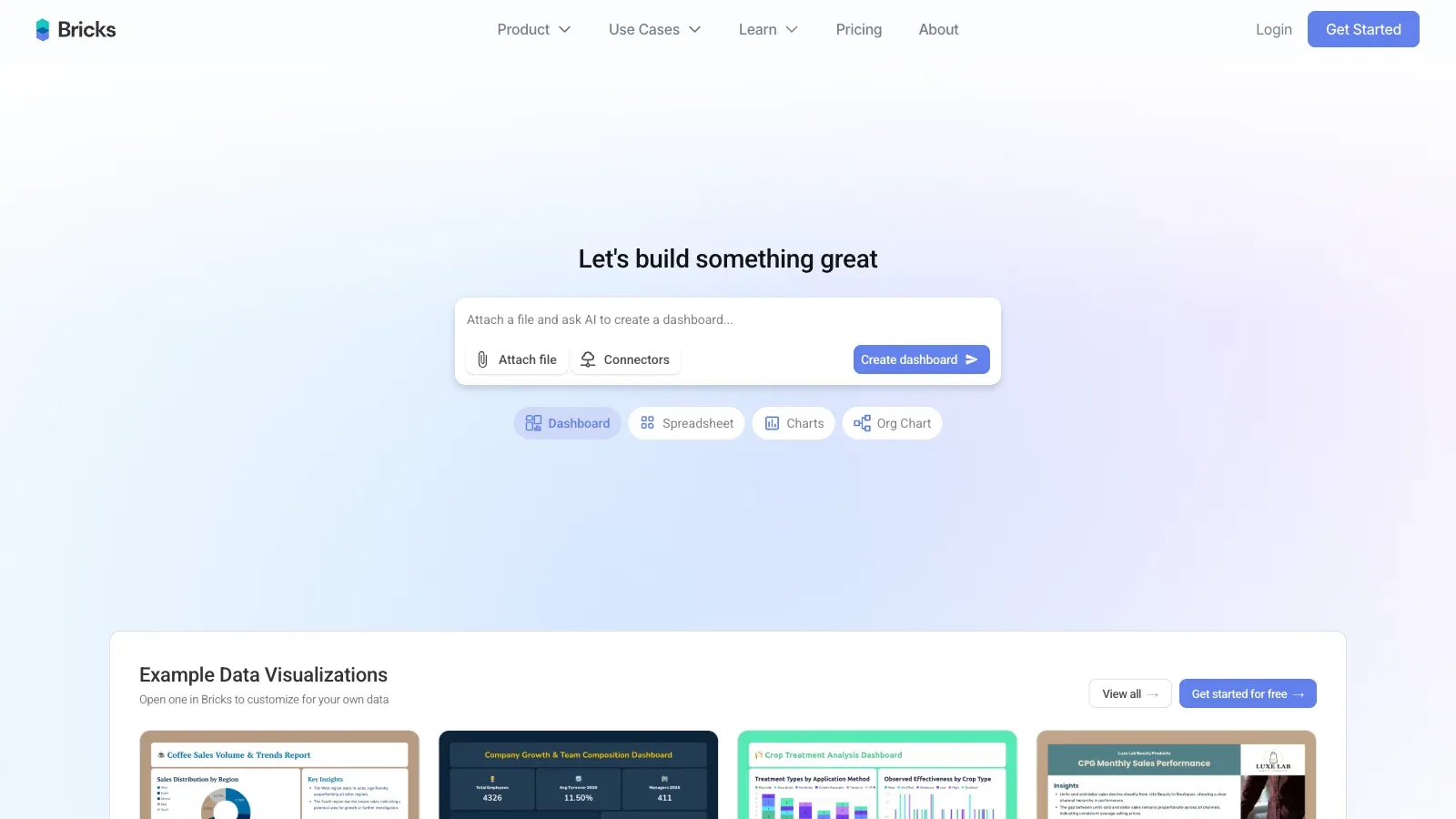
Bricks turns CSV, Excel, or PDF data into editable dashboards, then lets you revise the layout with manual controls or natural-language requests.
- Import data
- Build dashboards from CSV, Excel, or PDF data.
- Edit dashboards
- Customize dashboard elements manually or with natural-language requests.
- Refresh with new data
- Replace source data and regenerate charts while preserving the dashboard layout.
- Export files
- Premium includes PDF, PPTX, XLSX, and HTML export.
Pricing
Bricks offers Free, Premium, Pro, and Enterprise plans. Monthly AI-message allowances range from 20 on Free to unlimited on Pro, while Enterprise pricing remains unverified.
Free
For trying dashboards.
- 20 AI messages per month
- Data visualization
Premium
For individual reporting.
- 200 AI messages per month
- PDF, PPTX, XLSX, HTML export
Pro
For connected reporting.
- Unlimited AI messages
- Advanced connectors
- Tableau and Power BI exports
Enterprise
For large organizations.
- Mentioned in the pricing FAQ
Limits
Bricks limits AI requests by plan. Free includes 20 messages per month and Premium includes 200, while manual editing remains available after the allowance runs out.
- Monthly AI messages
- After the AI allowance runs out, additional AI requests wait for a reset or upgrade; manual editing remains available.
FAQ
What can I upload?
Build dashboards from CSV, Excel, or PDF data.
How can I analyze my data?
Customize dashboard elements manually or with natural-language requests.
Can I refresh a dashboard with new data?
Replace source data and regenerate charts while preserving the dashboard layout.
How can I use the output?
Premium includes PDF, PPTX, XLSX, and HTML export.
What access limits should I check?
After the AI allowance runs out, additional AI requests wait for a reset or upgrade; manual editing remains available.
Scenarios




Alternatives

ChatGPT
ChatGPT helps draft and edit text, research online sources, analyze uploaded data, and work through questions in a conversation.

Claude
Claude works with prompts and uploaded material to draft content, research questions, analyze data, and create downloadable documents and spreadsheets.

Gemini
Gemini helps work with text, uploaded files, web research, and generated images through conversational prompts and editable follow-up requests.

Genspark
Use AI Sheets to clean and edit workbooks, or Super Agent to collect research and build a deliverable.

GPTExcel
GPTExcel generates and explains spreadsheet formulas, analyzes Excel and CSV files, and creates charts, pivot tables, and editable tables from images.

Julius AI
Julius turns questions and uploaded data into calculations, charts, and downloadable reports, with spreadsheet analysis and connected-source workflows.