


GPTExcel
GPTExcel is an AI tool that generates and explains spreadsheet formulas, analyzes Excel and CSV files, and creates charts, pivot tables, and editable tables from images.
- Free
- $12.6/month
- $6.3/month
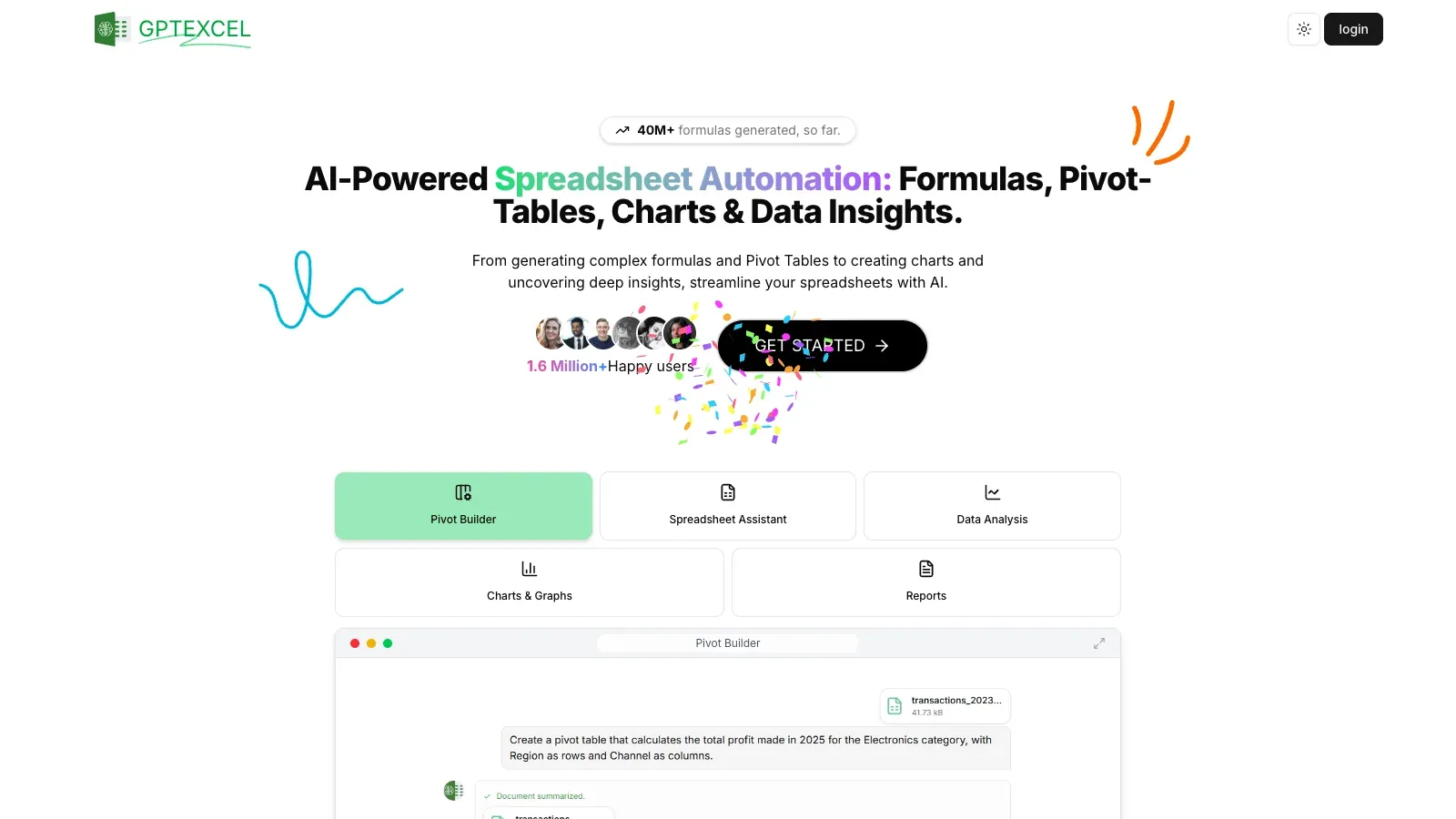
Features
GPTExcel analyzes Excel and CSV files, turns photographed tables into editable sheets, and uses prompts to create formulas, scripts, charts, pivots, metrics, and reports.
- Upload files
- Analyze Excel or CSV files and convert photographed tables into editable spreadsheets.
- Generate formulas and scripts
- Generate and explain formulas for Excel, Google Sheets, LibreOffice Calc, and Airtable; script tools cover VBA and Apps Script.
- Chat with data
- Ask questions about uploaded spreadsheets and request charts, pivot tables, metrics, and reports.
- Up to five files per chat
- The Free plan includes up to five files per chat.
- Up to 15 files per chat
- Up to 15 files per chat is available with the Pro Plus plan.
Pricing
GPTExcel offers Free for small files, Pro for regular spreadsheet work, and Pro Plus for larger uploads and more files in each chat.
Free
For small files.
- 5 MB per file
- Up to five files per chat
Pro Plus
For larger file analysis.
- 100 MB per file
- Up to 15 files per chat
Pro
For regular spreadsheet work.
- 50 MB per file
- Up to ten files per chat
Limits
Per-file limits are 5 MB on Free, 50 MB on Pro, and 100 MB on Pro Plus.
- File upload limits
- The pricing cards list a 5 MB per-file limit on Free, 50 MB on Pro, and 100 MB on Pro Plus.
FAQ
What can I upload?
Analyze Excel or CSV files and convert photographed tables into editable spreadsheets.
Can it help with formulas?
Generate and explain formulas for Excel, Google Sheets, LibreOffice Calc, and Airtable; script tools cover VBA and Apps Script.
How can I analyze my data?
Ask questions about uploaded spreadsheets and request charts, pivot tables, metrics, and reports.
What access limits should I check?
The pricing cards list a 5 MB per-file limit on Free, 50 MB on Pro, and 100 MB on Pro Plus.
Which plan includes up to five files per chat?
The Free plan includes up to five files per chat.
Scenarios




Alternatives

Bricks
Bricks turns uploaded tables into editable dashboards, charts, and reports, with natural-language changes and spreadsheet tools.

ChatGPT
ChatGPT helps draft and edit text, research online sources, analyze uploaded data, and work through questions in a conversation.

Claude
Claude works with prompts and uploaded material to draft content, research questions, analyze data, and create downloadable documents and spreadsheets.

Gemini
Gemini helps work with text, uploaded files, web research, and generated images through conversational prompts and editable follow-up requests.

Genspark
Use AI Sheets to clean and edit workbooks, or Super Agent to collect research and build a deliverable.

Julius AI
Julius turns questions and uploaded data into calculations, charts, and downloadable reports, with spreadsheet analysis and connected-source workflows.