


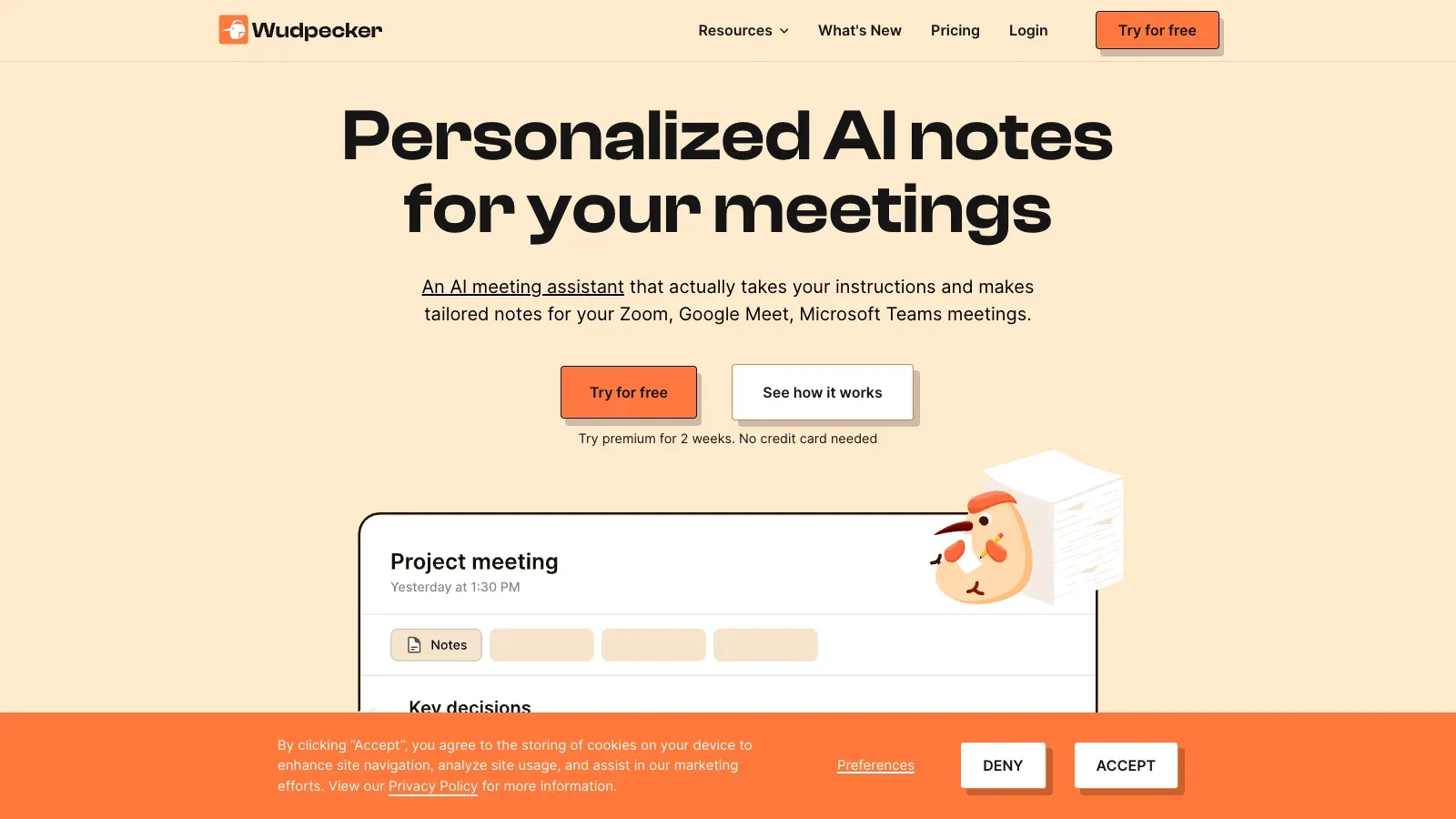
Wudpecker
Wudpecker is an AI tool that records online and in-person meetings, produces editable notes, and supports transcript questions, sharing, and connected follow-up workflows.
- Free
- $19/month
- $32/month
Features
Bot and app capture, multilingual transcription, editable notes, and follow-up connections.
- Capture methods
- Uses a notetaker bot for online calls and desktop or phone apps for unlimited in-person recording.
- Meeting platforms
- Integrates its notetaker with Google Meet, Zoom, and Microsoft Teams.
- Languages
- Transcribes 39 languages and chooses the most-spoken language when a meeting mixes languages.
- Ask AI
- Answers questions about a recording, with limited questions on Free and unlimited questions on paid plans.
- Notes workspace
- Organizes calls into collections, supports custom templates, and allows editable notes and speaker names.
- Sharing and integrations
- Shares notes by account or view-only link and connects paid workflows to Notion, Slack, and HubSpot.
Pricing
Plans increase bot-recorded meeting volume and AI-question capacity.
Free
For light bot use and unlimited app-based in-person recording.
- 10 bot meetings monthly
- 3 AI questions per recording
- 39 transcription languages
Plus
For regular meeting capture with unlimited transcript questions and workflow connections.
- 30 bot meetings monthly
- Unlimited Ask AI questions
- Notion Slack and HubSpot integrations
Pro
For high-volume users who need a larger monthly bot allowance.
- 100 bot meetings monthly
- Everything in Plus
- Designed for power users
FAQ
Can Wudpecker record without a meeting bot?
Uses a notetaker bot for online calls and desktop or phone apps for unlimited in-person recording.
Which online meeting platforms are supported?
Integrates its notetaker with Google Meet, Zoom, and Microsoft Teams.
How does it handle multilingual meetings?
Transcribes 39 languages and chooses the most-spoken language when a meeting mixes languages.
Can I ask questions about a recording?
Answers questions about a recording, with limited questions on Free and unlimited questions on paid plans.
Can I edit and organize the notes?
Organizes calls into collections, supports custom templates, and allows editable notes and speaker names.
How can I share notes or move them into other tools?
Shares notes by account or view-only link and connects paid workflows to Notion, Slack, and HubSpot.
Scenarios


Alternatives
AI Meeting Companion
AI Meeting Companion records meetings within plan quotas, then creates briefs, structured notes, action items, exports, and follow-up workflows.

Bluedot
Bluedot records meetings from browser, desktop, and mobile capture paths, then organizes transcripts, notes, imports, and downstream workflows.

Fellow
Fellow records meetings, creates multilingual transcripts and recaps, and connects the resulting notes and action items to team workflows.

Krisp
Krisp records and transcribes meetings while improving call audio, then produces searchable notes, action items, and follow-up answers.

Noty.ai
Noty.ai transcribes meetings, builds customizable summaries and follow-ups, and keeps the resulting notes searchable and exportable.

Orbit
Orbit records calls from major meeting platforms and turns them into transcripts, summaries, reusable documents, and searchable AI conversations.