Best AI Tools for Meeting Recording in 2026
Compare eight recording workflows and choose one that fits your calls, devices, review needs, and plan limits.
Compare the tools
Choose the capture path first.
Mix bot, app, or browser capture

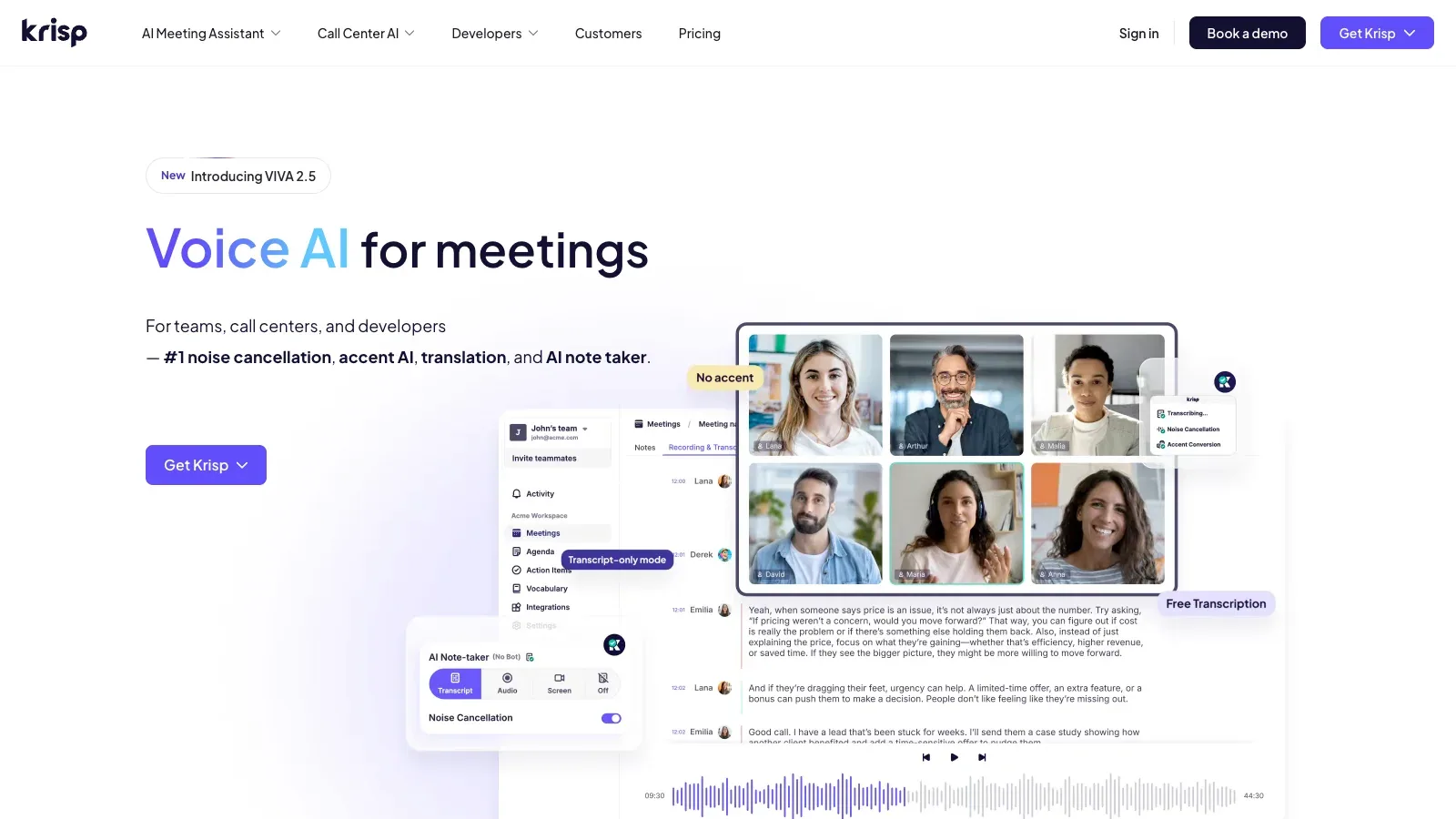
Krisp
Capture meetings while also improving voice clarity, then review notes and action items in the same workflow.

Bluedot
Use browser, desktop, or mobile capture and keep imports and automation in one recording library.

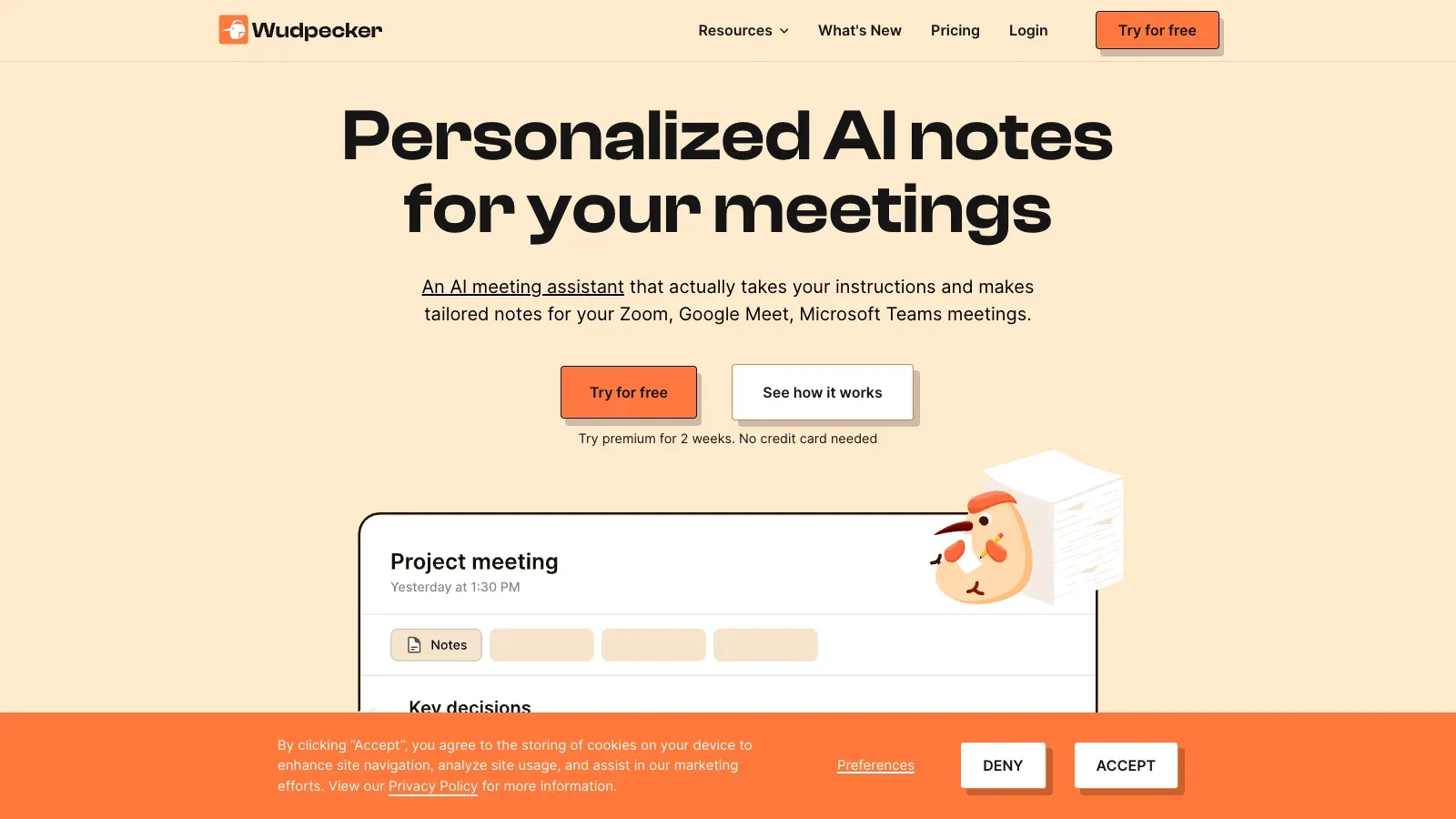
Wudpecker
Combine bot recording for online meetings with unlimited app recording for in-person conversations.
Turn recordings into team workflows

Sembly AI
Capture meetings and turn them into searchable notes, tasks, analysis, and client-ready workflows.

Fellow
Keep recordings, agendas, transcripts, and assigned follow-up in one collaborative meeting workspace.

Orbit
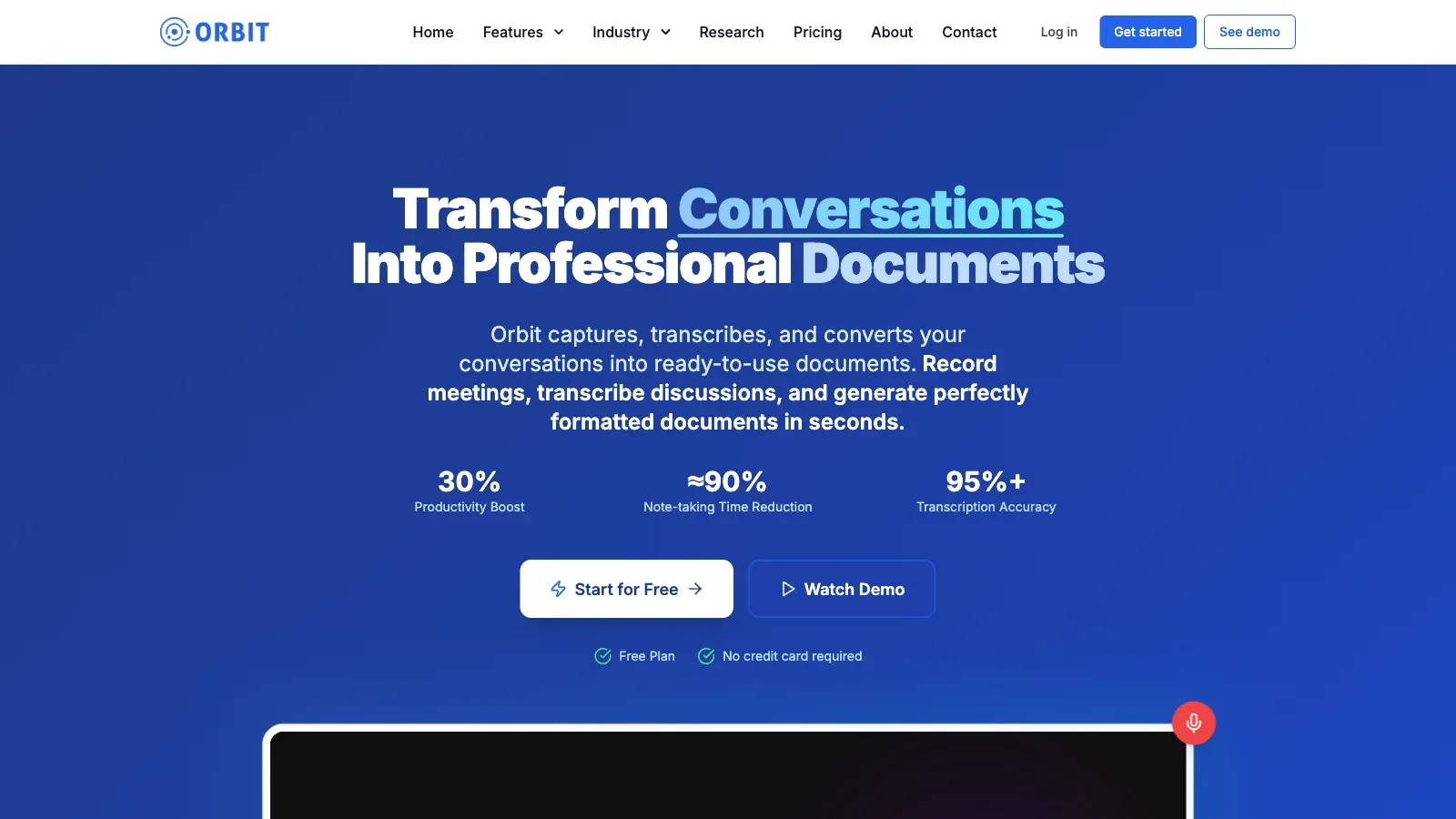
Turn captured calls into formatted documents while keeping transcripts, summaries, templates, and AI chat together.
Choose by language or clear usage limits
Compare what changes the recording decision.
Eight meeting-recording tools · official sources checked September 17, 2026
| Tool | Workflow fit | Capture setup | Meeting coverage | Review and output | Access and cost | Practical limit |
|---|---|---|---|---|---|---|
| Krisp | Meeting capture plus voice clarity and follow-up notes. | Bot-free app, optional bot, uploads, and in-person capture. | Works with major conferencing apps; bot support is narrower. | Recordings, transcripts, notes, action items, and meeting chat. | Core is $16, Advanced $30 per user monthly, and Enterprise is custom. | Core includes 10 GB storage; Advanced includes 60 GB. |
| Bluedot | Flexible recording with imports and connected workflows. | Chrome extension plus desktop and mobile apps. | Online or in-person capture and imported Zoom or Drive recordings. | Transcripts, notes, templates, and shared automation. | Free, Basic $18, Pro $25, and Business $39 per user monthly. | Free includes five lifetime meetings; Basic has a one-hour recording cap. |
| Sembly AI | Capture, analyze, and automate meeting-derived work. | Meeting agent, microphone recording, calendar sync, and media uploads. | Google Meet, Teams, Zoom, and Webex in 45+ languages. | Searchable transcripts, notes, tasks, chat, and analysis. | Basic $17, Pro $29, MAX $39 per month, plus custom Enterprise. | Plans vary from one user to 500, with 2500 to 3500 monthly credits per user. |
 Noty.ai Noty.ai | Multilingual transcripts, summaries, search, and tasks. | Meeting assistant capture with stored meeting access. | 90 supported languages, with some beta variants. | Custom summaries, global search, Kanban tasks, and exports. | Pro is $10 per user monthly; pay-as-you-go is $1 per hour. | Pro includes 100 hours monthly and three AI credits per meeting. |
| Fellow | Recording within a shared agenda and action-item workspace. | Google Meet, Zoom, Teams, and uploaded audio or video. | Transcription in 99 languages. | Recordings, transcripts, summaries, action items, and Ask Fellow. | Free, Team $11, Business $23 monthly; Enterprise is $25 on annual billing. | Team permits up to 20 seats and 10 AI recordings per user. |
| Wudpecker | Bot capture online and app capture in person. | Notetaker bot plus desktop and phone apps. | Zoom, Google Meet, Teams, and 39 transcription languages. | Editable notes, speaker names, collections, templates, and Ask AI. | Free, Plus $19, and Pro $32 per month. | Free includes 10 bot meetings; the stated maximum meeting length is 2h15m. |
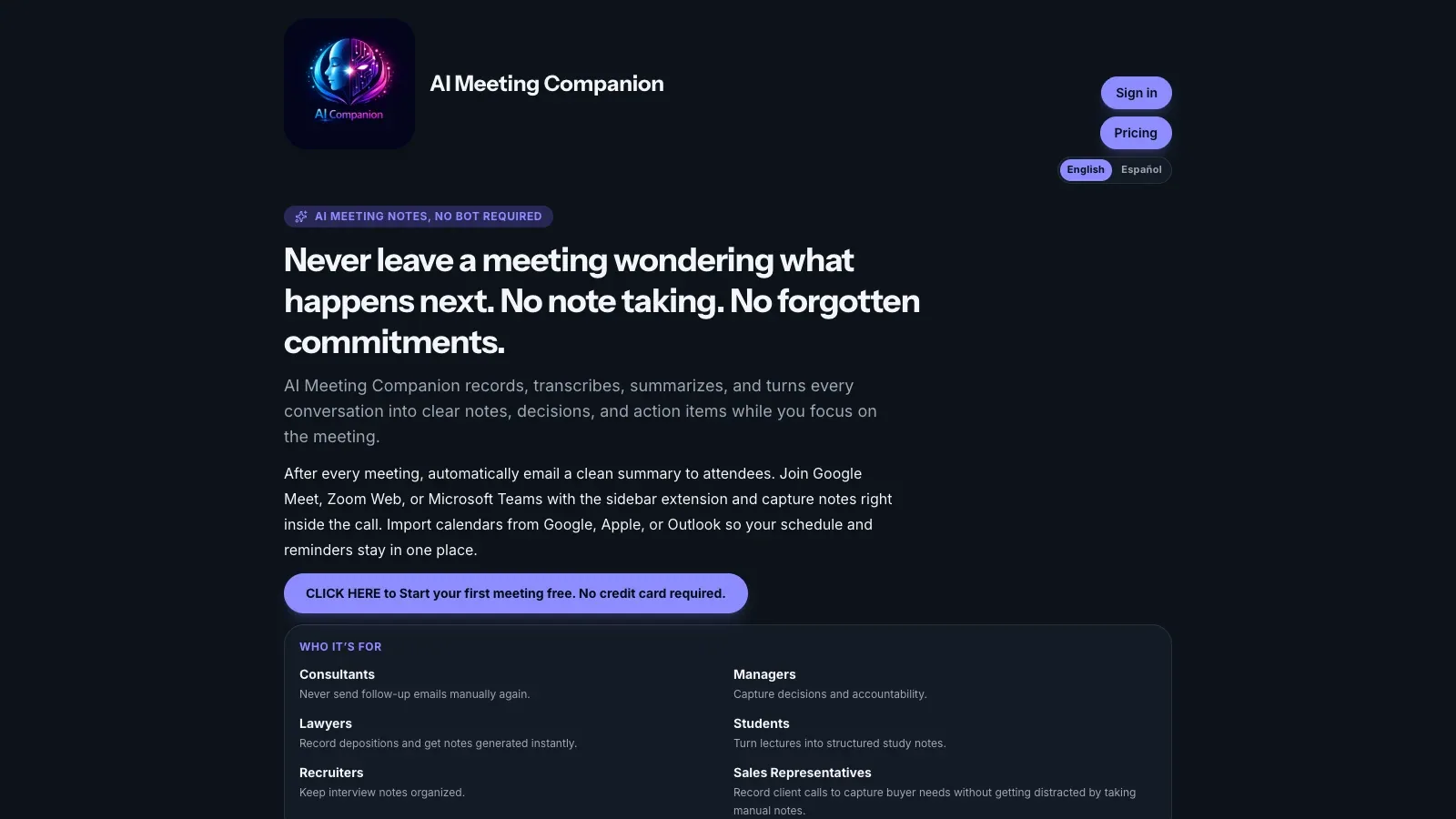
 AI Meeting Companion AI Meeting Companion | Recording quotas tied to structured notes and follow-up. | No-bot meeting capture with supported meeting-side workflow. | Designed for Google Meet, Zoom Web, and Microsoft Teams calls. | Briefs, summaries, decisions, actions, exports, and follow-up automation. | Free, Beginner $9.99, Pro $17.99, and Business $29.99 monthly. | Plan recording limits range from 30 minutes to four hours per meeting. |
| Orbit | Record meetings and convert them into reusable documents. | Integrated capture for Zoom, Google Meet, and Teams. | Online meeting capture with plan-based recording hours. | Transcripts, summaries, documents, templates, and AI chat. | Free, Pro $12, Business $19 per seat monthly, plus custom Enterprise. | Free allows 3 hours monthly and 45-minute meetings; Pro allows 25 hours and two-hour meetings. |
A closer look at eight tools.
Krisp
- $16/month
- $30/month
- Custom pricing
- Choose it when
- You need online and in-person recording with bot-free and bot-assisted options.
- Think twice when
- Storage and accent-conversion allowances differ by plan, and some bot features support only selected meeting platforms.
- Before you start
- Test the intended bot or bot-free mode and confirm both sides of the call are recorded.
Bluedot
- Free
- $18/month
- $25/month
- $39/month
- Custom pricing
- Choose it when
- Your meetings happen across devices and you may also import existing recordings.
- Think twice when
- Basic is audio-only and caps each recording at one hour; video and unlimited duration require Pro.
- Before you start
- Decide whether audio-only is sufficient before comparing Basic and Pro.
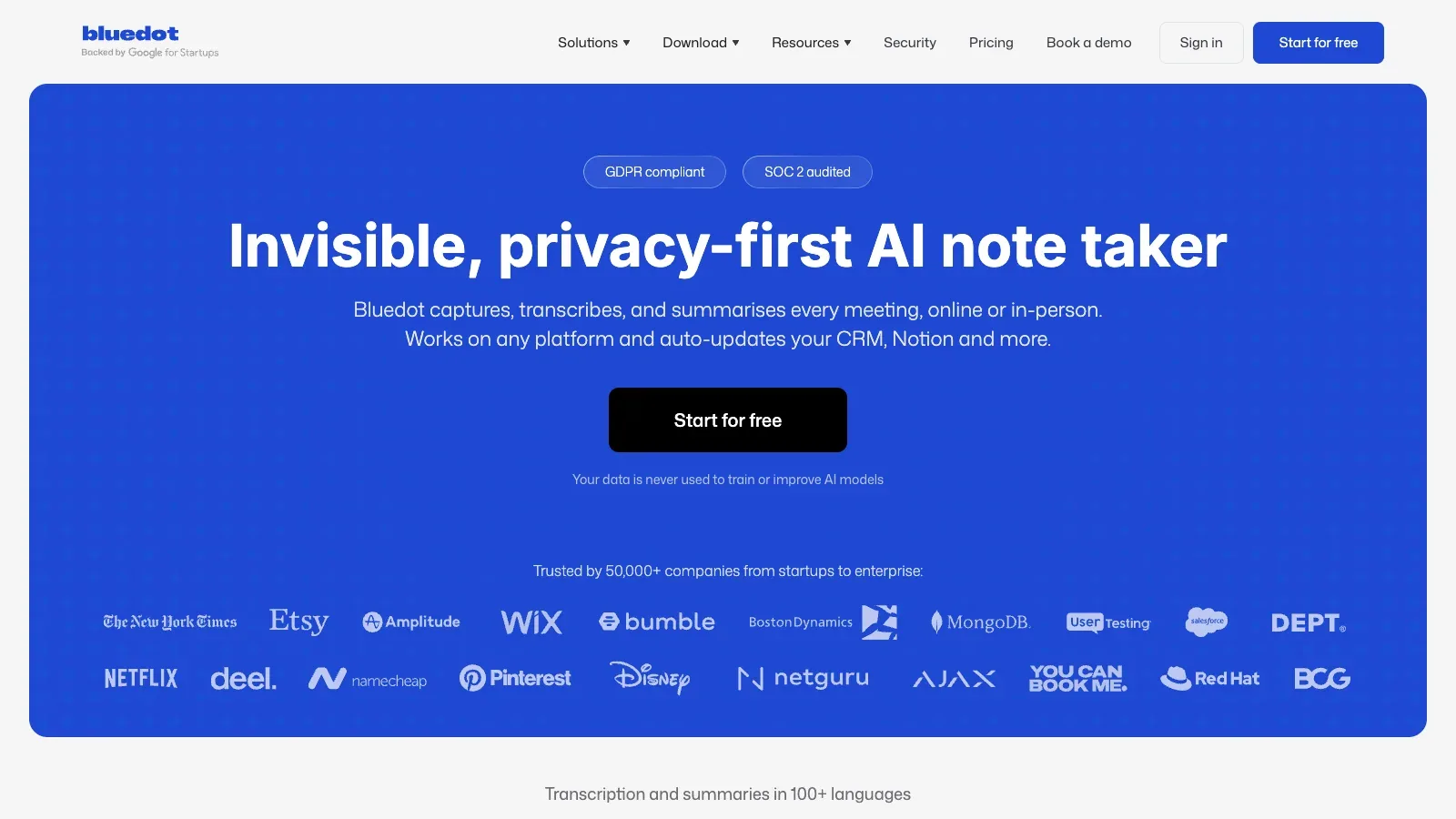
Sembly AI
- $17/month
- $29/month
- $39/month
- Custom pricing
- Choose it when
- Your team needs recordings to feed repeatable professional-service delivery.
- Think twice when
- Credits, workspace capacity, history, and video quality differ by tier.
- Before you start
- Map one captured meeting through the note template and destination automation you expect to use.
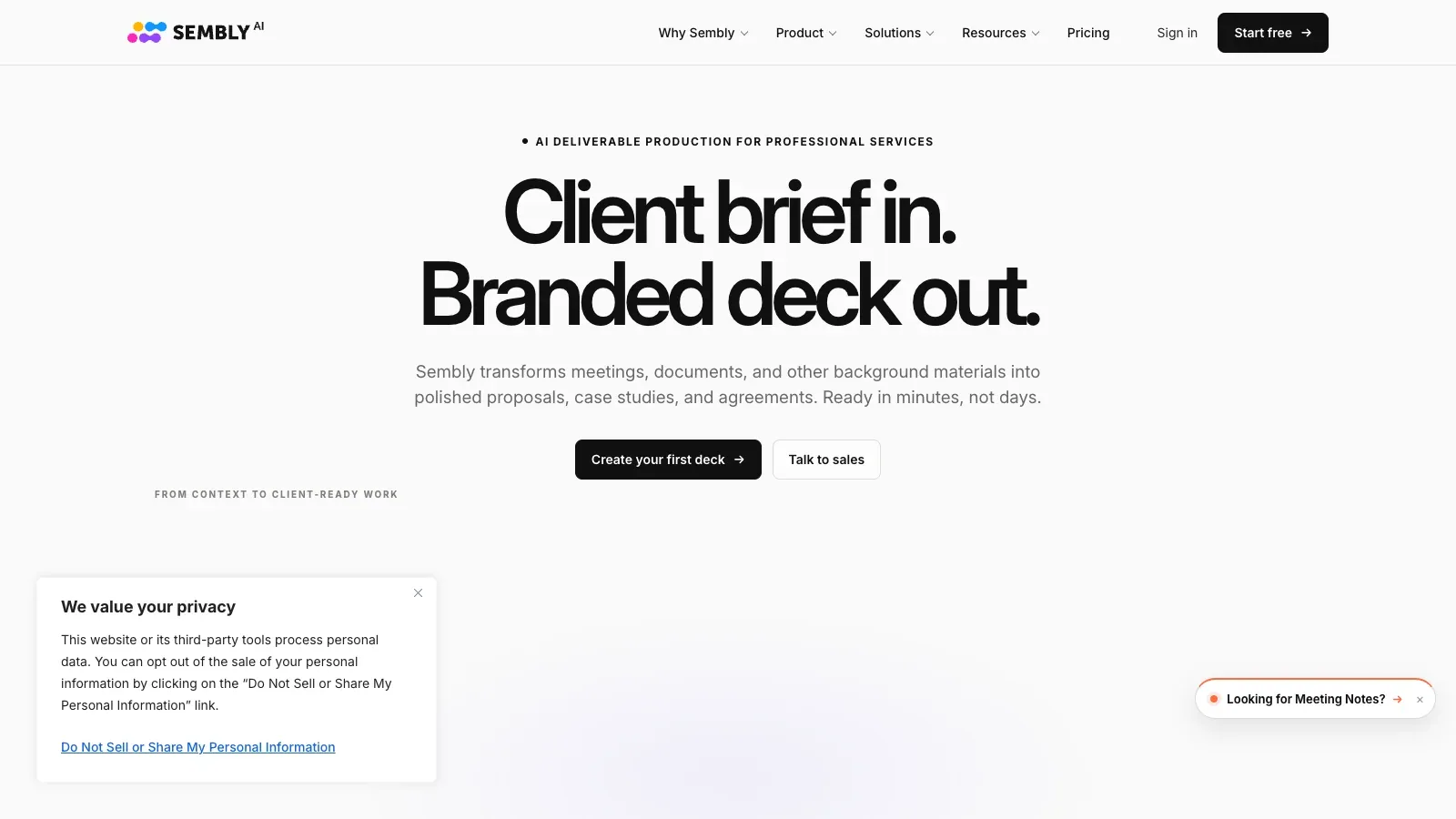
Noty.ai
- $10/month
- $40/year
- $1/hour
- Choose it when
- You value language coverage, search, and a simple usage-based alternative to subscriptions.
- Think twice when
- The Pro plan includes 100 hours and three AI credits per meeting; some listed languages are beta.
- Before you start
- Test the actual meeting language and verify the names in the first transcript.
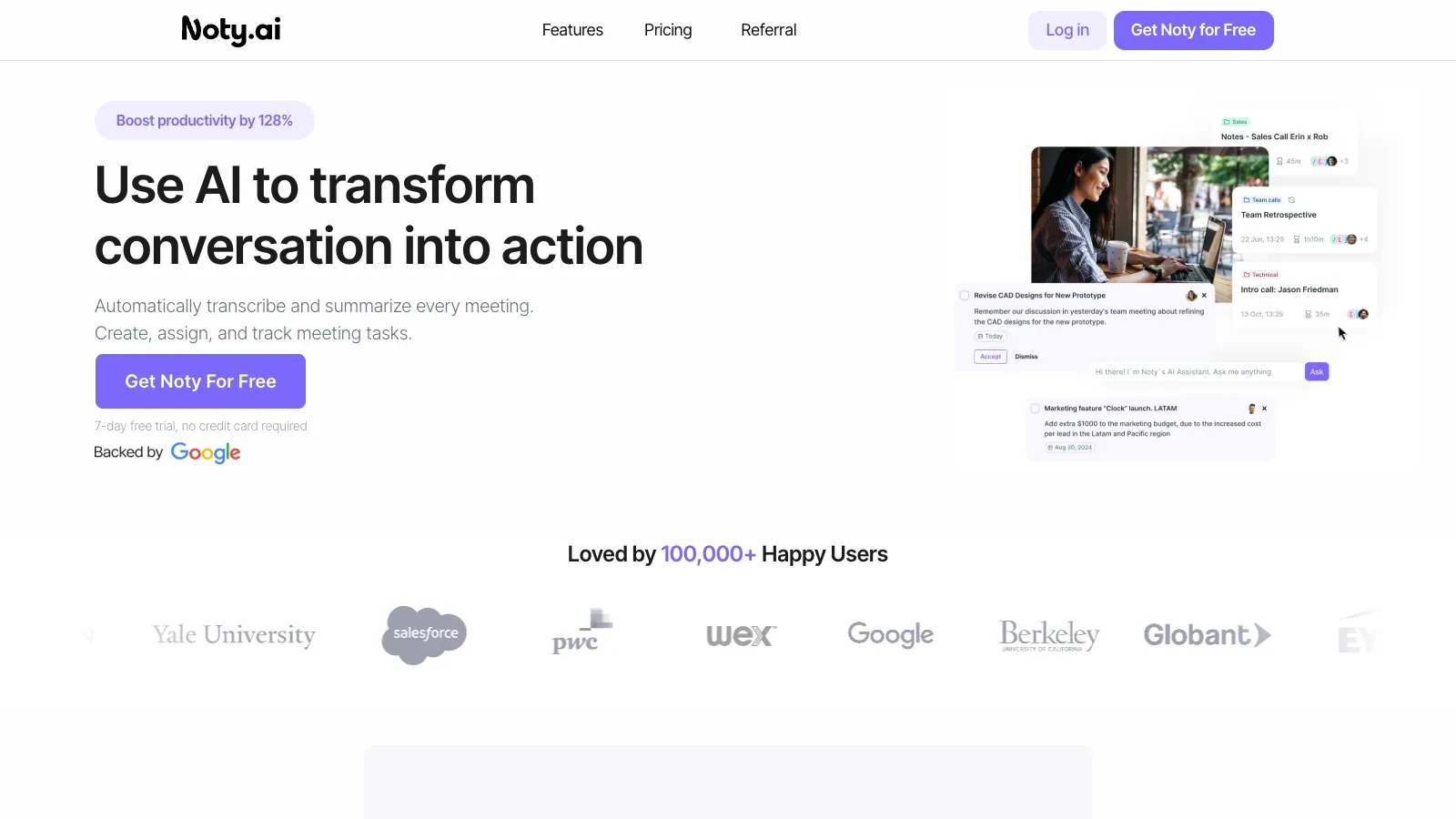
Fellow
- Free
- $11/month
- $23/month
- $25/month
- Choose it when
- Your team needs meeting management around the recording, not just a transcript archive.
- Think twice when
- Free and Team have lifetime or monthly AI recording limits; unlimited recording starts on Business.
- Before you start
- Confirm the seat cap and monthly recording allowance for the intended workspace.
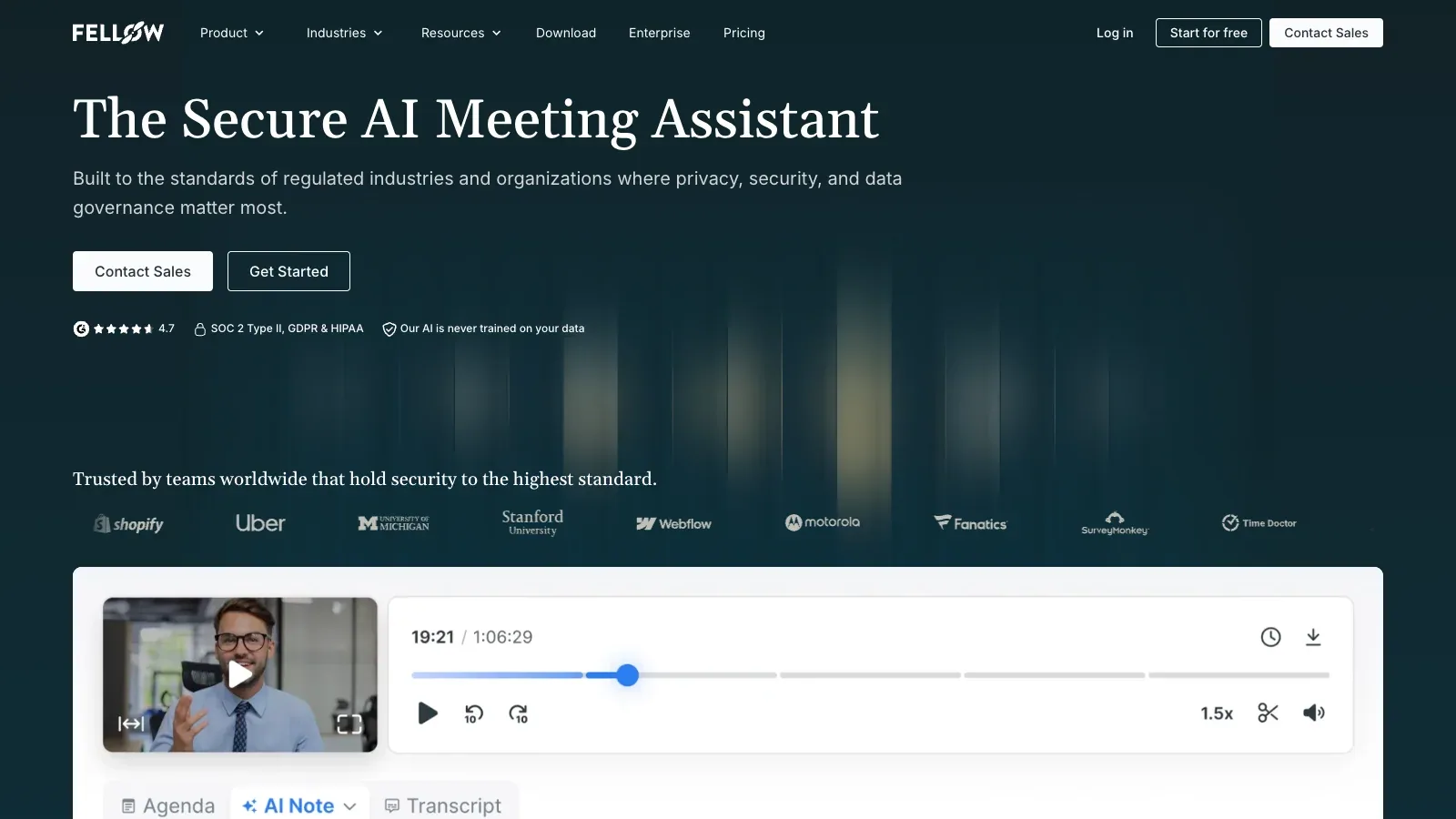
Wudpecker
- Free
- $19/month
- $32/month
- Choose it when
- You alternate between scheduled calls and meetings in the room.
- Think twice when
- Bot-recorded meetings have monthly quotas, and a recording can be at most two hours and fifteen minutes.
- Before you start
- Test both the bot and app path because their quotas and behavior differ.
AI Meeting Companion
- Free
- $9.99/month
- $17.99/month
- $29.99/month
- Choose it when
- You want predictable meeting counts, transcription minutes, and recording-duration limits.
- Think twice when
- Lower plans cap both meetings and minutes; Business uses a 20000-minute fair-use allowance.
- Before you start
- Compare your longest meeting and total monthly minutes with both plan limits.
Orbit
- Free
- $12/month
- $19/month
- $6/month
- Custom pricing
- Choose it when
- The recording is an input to repeatable documentation rather than the final artifact.
- Think twice when
- Recording hours, storage, retention, and meeting duration all change by plan.
- Before you start
- Test one meeting template and confirm the resulting document still matches the source recording.
Test a short permitted meeting in two candidates and compare missing audio, speaker labels, transcript edits, access settings, and time to a usable record.
Build a recording workflow people can trust.
Confirm consent and scope
Tell participants what will be recorded, why it is needed, who can access it, and how long it will be retained.
Test the capture path
Use the same devices and conferencing setup as the real meeting. Confirm every speaker and audio source before relying on automation.
Review against the audio
Check names, decisions, dates, and action items. Keep uncertainty visible instead of silently correcting unclear speech.
Control the handoff
Set recipients and permissions before sharing a recording, transcript, summary, or connected-system update.
Questions to settle before recording.
Should I choose bot or bot-free recording?
Choose the method your meeting platform, consent policy, and devices support. Test it with the real audio route, especially when participants use headphones.
Is a transcript enough to verify the meeting?
No. Check important names, numbers, dates, decisions, and commitments against the recording or a participant who was present.
What plan limit matters most?
Start with the longest meeting and total monthly recording time. Then check storage, retention, imports, seats, and AI-credit limits.
Can I automatically send summaries to other tools?
Many products support integrations or webhooks, but review one sample and the destination permissions before enabling routine updates.
How should I handle sensitive meetings?
Use your organization’s approved process. Confirm consent, access, retention, deletion, and whether the provider’s plan offers the controls you require.
Sources
Official product pages used to support the comparison above.
- Krisp · Capture setup
- Krisp · Meeting coverage
- Krisp · Review and output, Access and cost, Practical limit
- Bluedot · Capture setup, Meeting coverage, Review and output, Access and cost, Practical limit
- Sembly AI · Capture setup, Meeting coverage, Review and output, Access and cost, Practical limit
- Noty.ai · Capture setup, Meeting coverage, Review and output, Access and cost, Practical limit
- Fellow · Capture setup, Meeting coverage, Review and output, Access and cost, Practical limit
- Wudpecker · Capture setup, Meeting coverage, Review and output, Access and cost, Practical limit
- AI Meeting Companion · Capture setup, Meeting coverage
- AI Meeting Companion · Review and output, Access and cost, Practical limit
- Orbit · Capture setup, Meeting coverage, Review and output, Access and cost, Practical limit