


invideo
invideo is an AI tool that combines script planning, AI media generation, and a multitrack video editor, with tools for editing uploaded footage and collaborating on a timeline.
- $20/month per seat
- $50/month per seat
- $100/month per seat
- $65/month per seat
- $150/month per seat
- Price unverified
Features
invideo combines script planning, AI media generation, uploaded-footage editing, and a multitrack timeline for making and revising videos.
- Storyboarding
- Turn a script or idea into a shot-by-shot plan and edit it before generating media.
- Timeline editing
- Edit on a multitrack timeline manually or describe edits to the editing agent.
- Uploaded footage
- Upload footage and describe a moment to find it within your clips.
- Collaboration
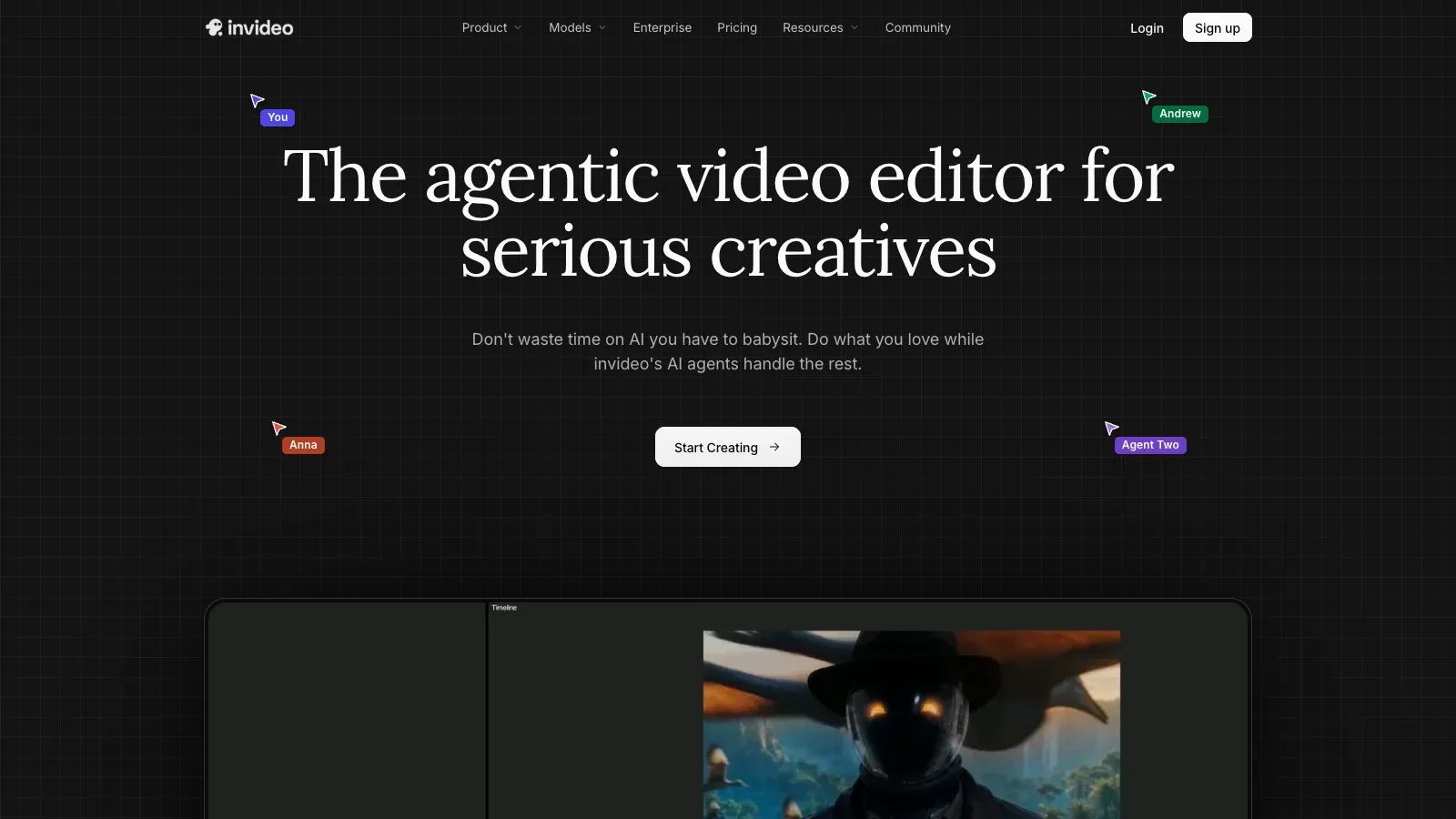
- Collaborators can edit in real time with live cursors.
Pricing
invideo has Starter, Plus, Max, Team, Scale, and Enterprise plans. Credits, storage, agent access, and per-seat allowances vary across the plans.
Starter
Start with timeline editing.
- 400 credits per month
- 20 GB storage
- Limited agent access
Plus
Access more generation models.
- 2,000 credits per month
- 60 GB storage
- Broader agent access
Max
Increase generation capacity.
- 5,000-credit starting tier
- 200 GB storage
Team
Create with a shared team workspace.
- 1,600 credits per seat per month
- 40 GB storage per seat
- Minimum 5 seats
Scale
Increase capacity for a growing creative team.
- 4,000 credits per seat per month
- 100 GB storage per seat
- Minimum 5 seats
Enterprise
Arrange a workflow for a larger organization.
- Custom workflow agents
- Team collaboration
Limits
Unused subscription credits do not carry into the next month. Starter limits agent and model access, while Plus and Max expand both.
- Credit rollover
- Unused subscription credits do not roll over to the next month.
- Model access
- Starter has limited agent and model access; Plus and Max provide broader access.
FAQ
Can I plan shots before generating footage?
Turn a script or idea into a shot-by-shot plan and edit it before generating media.
Do unused credits roll over?
Unused subscription credits do not roll over to the next month.
Can I work with footage I already have?
Upload footage and describe a moment to find it within your clips.
Can collaborators edit together?
Collaborators can edit in real time with live cursors.
Scenarios



Alternatives

Animaker
Animaker creates animated videos from prompts, then lets you adjust characters, text, music, and scenes before exporting in a format supported by your plan.

HeyGen
HeyGen creates avatar videos from scene scripts, with voice selection, pronunciation controls, translation tools, and export options for individual creators and teams.

Pictory
Pictory turns scripts, documents, and existing visuals into videos with editable scenes, voiceovers, and captions, with separate allowances for video production and AI generation.

Powtoon
Powtoon combines editable animated scenes, screen recordings, and stock media with AI tools for drafting videos, generating voiceovers, and creating visual assets.

Renderforest
Renderforest combines AI generation with video templates, voiceovers, and scene editing, alongside tools for creating images, branding materials, and websites.

Synthesia
Synthesia turns prompts and supporting documents into editable videos with AI presenters and voiceovers, with tools for reviewing scenes and creating translated versions.