


Photoroom
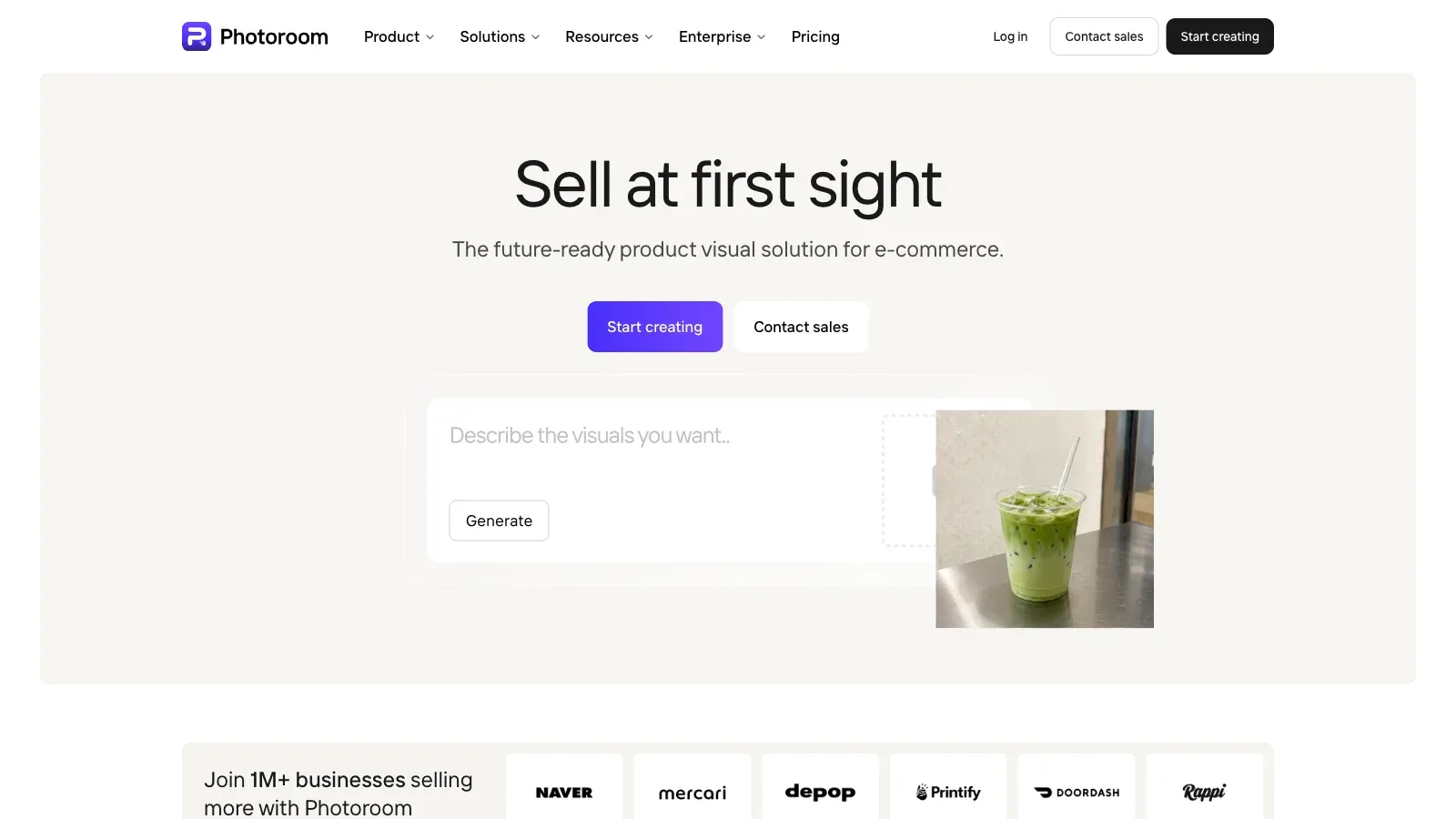
Photoroom is an AI tool for design tasks. Edit product photos with background removal, generated scenes, brand assets, and batch workflows across web and mobile.
- Free
- Price unverified
- Custom pricing
Features
Photoroom edits product photos with background removal, generated scenes, brand assets, batch workflows, and web or mobile tools for commerce imagery.
- Generate backgrounds
- Generate backgrounds around an uploaded product image using text prompts or preset themes.
- Guide the background
- The Web App can use an uploaded inspiration image or assisted and manual prompts to guide a generated background.
- Control batch consistency
- The Batch and Shopify Products editors offer a consistency setting that reduces background changes between images.
- Download or keep editing
- Download a generated image or open it in the main editor for further changes.
Pricing
Photoroom offers Free, Pro, Max, Ultra, and Enterprise plans. Pro starts with 8,000 AI credits and 1,000 exports per month, while higher tiers expand both pools.
Free
For trying product-background editing.
- Background removal
- Limited AI background access
Pro
For individual sellers.
- 8,000 AI credits per month
- 1,000 exports per month
- AI Backgrounds
Max
For small businesses with larger catalogs.
- 25,000 AI credits per month
- 3,000 exports per month
- Shopify integration
Ultra
For higher-volume product production.
- 75,000 AI credits per month
- 10,000 exports per month
- 4K image and video output
Enterprise
For custom capacity and enterprise controls.
- Tailored credits and exports
- Visual QA tools
- SSO and dedicated support
Limits
AI credits and export limits renew each billing cycle. API and MCP use separate allowances, and exports pause after the monthly export cap is reached.
- Web prompt behavior
- On the Web App, choosing a theme after entering a prompt overrides that prompt. Mobile behavior can differ.
- Credits and exports
- AI credits and export allowances renew each billing cycle. API and MCP use separate allowances; exports pause when the monthly export limit is reached.
FAQ
What can guide a generated background?
Generate backgrounds around an uploaded product image using text prompts or preset themes.
The Web App can use an uploaded inspiration image or assisted and manual prompts to guide a generated background.
Why did my web prompt stop affecting the result?
On the Web App, choosing a theme after entering a prompt overrides that prompt. Mobile behavior can differ.
Can I reduce background variation across products?
The Batch and Shopify Products editors offer a consistency setting that reduces background changes between images.
Can I edit the result before downloading?
Download a generated image or open it in the main editor for further changes.
What happens when I use the export allowance?
AI credits and export allowances renew each billing cycle. API and MCP use separate allowances; exports pause when the monthly export limit is reached.
Scenarios


Alternatives

Adobe Express
A browser and mobile design editor that generates presentations from prompts or source files, then supports slide editing, visual assets, and common export formats.

Adobe Photoshop
Edit and composite images with selections, layers, and generative tools that replace selected areas or extend the canvas.

Canva
A browser-based design editor for generating presentation drafts, editing layouts and media, applying brand elements, and producing other visual content.

Claid
Create product scenes from uploaded photos, control placement or reference a background, then edit, resize, and download images in the browser.

Flair.ai
Stage product photos with drag-and-drop props and backgrounds, generate scenes, and refine the results with AI editing tools.

Pebblely
An AI product photography tool for placing uploaded products into generated scenes, with templates, custom prompts, and bulk generation on selected plans.