


Flair.ai
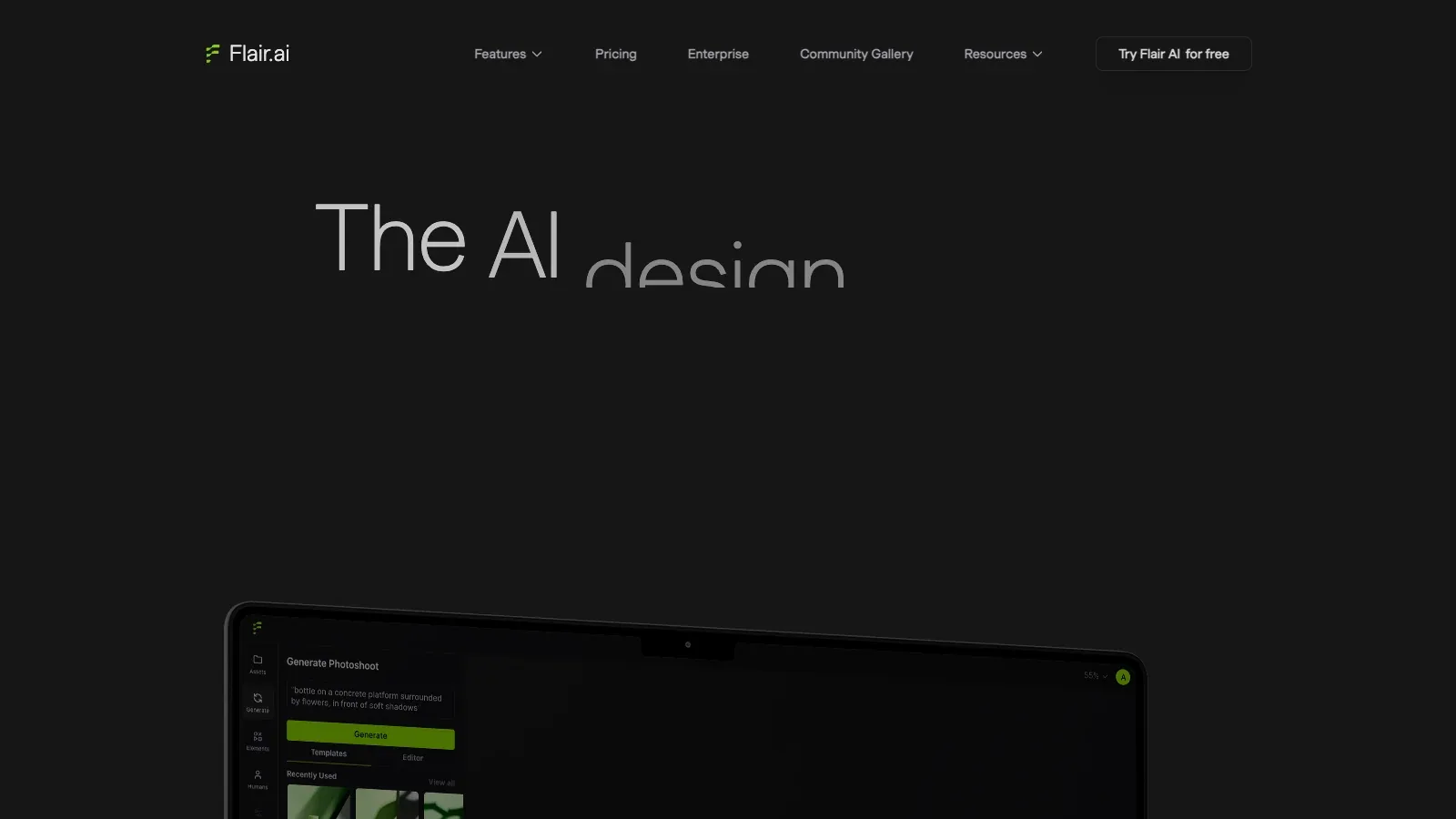
Flair.ai is an AI tool for design tasks. Stage product photos with drag-and-drop props and backgrounds, generate scenes, and refine the results with AI editing tools.
- Free
- Price unverified
- Custom pricing
Features
Flair.ai stages product images with draggable props and backgrounds, then adds AI scene generation, custom models, variations, upscaling, and selected video tools.
- Stage a scene
- Arrange props, backgrounds, and camera angles in the Drag & Drop editor to build a product photoshoot.
- Reuse scene templates
- Combine products with reusable templates and stage scenes with drag-and-drop props.
- Refine generated images
- The separate Image Editor offers Magic Paint, Magic Erase, image variations, canvas extension, and resolution enhancement.
- Generate in bulk
- Upload clean product images, choose content types, and generate multiple assets in one workflow.
Pricing
Flair offers Free, Pro, Pro+, Scale, and custom Enterprise plans. Image quotas, custom-model capacity, video generations, and commercial rights rise with the tier.
Free
For exploring generation before choosing a paid plan.
- 1 custom model
- 5 generated images
- 1 video generation
Pro
For image variations and upscaling.
- Image upscales and variations
- 2 video generations
Pro+
For a company that needs custom models and commercial licensing.
- Up to 8 Standard or 2 Fast custom models
- 80 generated images
- Company Commercial License
Scale
For larger production runs and API early access.
- Tier 1: 150 generated images
- Up to 15 Standard or 4 Fast custom models
- Company Commercial License
- AI Product Photography API early access
Enterprise
For custom capacity and integrations.
- Custom credits
- API access
- Company Commercial License
Limits
Custom-model training needs 6–10 consistent, high-quality images. Image and model credits do not roll over, and Flair does not support negative prompts.
- Custom model inputs
- Custom model training requires 6–10 consistent, high-quality images. This is a separate workflow from staging a single product photo.
- Prompt restrictions
- Flair does not support negative prompting; describe what the scene should contain.
- Credit rollover
- Unused image and model credits do not roll over.
FAQ
How do I control the scene before generating?
Arrange props, backgrounds, and camera angles in the Drag & Drop editor to build a product photoshoot.
Can I repair part of a generated image?
The separate Image Editor offers Magic Paint, Magic Erase, image variations, canvas extension, and resolution enhancement.
Do I need several product photos?
You can stage a scene around a product image. Custom model training is a separate option that requires 6–10 consistent images.
Can I specify objects to exclude in a negative prompt?
Flair does not support negative prompting; describe what the scene should contain.
Do unused credits carry into the next month?
Unused image and model credits do not roll over.
Scenarios


Alternatives

Adobe Express
A browser and mobile design editor that generates presentations from prompts or source files, then supports slide editing, visual assets, and common export formats.

Adobe Photoshop
Edit and composite images with selections, layers, and generative tools that replace selected areas or extend the canvas.

Canva
A browser-based design editor for generating presentation drafts, editing layouts and media, applying brand elements, and producing other visual content.

Claid
Create product scenes from uploaded photos, control placement or reference a background, then edit, resize, and download images in the browser.

Pebblely
An AI product photography tool for placing uploaded products into generated scenes, with templates, custom prompts, and bulk generation on selected plans.

Photoroom
Edit product photos with background removal, generated scenes, brand assets, and batch workflows across web and mobile.