Best AI Tools for Itinerary Planning in 2026
Compare 8 tools and produce a day-by-day itinerary with realistic travel time and open checks.
Explore the guide
From confirmed dates to a reviewable result.
Trip: Two adults, three days in Kyoto, staying near Kyoto Station.
Arrival day
Choose one nearby walk and dinner.
Pace: One major area per day; avoid long backtracking.
Full day
Group nearby places before adding a distant stop.
Constraint: Arrival day begins at 15:00 after check-in.
Bookings
Keep ticketed visits pending.
Illustrative example, not a product run or measured result.
This authored example shows how constraints shape a draft. It does not claim that any product produced or verified the itinerary.
8 tools. Find your starting point.
Keep routes and schedules together
Draft a trip and keep a copy
Ask travel questions or get expert help
Compare what changes your decision.
8 tools for itinerary planning · official sources rechecked September 16, 2026
| Tool | Use it for | Starting material | Review and editing | Working result | Access | Check first |
|---|---|---|---|---|---|---|
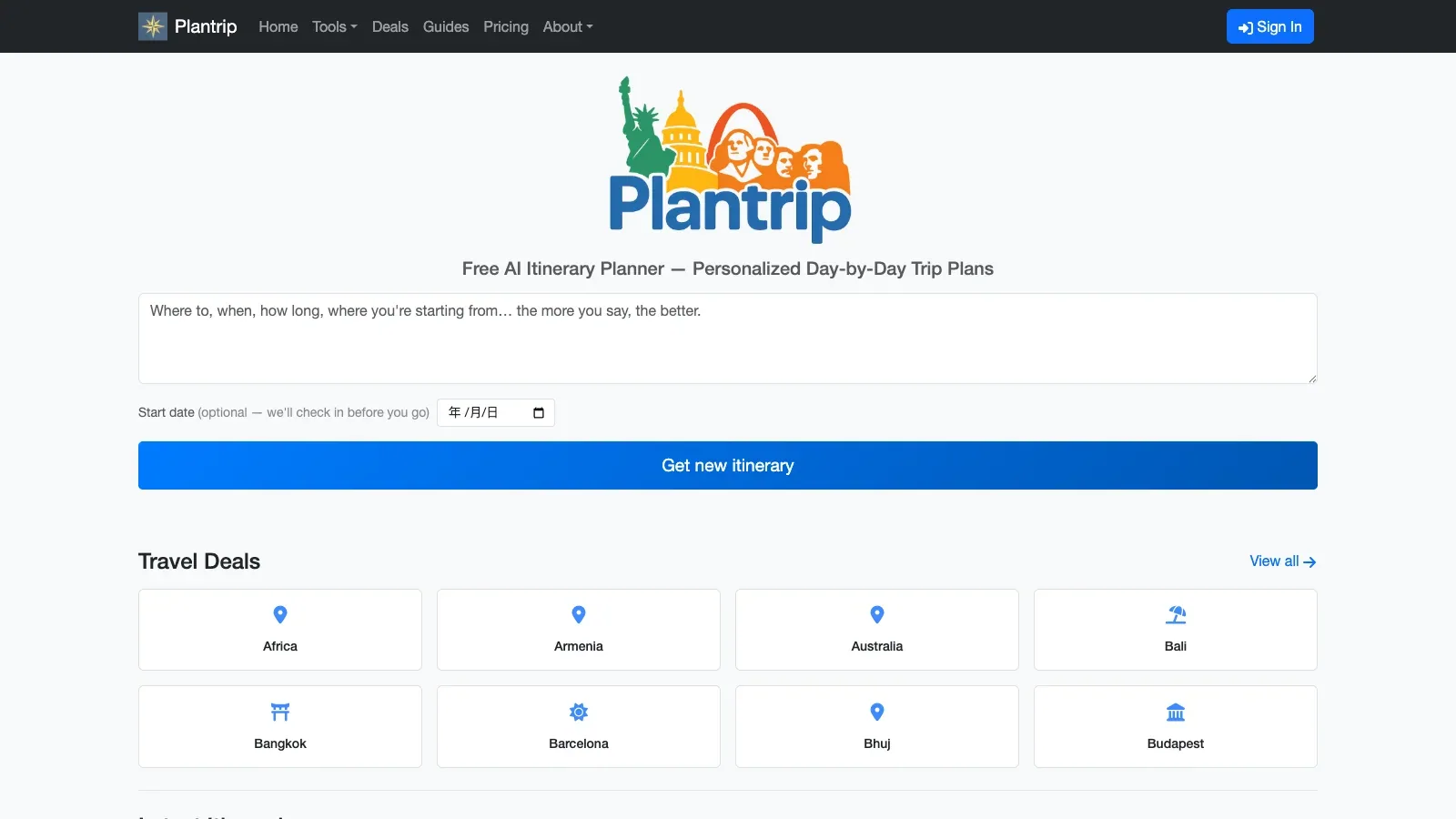
 Plantrip Plantrip | Short trips and PDFs | Destination, dates, and preferences | Swap days and adjust pace | Itinerary, map, and PDF | Basic free; Plus and Pro paid | Trip length and privacy |
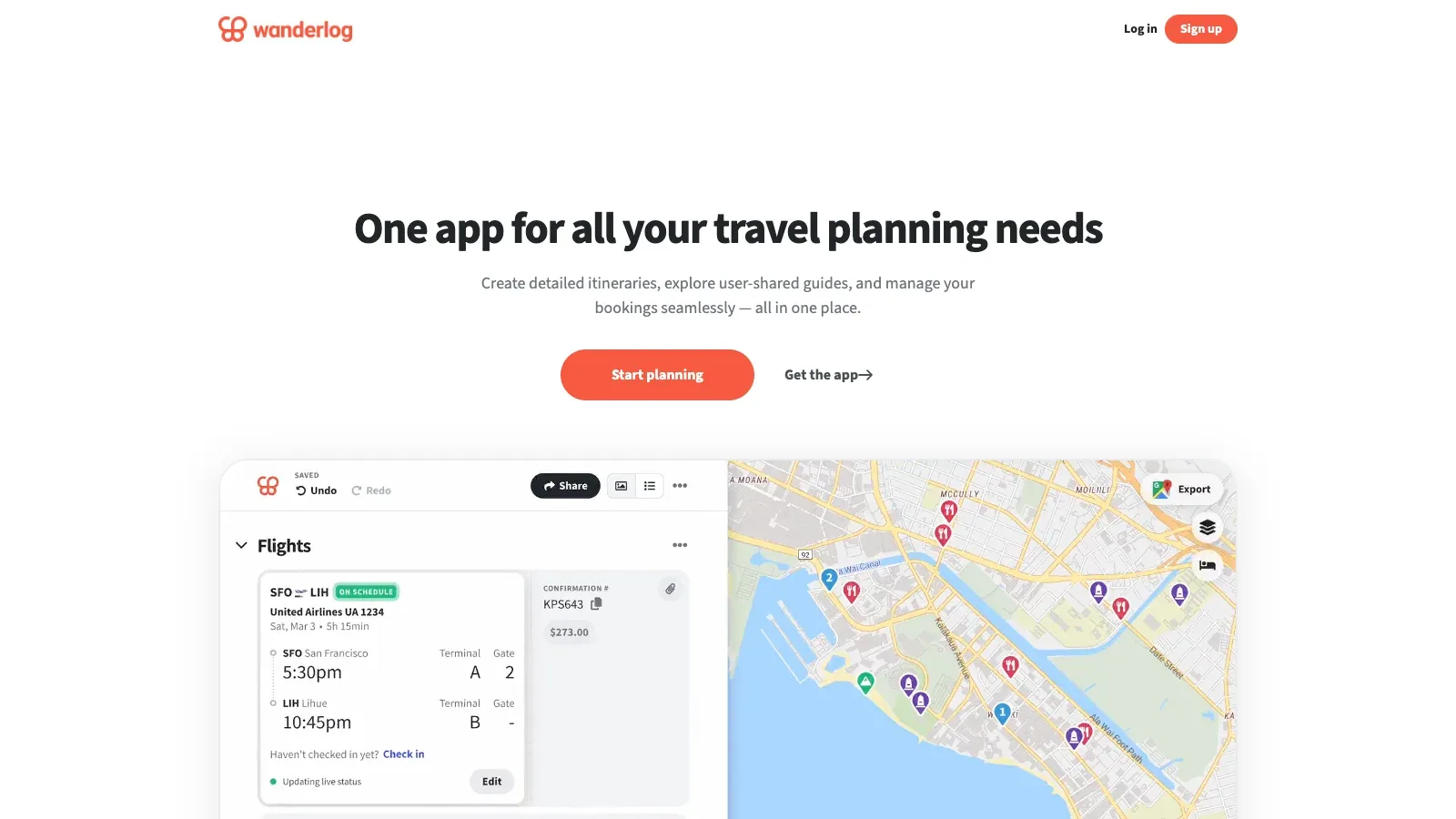
 Wanderlog Wanderlog | Map and schedule | Places and reservations | Shared plan and budget | Mapped itinerary | Free; Pro price unverified | Offline access |
 Gemini Gemini | Research-backed planning | Travel constraints, optional files and web sources | Revise the research plan before the report | Draft itinerary with sources | Free and paid Google AI access | Confirm every booking and time-sensitive detail. |
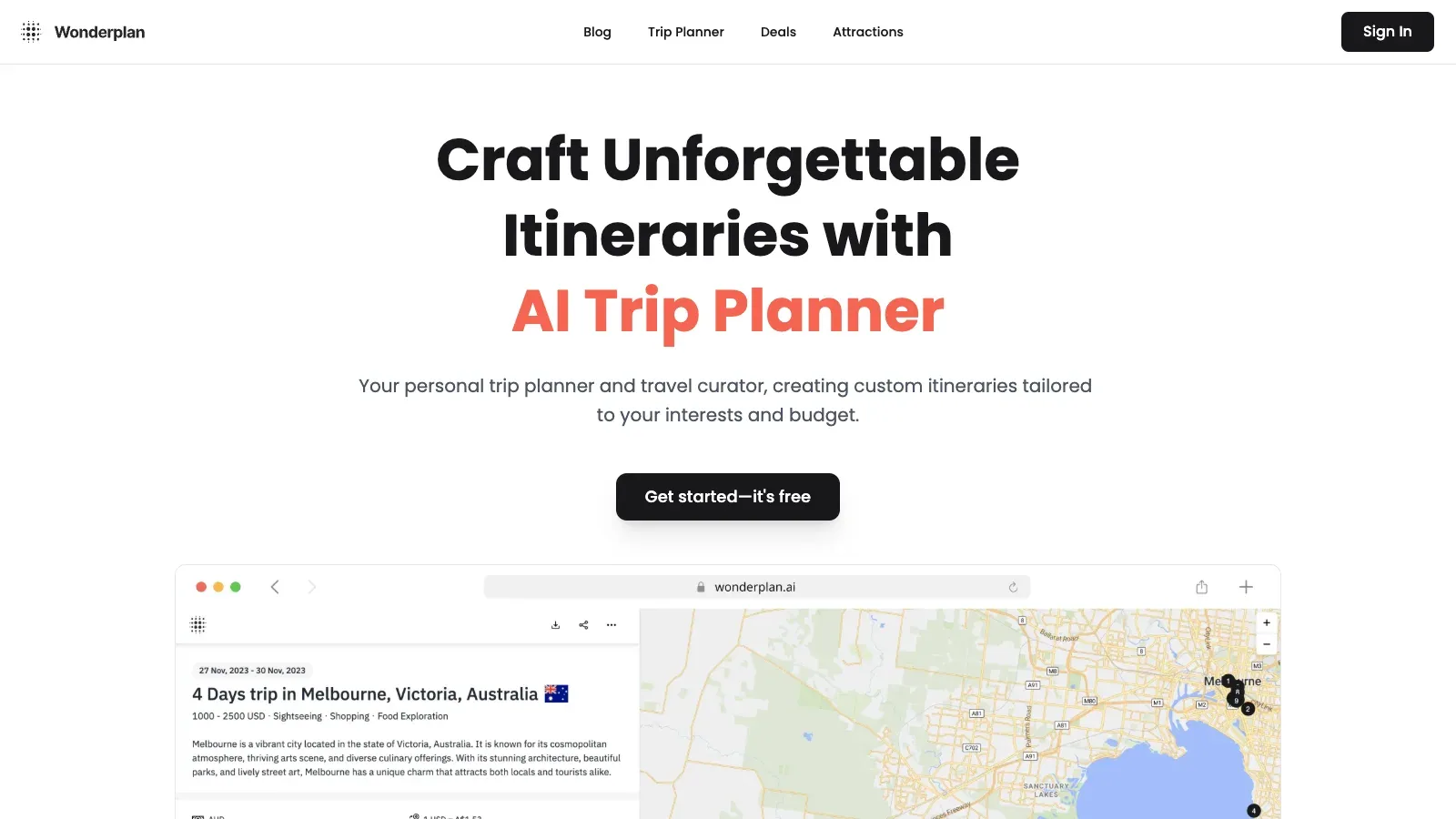
 Wonderplan Wonderplan | Portable itinerary | Trip preferences | Reorder and change places | PDF plan | Free; account required | Current opening hours |
 GuideGeek GuideGeek | Chat research | Travel questions | Follow-up conversation | Suggestions and maps | Pricing unverified | Reservation confirmation |
 iplan.ai iplan.ai | Mobile itinerary | Interests and trip duration | Edit and share | Plan with map directions | In-app purchase terms vary | Billing period |
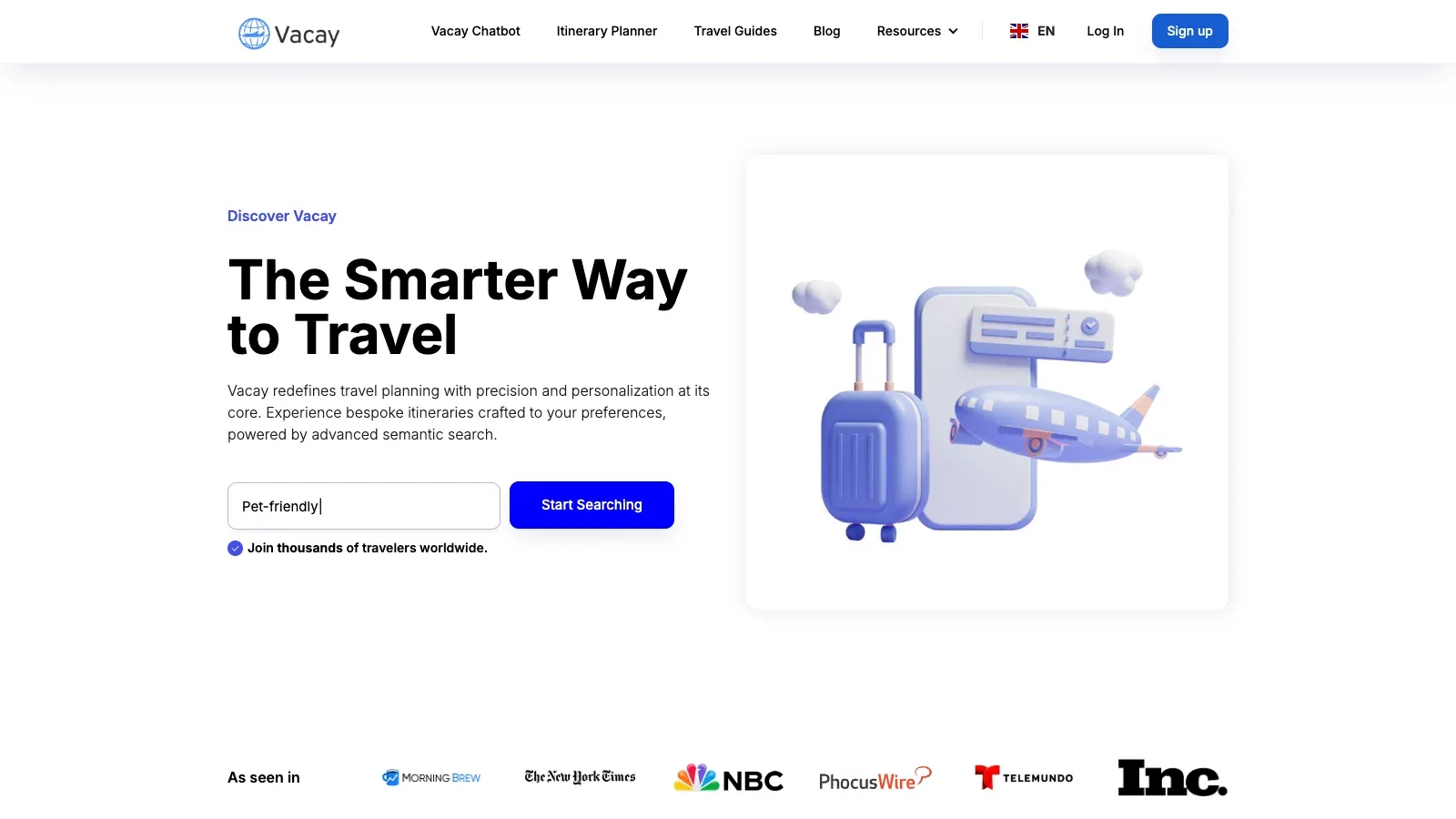
 Vacay Vacay | Chat and saved plans | Travel brief | Refine itinerary in chat | Itinerary | Free; paid US-only | Regional eligibility |
 Tripomatic Tripomatic | Routes and navigation files | Destinations and places | Daily schedule and shared edits | Mapped plan; Premium exports | Free planning; paid AI | AI entitlement and export tier |
A closer look at 8 tools.
Plantrip
- Free
- $3/month
- $5/month
- Choose it when
- Travelers drafting a city break, road trip, or multi-city route.
- Think twice when
- Basic allows three generations per month and trips up to 14 days; private itineraries require Plus.
- Before you start
- Check your trip length and privacy needs before entering the full brief.
Wanderlog
- Free
- Price unverified
- Choose it when
- Travelers organizing places, reservations, and costs.
- Think twice when
- Offline access and route optimization belong to Pro.
- Before you start
- Confirm which features you need away from mobile data.
Gemini
- Free
- $4.99/month
- $19.99/month
- $99.99/month
- Choose it when
- Travelers who want a broad research pass before checking reservations and local details.
- Think twice when
- Generated travel details are not reservations. Confirm opening hours, transit, prices and availability with primary providers.
- Before you start
- State confirmed dates, locations, budget, mobility needs and non-negotiable reservations.

Wonderplan
- Free
- Choose it when
- Travelers who want a portable day-by-day document.
- Think twice when
- An account is required for the planning functions.
- Before you start
- Check the PDF after changing the itinerary.
GuideGeek
- Choose it when
- Travelers researching individual choices in conversation.
- Think twice when
- A full pricing and access inventory was not exposed.
- Before you start
- Confirm the entry point and any access conditions.

iplan.ai
- Price unverified
- Choose it when
- Travelers planning through a mobile app.
- Think twice when
- Store purchases do not clearly expose every billing period.
- Before you start
- Read the purchase terms shown in the app before subscribing.

Vacay
- Free
- $9.99/month
- $49/month
- Custom pricing
- Choose it when
- Travelers comparing a free assistant with saved-plan features.
- Think twice when
- Paid plans are currently limited to US customers.
- Before you start
- Check your eligibility before relying on Premium features.
Tripomatic
- Free
- $23.99/year
- Choose it when
- Travelers organizing routes, daily stops, and shared plans across devices.
- Think twice when
- AI assistance requires Premium yearly or an eligible legacy AI Upgrade; exports are Premium features.
- Before you start
- Confirm AI entitlement and the required PDF, GPX, or KML export before subscribing.

The choices reflect documented workflows, not a tested ranking of itinerary quality.
Build one realistic day before expanding the trip.
Write the constraints
Set dates, accommodation area, daily spending range, must-sees, and a maximum number of major stops. Note arrival and departure time separately.
Draft around a small set of places
In Wanderlog, collect places and build an editable itinerary. Use its AI assistant for suggestions, then decide which belong in the plan. If you start with a Plantrip draft, manually add the chosen places and dates to Wanderlog.
Check the map and the clock
Review each day geographically. Verify journey times in a current transport or maps service and leave room for meals and delays.
Verify the bookable details
Check official venue hours, ticket requirements, and cancellation terms. Record links and the date checked beside the relevant stop.
Keep an offline fallback
Save essential addresses and confirmed bookings separately. Check the plan you can access without a connection; Wanderlog offline access requires Pro.
Give the planner a usable trip brief.
Use this brief in the chosen itineraryner. If moving between planners, transfer the chosen stops manually and check the map again.
TRIP
Destination: [place]
Dates and arrival/departure times: [details]
Accommodation area: [area]
Travelers and pace: [details]
Daily budget: [range and currency]

PRIORITIES
Must-see places: [list]
Interests: [list]
Mobility and food needs: [details]

PLAN
Group nearby stops. Include meals, transfers, and rest.
Mark all unverified hours, prices, and bookings.
Suggest a weather fallback for each full day.
Keep confirmed reservations separate from ideas.
For researched claims, include the source link and date checked.
Do not label a suggestion as a confirmed reservation.
Before you book
Questions before you start.
Will the planner book the trip?
Treat a generated itinerary as a draft. Booking features vary, and a suggested flight, hotel, or activity is not confirmed until you complete the reservation and receive confirmation.
What should I verify first?
Check the details that would disrupt the day: closures, timed tickets, transfer times, accessibility, and the location of your accommodation.
Can I use a free plan?
Several options offer free planning. Offline access, saved plans, and premium assistance can have separate restrictions; compare those needs before subscribing.
How do I plan for a group?
Agree on pace, budget, and must-sees first. Use shared editing where available, and nominate one person to reconcile changes against confirmed bookings.
Should I choose a PDF itinerary or a route-focused planner?
Plantrip includes PDF downloads in Basic and suits a portable trip draft. Tripomatic suits a plan that needs several transport modes or GPX/KML exports, with those exports in Premium. Choose the output you need on the trip, then verify that your plan includes it.
Sources
Official product pages used to support the comparison above.