Best AI Tools for Flight Search in 2026
Compare 8 tools for routes, fares, flexible dates, price signals, and booking handoffs.
Explore the guide
A shorter day is easier to use.
Trip: Two adults, three days in Kyoto, staying near Kyoto Station.
Arrival day
Choose one nearby walk and dinner.
Pace: One major area per day; avoid long backtracking.
Full day
Group nearby places before adding a distant stop.
Constraint: Arrival day begins at 15:00 after check-in.
Bookings
Keep ticketed visits pending.
Authored illustration. No product run, measured performance, or firsthand result is represented.
This authored example shows how constraints shape a draft. It does not claim that any product produced or verified the itinerary.
8 tools. Find your flight-search starting point.
Compare a defined route
Use guidance or deal signals
Explore routes and alternatives
Compare what changes the itinerary decision.
8 tools for flight search · official sources rechecked September 17, 2026
| Tool | Search fit | Search input | Result | Access | Final check |
|---|---|---|---|---|---|
 KAYAK KAYAK | Broad metasearch | Route, dates, travelers, cabin, and constraints | Comparable flight options and provider handoff | Free search access | Verify airports, local times, baggage, fare rules, and checkout total. |
 Hopper Hopper | App-first fare search | Route, dates, travelers, cabin, and constraints | Comparable flight options and provider handoff | Free search access | Verify airports, local times, baggage, fare rules, and checkout total. |
 Google Flights Google Flights | Flexible date comparison | Route, dates, travelers, cabin, and constraints | Comparable flight options and provider handoff | Free search access | Verify airports, local times, baggage, fare rules, and checkout total. |
 iMean iMean | Conversational search | Route, dates, travelers, cabin, and constraints | Comparable flight options and provider handoff | Free daily access; premium $6.99/month | Verify airports, local times, baggage, fare rules, and checkout total. |
 TripPlanner.ai TripPlanner.ai | Trip context | Route, dates, travelers, cabin, and constraints | Comparable flight options and provider handoff | Free search access | Verify airports, local times, baggage, fare rules, and checkout total. |
 Going Going | Deal alerts | Route, dates, travelers, cabin, and constraints | Comparable flight options and provider handoff | Free search access | Verify airports, local times, baggage, fare rules, and checkout total. |
 FlightConnections FlightConnections | Route-map discovery | Route, dates, travelers, cabin, and constraints | Route map and scheduled connection options | Free search access | Verify airports, local times, baggage, fare rules, and checkout total. |
 momondo momondo | Broad metasearch | Route, dates, travelers, cabin, and constraints | Comparable flight options and provider handoff | Free search access | Verify airports, local times, baggage, fare rules, and checkout total. |
A closer look at 8 flight-search tools.
KAYAK
- Free
- Choose it when
- A traveler comparing a defined route and a few date options.
- Think twice when
- The displayed result is not the final contract; recheck baggage, connection details, fare rules, and checkout total.
- Before you start
- Run one fixed-date search and record the cheapest acceptable itinerary before broadening the search.
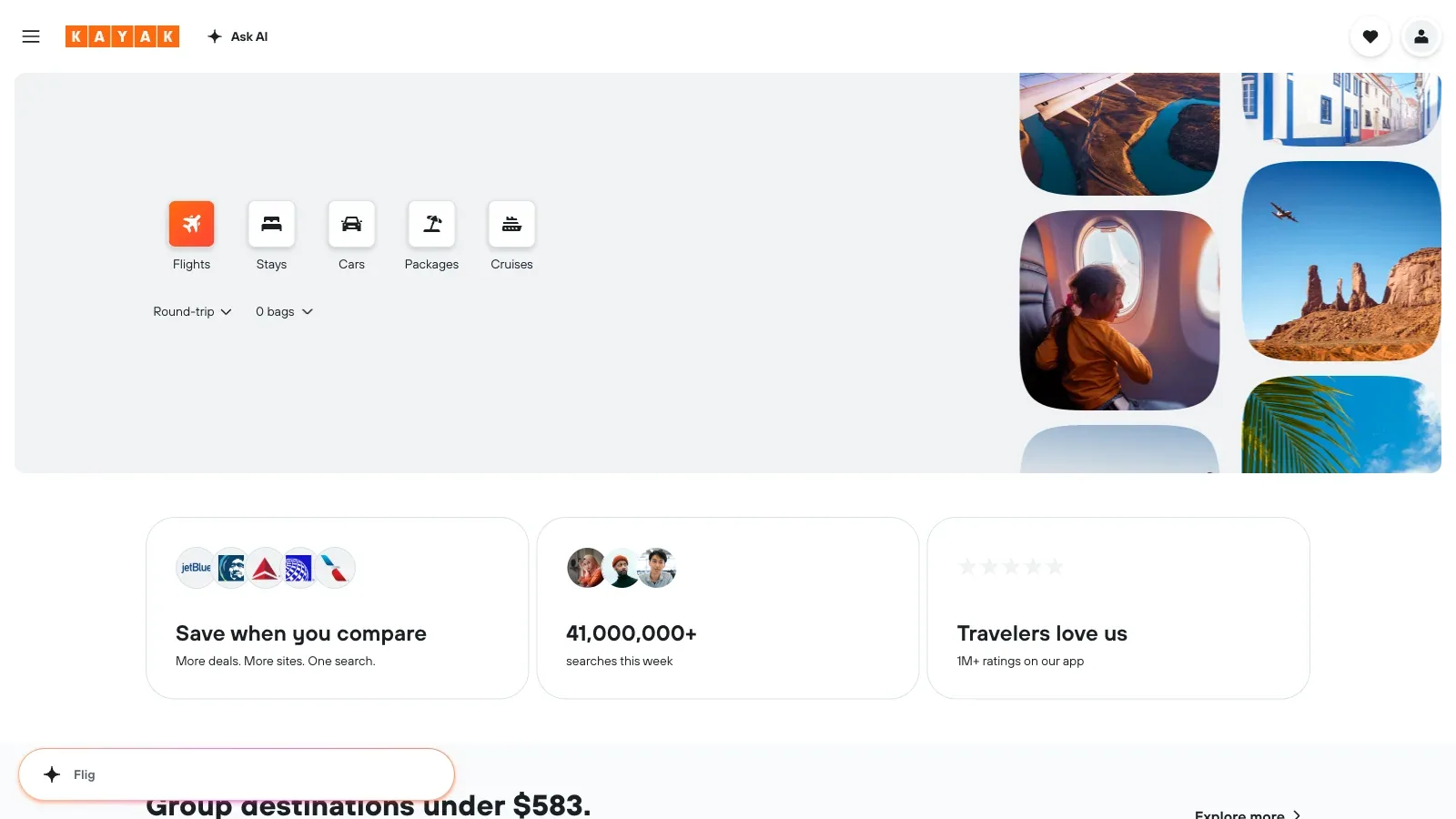
Hopper
- Free
- Choose it when
- A traveler comparing a defined route and a few date options.
- Think twice when
- The displayed result is not the final contract; recheck baggage, connection details, fare rules, and checkout total.
- Before you start
- Run one fixed-date search and record the cheapest acceptable itinerary before broadening the search.
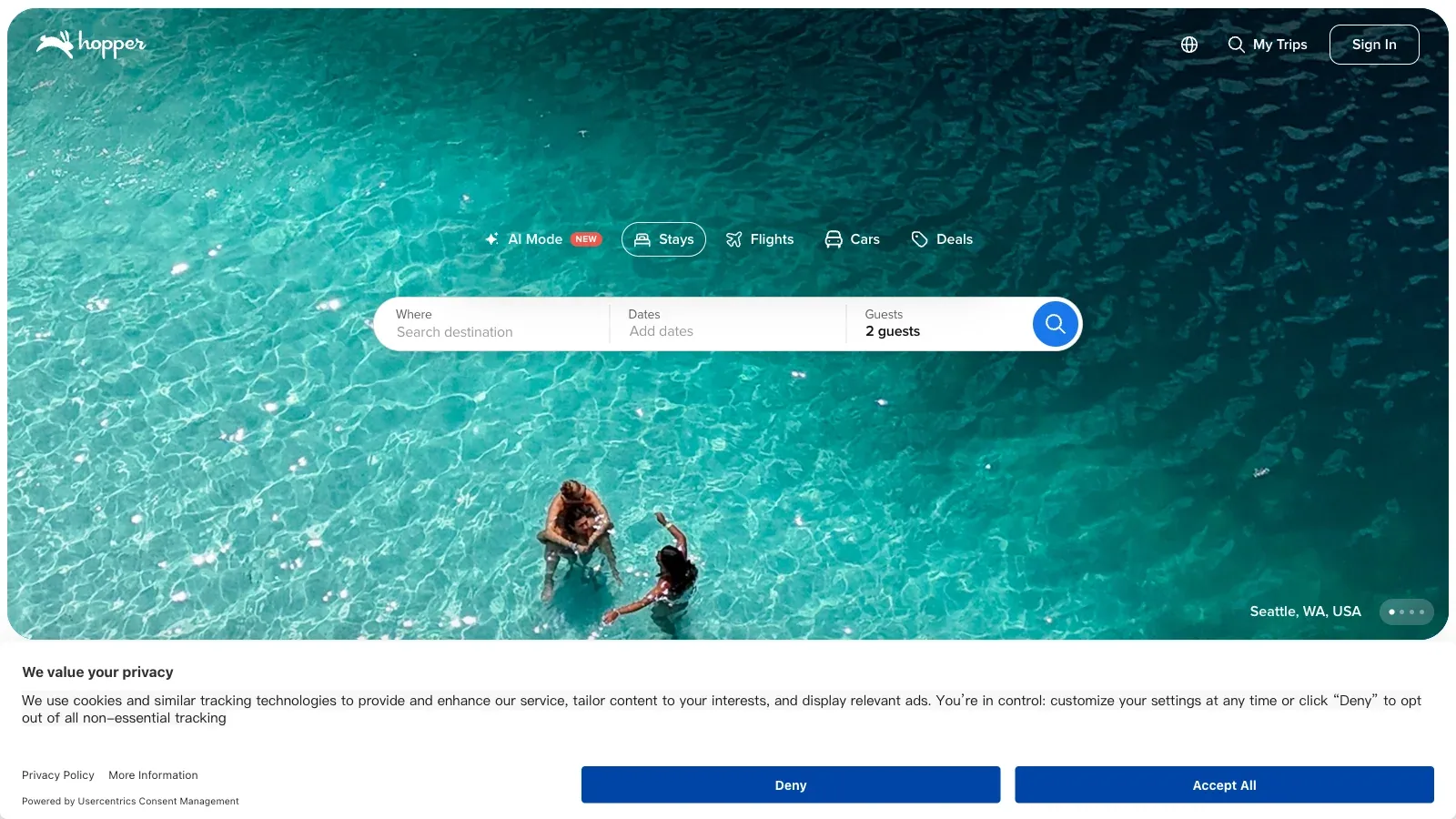
Google Flights
- Free
- Choose it when
- A traveler comparing a defined route and a few date options.
- Think twice when
- The displayed result is not the final contract; recheck baggage, connection details, fare rules, and checkout total.
- Before you start
- Run one fixed-date search and record the cheapest acceptable itinerary before broadening the search.
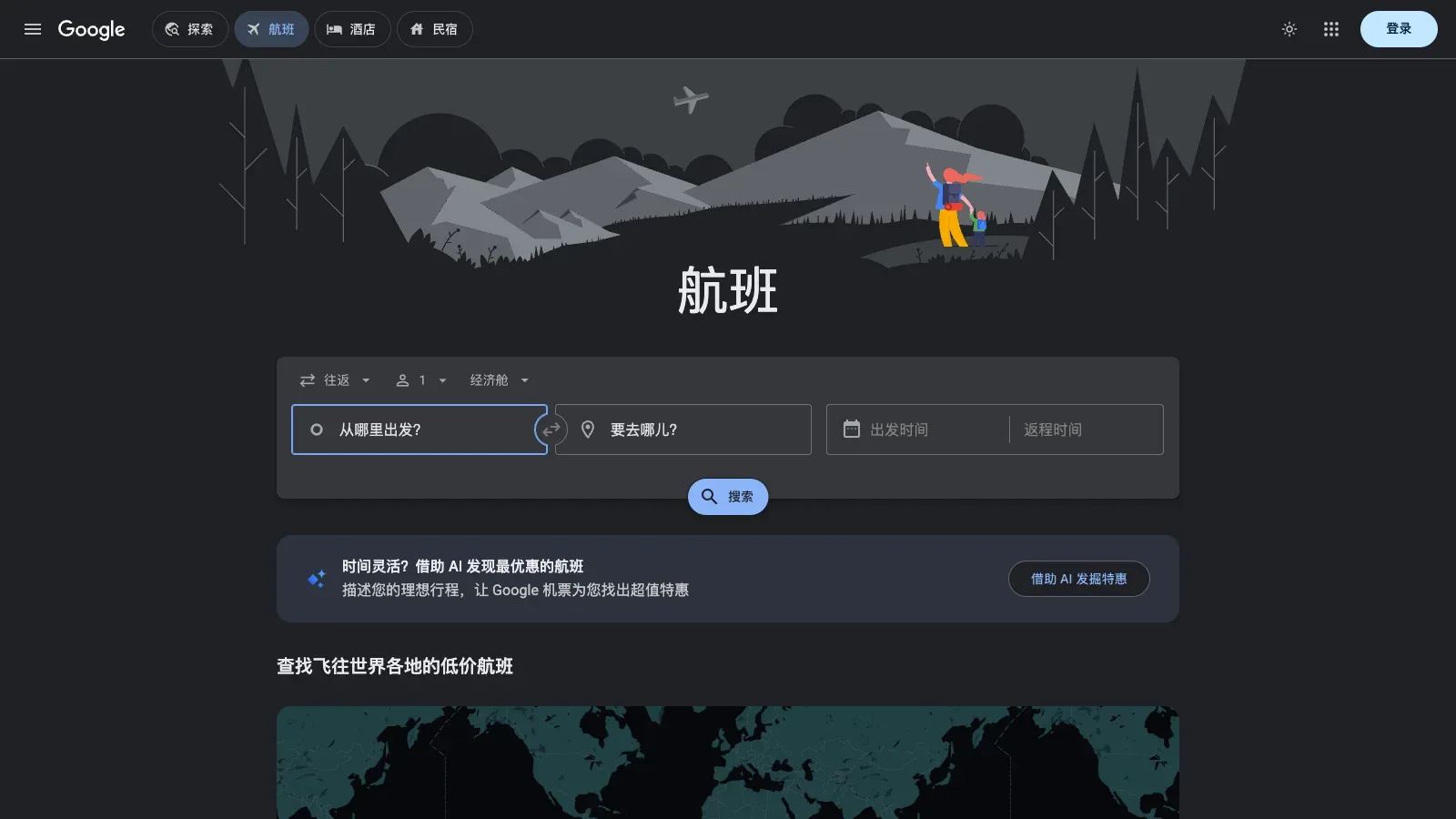
iMean
- Free
- $6.99/month
- Choose it when
- A traveler who wants guidance, alerts, or trip context.
- Think twice when
- The displayed result is not the final contract; recheck baggage, connection details, fare rules, and checkout total.
- Before you start
- Run one fixed-date search and record the cheapest acceptable itinerary before broadening the search.
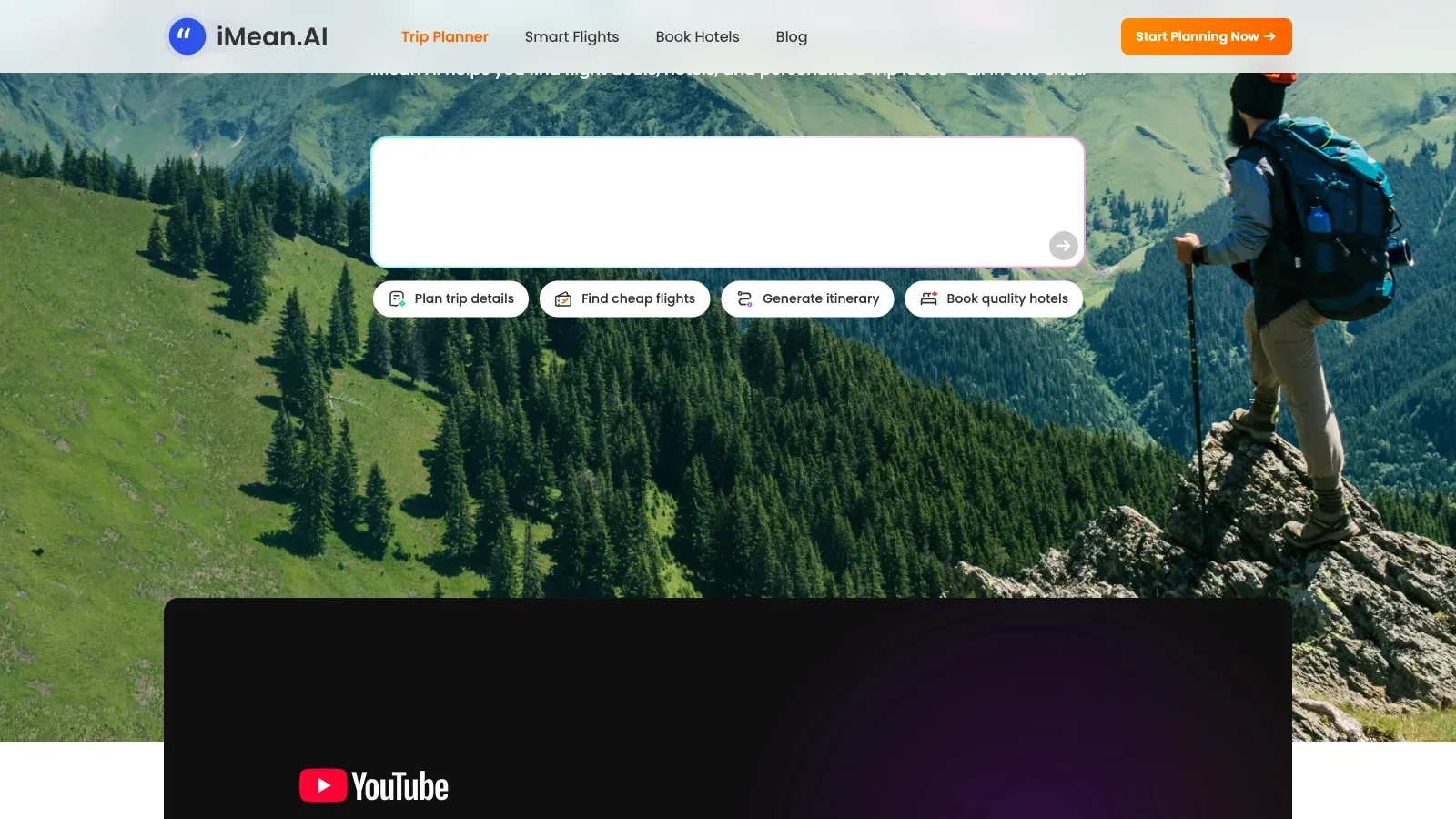
TripPlanner.ai
- Free
- Choose it when
- A traveler who wants guidance, alerts, or trip context.
- Think twice when
- The displayed result is not the final contract; recheck baggage, connection details, fare rules, and checkout total.
- Before you start
- Run one fixed-date search and record the cheapest acceptable itinerary before broadening the search.
Going
- Free
- Choose it when
- A traveler who wants guidance, alerts, or trip context.
- Think twice when
- The displayed result is not the final contract; recheck baggage, connection details, fare rules, and checkout total.
- Before you start
- Run one fixed-date search and record the cheapest acceptable itinerary before broadening the search.
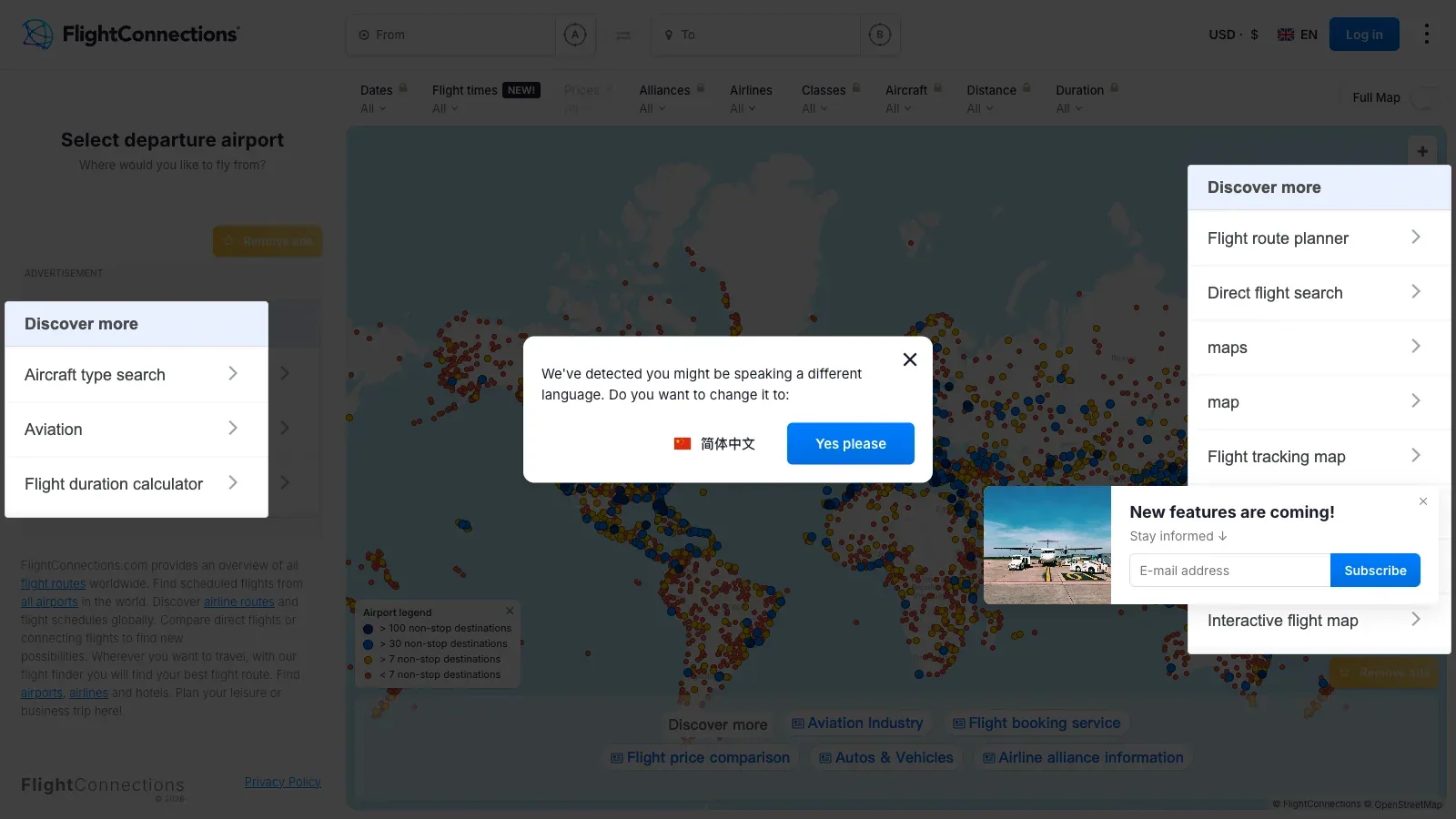
FlightConnections
- Free
- Choose it when
- A traveler exploring route possibilities before pricing a final itinerary.
- Think twice when
- The displayed result is not the final contract; recheck baggage, connection details, fare rules, and checkout total.
- Before you start
- Run one fixed-date search and record the cheapest acceptable itinerary before broadening the search.
momondo
- Free
- Choose it when
- A traveler exploring route possibilities before pricing a final itinerary.
- Think twice when
- The displayed result is not the final contract; recheck baggage, connection details, fare rules, and checkout total.
- Before you start
- Run one fixed-date search and record the cheapest acceptable itinerary before broadening the search.
The choices reflect documented workflows, not a tested ranking of itinerary quality.
From broad search to a verified itinerary.
Set the hard constraints
Fix acceptable airports, date range, stops, maximum duration, baggage, arrival window, and total-price ceiling.
Establish a baseline
Search one exact route and date pair. Record the cheapest itinerary that meets every hard constraint, not merely the lowest headline fare.
Change one variable at a time
Test flexible dates, nearby airports, or an extra stop separately so the savings and inconvenience remain visible.
Verify at checkout
Open the provider page and recheck flight numbers, local dates, connection time, baggage, fare rules, currency, and final total before paying.
Give the planner a usable trip brief.
Use this brief in the chosen travel planner. If moving between planners, transfer the chosen stops manually and check the map again.
TRIP
Destination: [place]
Dates and arrival/departure times: [details]
Accommodation area: [area]
Travelers and pace: [details]
Daily budget: [range and currency]

PRIORITIES
Must-see places: [list]
Interests: [list]
Mobility and food needs: [details]

PLAN
Group nearby stops. Include meals, transfers, and rest.
Mark all unverified hours, prices, and bookings.
Suggest a weather fallback for each full day.
Keep confirmed reservations separate from ideas.
For researched claims, include the source link and date checked.
Do not label a suggestion as a confirmed reservation.
Before you book
Questions before you start.
Will the planner book the trip?
Treat a generated itinerary as a draft. Booking features vary, and a suggested flight, hotel, or activity is not confirmed until you complete the reservation and receive confirmation.
What should I verify first?
Check the details that would disrupt the day: closures, timed tickets, transfer times, accessibility, and the location of your accommodation.
Can I use a free plan?
Several options offer free planning. Offline access, saved plans, and premium assistance can have separate restrictions; compare those needs before subscribing.
How do I plan for a group?
Agree on pace, budget, and must-sees first. Use shared editing where available, and nominate one person to reconcile changes against confirmed bookings.
Should I choose a PDF itinerary or a route-focused planner?
Plantrip includes PDF downloads in Basic and suits a portable trip draft. Tripomatic suits a plan that needs several transport modes or GPX/KML exports, with those exports in Premium. Choose the output you need on the trip, then verify that your plan includes it.
Sources
Official product pages used to support the comparison above.
- KAYAK · Search input, Result, Access
- Hopper · Search input, Result, Access
- Google Flights · Search input, Result, Access
- iMean · Search input, Result, Access
- TripPlanner.ai · Search input, Result, Access
- Going · Search input, Result, Access
- FlightConnections · Search input, Result, Access
- momondo · Search input, Result, Access