


FireCut
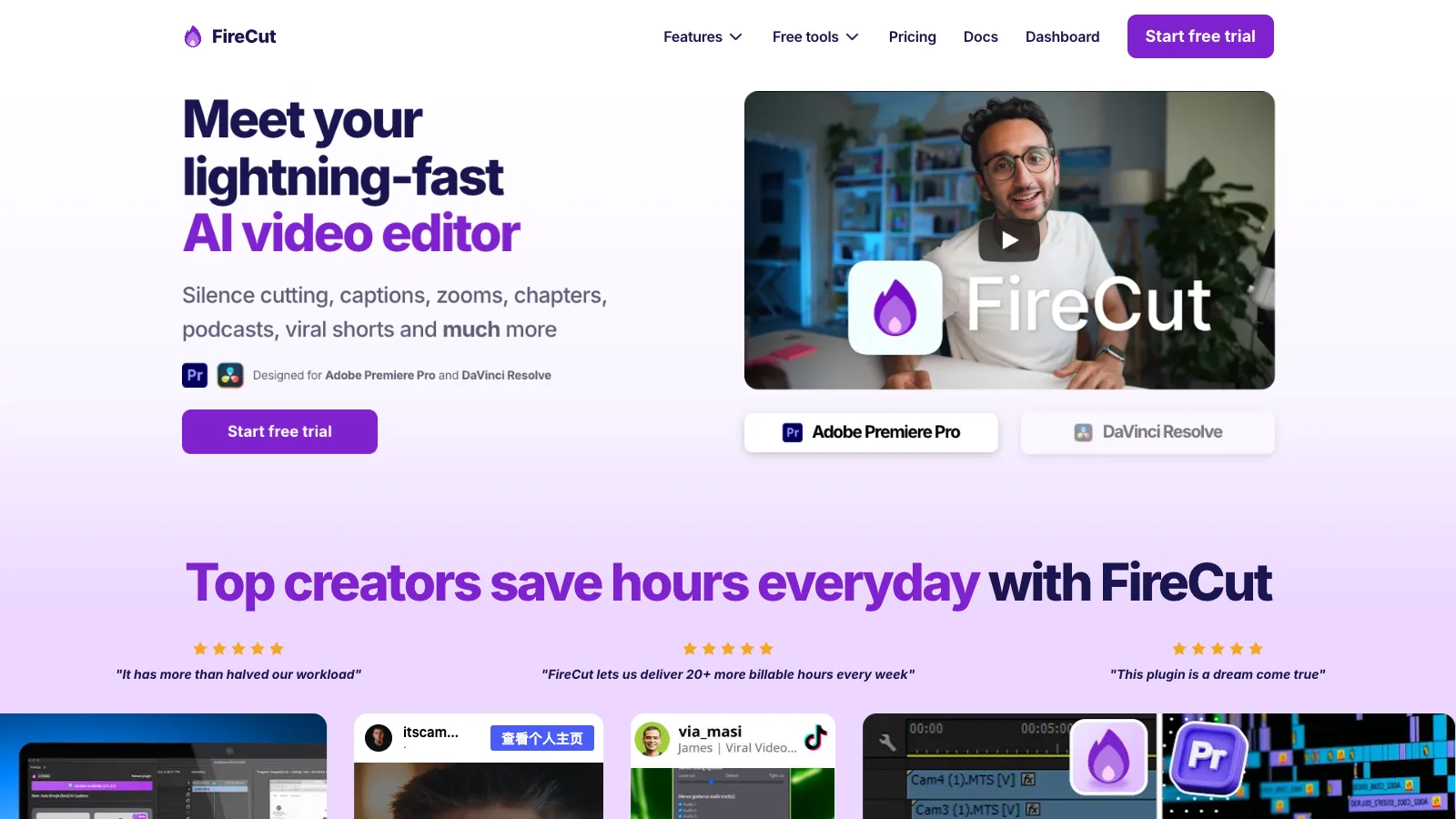
FireCut is an AI tool that automates repetitive video-editing work in Premiere Pro and DaVinci Resolve, with a browser-based Shorts editor for turning footage into short clips.
- $10/month
- $20/month
- $39/month
- $34/month per user
- Custom pricing
- Free
- $19/month
- $12.99/month
- $16/month
- $49.99/month
Features
FireCut works inside Premiere Pro and DaVinci Resolve to cut silences, add captions, edit podcasts, find B-roll, and prepare short clips from longer videos.
- Silence and pause editing
- FireCut detects silent sections in an editor timeline and can cut them automatically or let you review detections, adjust padding, and add J-cuts.
- Captions and transcript export
- FireCut can create styled or text-only captions, lets you edit detected words, and exports captions as SRT or VTT files.
- Podcast camera switching
- Its multi-track editing analyzes separate audio tracks and switches the visible video to follow the active speaker, with a review step before applying cuts.
- Long-form highlights
- FireCut finds moments in a sequence, then can create separate or combined short-form sequences with optional 9:16 reframing, captions, B-roll, and descriptions.
- Contextual B-roll
- FireCut analyzes a video transcript to find and insert stock footage, and can also scan a personal footage folder to build a tagged B-roll library.
- Chapters and publishing details
- FireCut detects chapter points that editors can review, add as timeline markers, and copy as timestamps; it can also suggest titles and descriptions.
Pricing
FireCut has separate plans for its Premiere Pro plugin, DaVinci Resolve plugin, browser-based Shorts editor, and teams. Prices and usage allowances differ across these products.
Starter
Use the Premiere Pro plugin for silence cutting and J-cuts.
- One-click and advanced silence cutting
- J-cuts
- Requires Premiere Pro
Pro
Add transcription-based editing tools to the Premiere Pro plugin.
- 25 transcription hours per month
- Captions in 50+ languages
- Podcast editing and long-form highlights
- B-roll, music, chapters, and zoom cuts
Max
Use the Premiere Pro plugin's full editing and generation set.
- 100 transcription hours per month
- Script-guided editing and Magic Cut
- AI voiceover and custom workflows
- 4K B-roll and unlimited caption templates
Team
Provide both editor plugins with shared team administration.
- Premiere Pro and DaVinci Resolve Pro plugins
- Per-seat usage monitoring and team-member controls
- Centralized billing and priority support
Lifetime license
Request a one-time price for an individual FireCut plugin license.
- Includes Premiere Pro and DaVinci Resolve plugins
- One individual user
Free
Make short clips in the browser with basic editing features.
- 25 videos per month, up to 5 minutes each
- 720p output with a watermark
- Silence cutting, transitions, sound effects, and zoom cuts
FireCut Shorts
Create browser-based short videos with additional caption and media tools.
- 25 videos per month, up to 5 minutes each
- Captions in 50+ languages
- Premium B-roll, music, and audio enhancement
- Titles, transitions, sound effects, zoom cuts, and intro hooks
Free
Use selected FireCut tools in DaVinci Resolve at no cost.
- Unlimited silence removal
- Split multichannel audio
- Markers+ for marker management
Captions
Create styled captions in DaVinci Resolve.
- 8 transcription hours per month
- Captions in 90+ languages
- Styled Fusion captions and SRT/VTT export
Pro
Use the full FireCut editing suite for DaVinci Resolve.
- 10 transcription hours per month
- Multi-track editing, captions, highlights, and B-roll
- Remove fillers, repetition, and profanity
Max
Add higher transcription allowances and generation tools in DaVinci Resolve.
- 50 transcription hours per week
- 30,000 text-to-speech characters
- AI image and music generation
- 4K B-roll and reusable workflows
Limits
Plugin support depends on the editing software and operating system. FireCut Shorts has a free tier with video-length, monthly-count, resolution, and watermark limits.
- Premiere Pro requirement
- The Premiere Pro plugin requires Adobe Premiere Pro 2022 or later and supports Windows and macOS.
- DaVinci Resolve requirement
- FireCut's DaVinci Resolve plugin requires Resolve 20 or later and supports the Free and Studio editions on Windows, macOS, and Linux.
- Resolve transcription quota
- DaVinci Resolve Captions and Pro plans include monthly transcription allowances, while Max includes 50 hours per week. After reaching a quota, FireCut can continue by using Resolve's subtitle track; an internet connection is required when using the plugin.
- Shorts free-plan limits
- The free FireCut Shorts plan allows up to 25 videos per month and five minutes per clip, caps output at 720p, and applies a watermark.
- Lifetime license update terms
- Lifetime licenses include updates to existing features for 12 months. Newly introduced features and generative capabilities are outside the stated scope, and later updates may require a separate purchase or subscription.
FAQ
Which video editors can I use with FireCut?
FireCut offers plugins for Adobe Premiere Pro and DaVinci Resolve, plus a browser-based Shorts editor that does not require another editor.
Which versions and operating systems are supported?
The Premiere Pro plugin requires Premiere Pro 2022 or later on Windows or macOS. The DaVinci Resolve plugin requires Resolve 20 or later and supports Windows, macOS, and Linux.
Can I export captions as subtitle files?
Yes. FireCut's caption tools can export SRT and VTT files, alongside styled or editable timeline captions.
What are the limits of the free Shorts plan?
It allows 25 videos per month, up to five minutes each, at 720p with a watermark.
How much transcription is included?
Allowances depend on the product and plan. For example, Premiere Pro Pro includes 25 hours per month, Resolve Captions includes 8 hours per month, and Resolve Max includes 50 hours per week.
Can I keep using FireCut after reaching the Resolve transcription limit?
Yes. FireCut says it remains usable past the quota by using DaVinci Resolve's subtitle track. An internet connection is required when using the plugin.
How long are updates included with the lifetime license?
Lifetime licenses include updates to existing features for 12 months. Newly introduced features and generative capabilities are outside the stated scope, and later updates may require a separate purchase or subscription.