Best AI Tools for Presentation Generation in 2026
Choose among eight tools by where you want to edit, how closely the deck must follow your outline, and the file you need to deliver.
Compare the tools
From outline notes to a slide plan.
Audience: department leads. Goal: approve a six-week pilot.
Opening
Ask for a decision on the six-week pilot.
Problem: support requests wait two days for triage.
Problem
Show the approved two-day triage baseline and its source.
Proposal: test an assisted routing workflow with one team.
Proposal
Explain the pilot scope, owner, timeline, and review point.
Evidence: use the approved baseline table; do not invent savings.
Evidence
Use the supplied table and leave unsupported savings out.
Illustrative editorial example, not output from a product run.
The slide plan keeps the decision, baseline, scope, and evidence boundary visible before visual design begins.
Choose by the work that comes after generation.
Move quickly from an outline to a shareable draft
Approve the story before refining layouts
Continue with broad visual editing and brand assets
Build and review branded decks with a team
Keep editing in PowerPoint or Google Slides
Compare what changes the handoff.
Eight presentation makers · official sources checked September 15, 2026
| Tool | Workflow fit | Starting input | Outline control | Slide editing | Export & handoff | Access & cost | Practical limit |
|---|---|---|---|---|---|---|---|
 Gamma Gamma | Fast outline-to-deck workflow with several sharing formats. | Prompt, pasted outline, PDF, PPTX, or other imported content. | Edit the outline before generation in the available creation flows. | Edit layouts, text, images, themes, and translations in Gamma. | PPTX, PDF, PNG, Google Slides, or a shared link. | Free plan plus paid individual, team, business, and enterprise options. | Free creates up to 10 slides per prompt; Plus creates up to 75. |
 Beautiful.ai Beautiful.ai | Outline-first generation with adaptive slide layouts. | Topic prompt, pasted outline, files, or links. | Review and revise a slide-by-slide outline before generation. | Smart Slides, themes, brand settings, stock media, and AI revisions. | Editable PowerPoint and PDF exports. | Paid Pro, Teams, and Enterprise plans with a 14-day trial. | Trial requires a card and renews as paid unless canceled before day 14. |
 Canva Canva | Presentation drafting inside a broad visual design workspace. | A short text prompt for Magic Design for Presentations. | Generated slides include an outline and content that can be edited afterward. | Drag-and-drop editing, media assets, branding, and collaboration. | PPTX, PDF, PNG, JPEG, Google Slides, or direct presentation from Canva. | Free, Pro, Business, and Enterprise plans. | AI features draw from a shared allowance that varies by plan and task. |
 Adobe Express Adobe Express | Document-to-presentation generation with Adobe Express editing. | Prompt plus PDF, DOCX, PPTX, TXT, RTF, XLS, VTT, or web links. | Edit and reorder the outline before generating slides. | Change content, design, and layout in Adobe Express. | PDF, JPG, PowerPoint, or direct presentation from Adobe Express. | Free, Premium, Creative Cloud Pro, Teams, Enterprise, and eligible higher-education access; plan details vary by market. | Up to 10 source documents and 150 combined pages; PowerPoint export omits some media and notes. |
 Pitch Pitch | Template-led generation for collaborative, branded decks. | Prompt, uploaded source files, and a selected template. | Refine or restructure content through chat after generation. | Full workspace editing with layouts, media, AI actions, and collaboration. | PPTX or PDF on eligible plans, plus link sharing. | Free, Plus, Team, Business, and Enterprise plans. | PPTX export can omit recordings, uploaded videos, and animations, and must be run online outside the mobile app. |
 Plus AI Plus AI | Native PowerPoint or Google Slides drafting. | Prompt, slide-by-slide content, or supported uploads on Pro and higher plans. | Set each slide title, content, and optional layout before generation. | Edit directly in PowerPoint or Google Slides; use AI to rewrite or remix. | Native slides; share or export through the host presentation app. | Paid plans; seven-day card-required trial with automatic billing. | Uploaded documents do not supply their images, charts, or diagrams. |
 SlidesAI SlidesAI | Notes-to-outline drafting with several editing destinations. | Notes, text, prompts, or documents. | Review and edit slide titles and descriptions before choosing a theme. | Use the web editor or continue in Google Slides or PowerPoint. | Download PPTX, or save the native PowerPoint presentation. | Basic is free; Pro and Premium add larger input allowances. | Basic: 1,000 characters per presentation and 12 presentations per year. |
 Presentations.AI Presentations.AI | Outline-based drafting with website-derived branding. | Outline, text, PDF, Word, URL, Google Doc, or Excel. | The Outline to PPT entry point uses an existing bullet-point structure. | Revise text, charts, shapes, visuals, and layouts after generation. | Editable PPTX on eligible plans; check the destination file. | Starter, Pro, and Gold; published US prices vary by country. | Starter has 100 credits and up to 20 slides. |
A closer look at eight presentation makers.
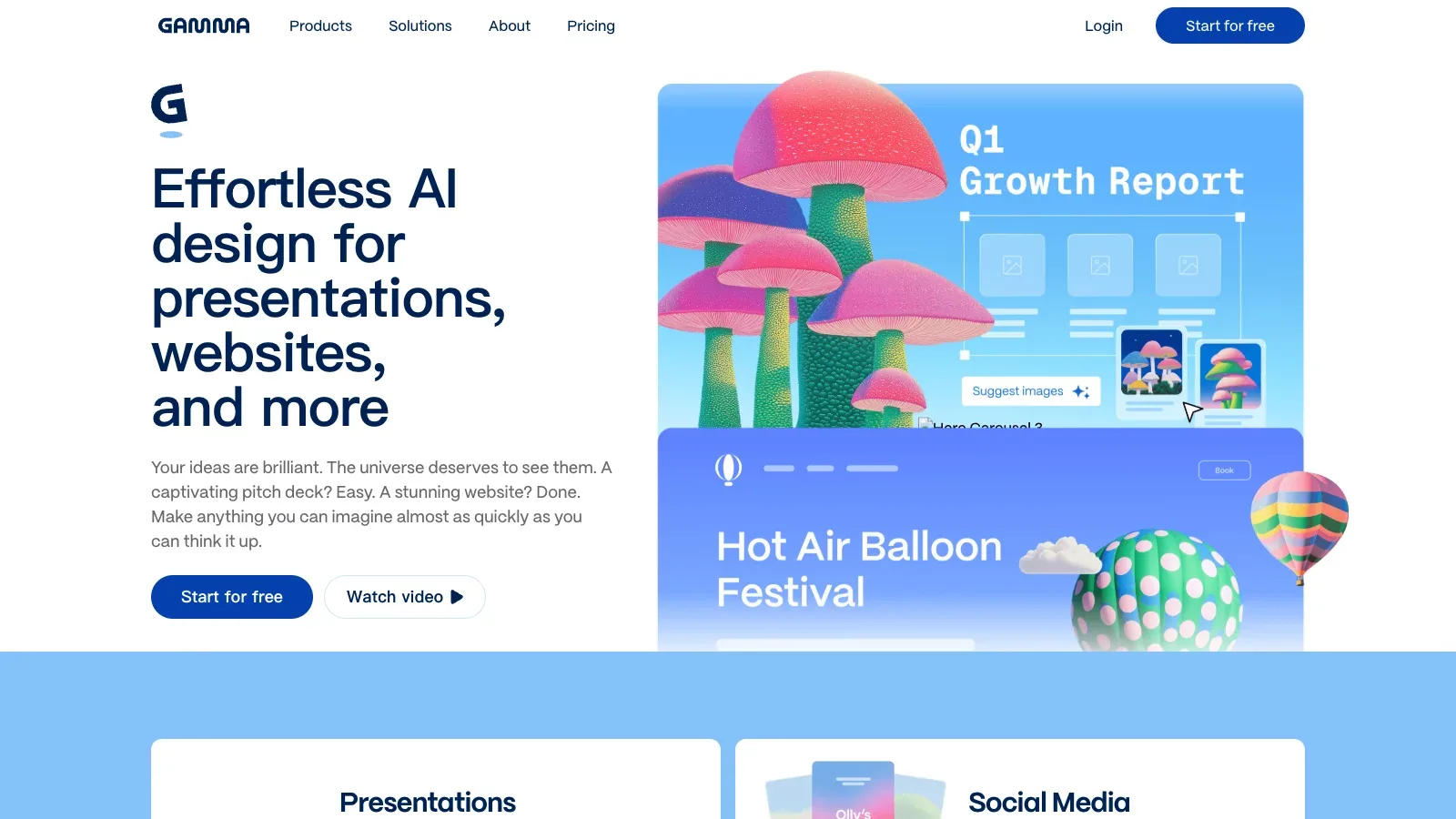
Gamma
- Free
- Price unverified
- $40/month per member
- Custom pricing
- Choose it when
- You want a fast route from organized source material to a shareable first draft.
- Think twice when
- Free generation is capped at ten slides per prompt, and AI actions draw from a credit balance.
- Before you start
- Confirm the target slide count and export format before generating the full deck.
Beautiful.ai
- $14.5/month
- $40/month
- Custom pricing
- Choose it when
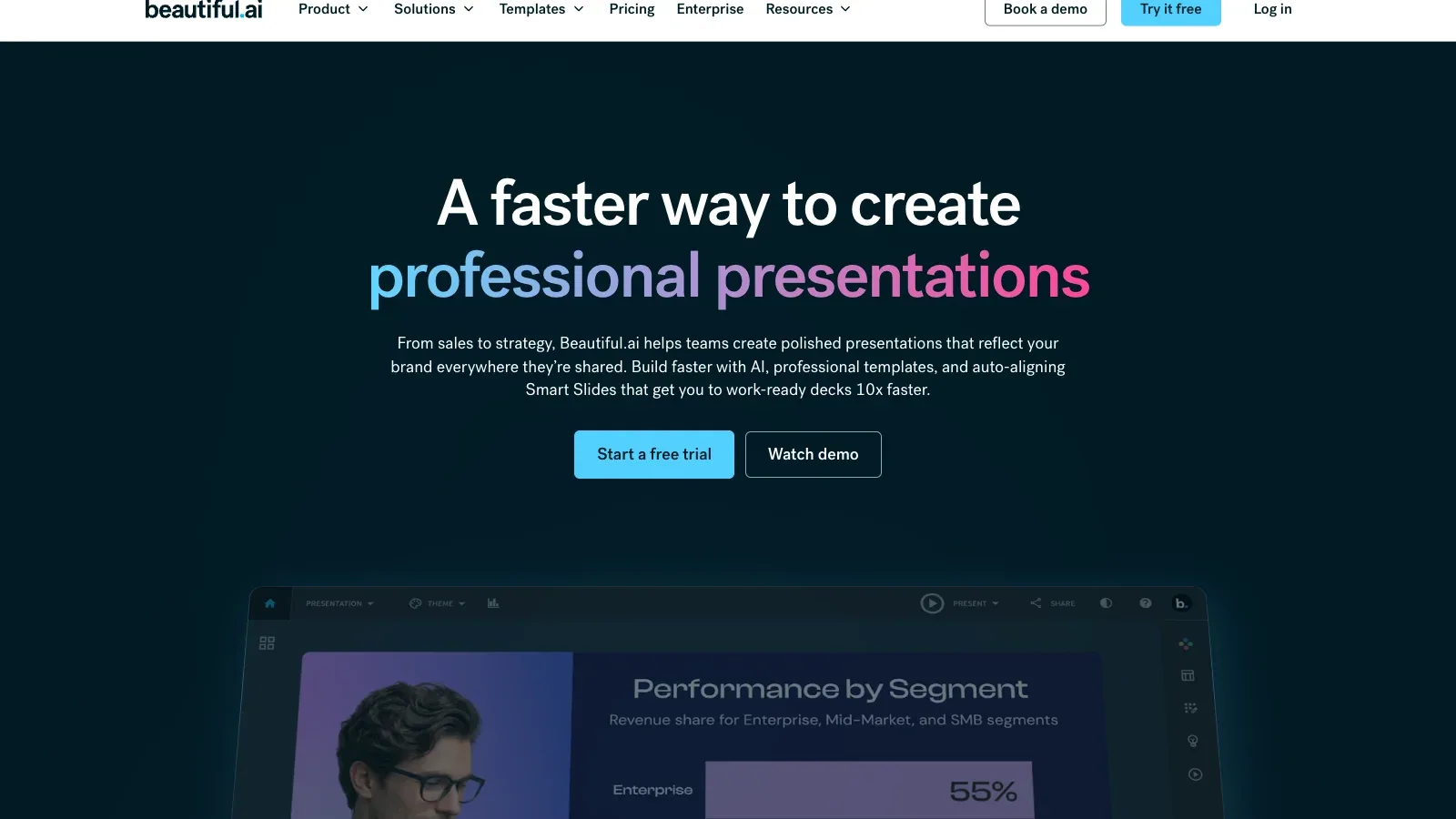
- The story and exact wording need approval before the visual pass.
- Think twice when
- There is no ongoing free plan; the 14-day trial requires a card and converts to a subscription unless canceled.
- Before you start
- Confirm the approved copy and numbers before trying alternate Smart Slide layouts.
Canva
- Free
- $144/year
- $250/year per person
- Custom pricing
- Choose it when
- The presentation is part of a larger visual campaign or already uses Canva brand assets.
- Think twice when
- AI tools share a plan allowance, so the number of generations varies with the features and complexity used.
- Before you start
- Check whether the current plan's AI allowance and Brand Kit access fit the project.

Adobe Express
- Free
- Price unverified
- Custom pricing
- Choose it when
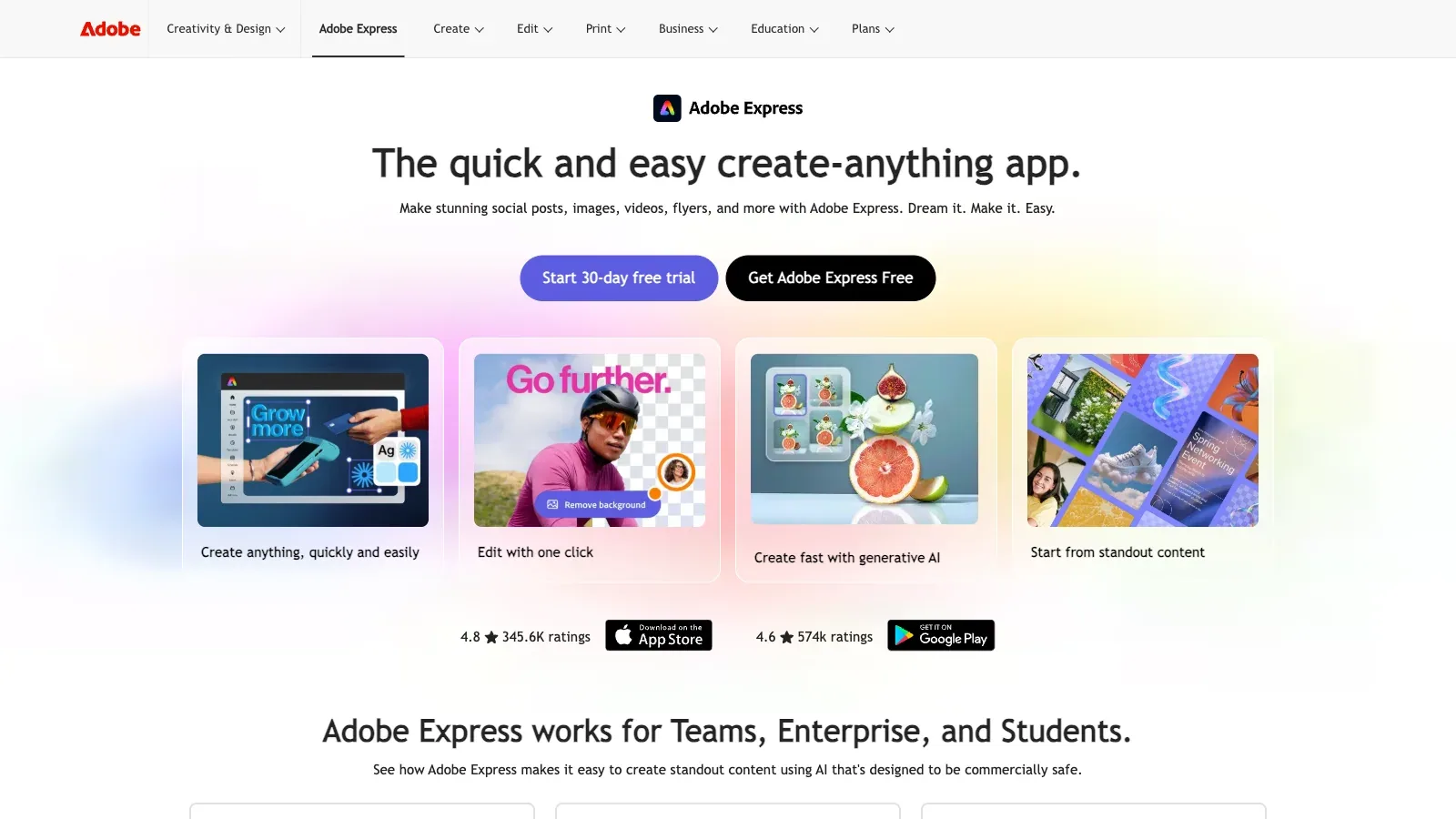
- Your source material includes documents, spreadsheets, captions, presentations, or web links.
- Think twice when
- Generation is limited to English and French, excludes K–12 accounts, and applies source-document limits.
- Before you start
- Count the source documents and total pages, then confirm the generation language.
Pitch
- Free
- €10/month
- €15/month per member
- €20/month per member
- Custom pricing
- Choose it when
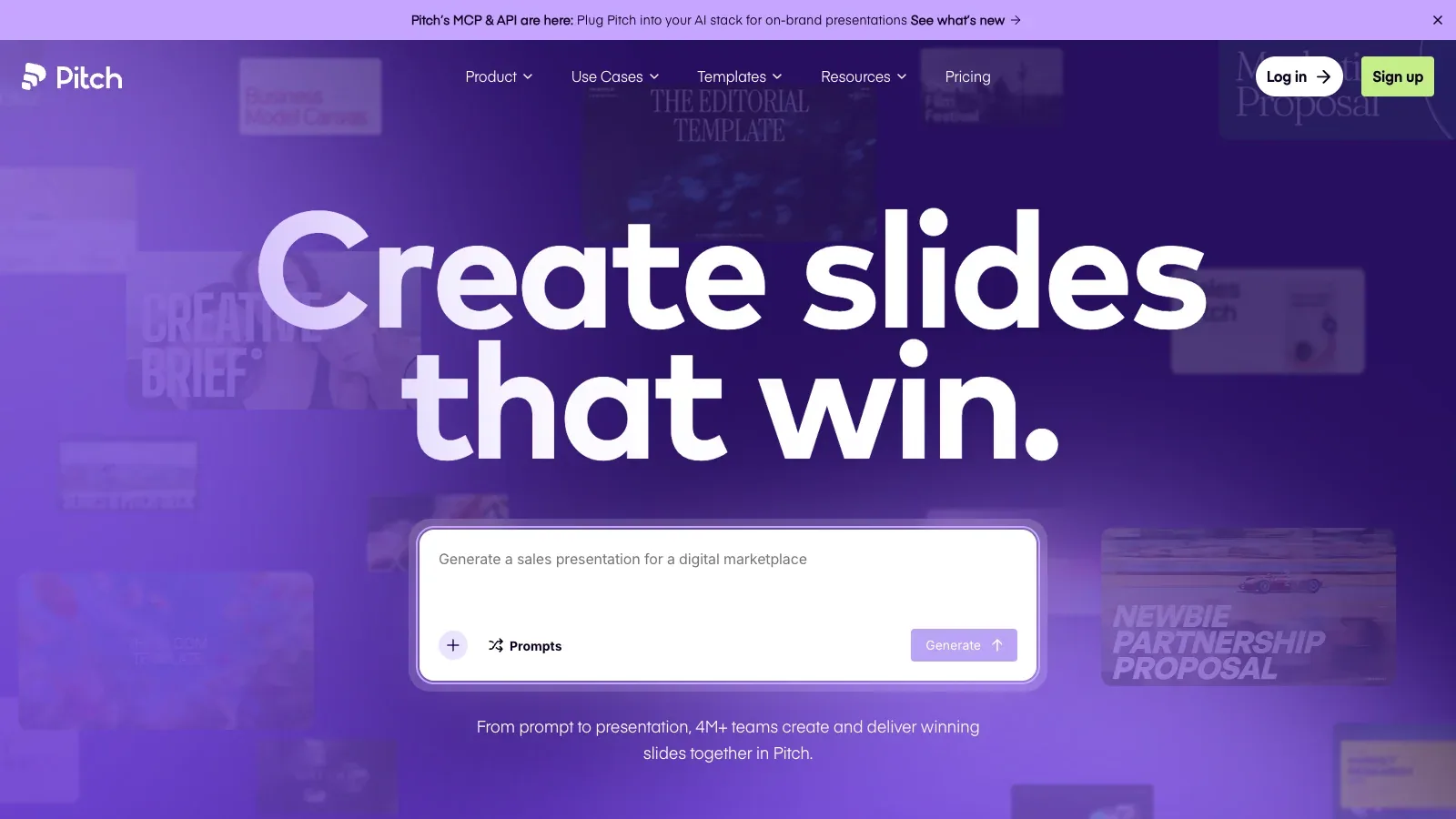
- The deck belongs in a shared, template-led workspace with brand and review controls.
- Think twice when
- PowerPoint export is a paid feature and does not preserve every media or animation element.
- Before you start
- Choose the template and confirm whether the final delivery needs an unbranded PPTX.
Plus AI
- $10/month per user
- $20/month per user
- $30/month per user
- $200/month per user
- Price unverified
- Choose it when
- Your outline has a fixed slide sequence and the final file must stay in an existing presentation workflow.
- Think twice when
- Document upload does not extract source images, charts, or diagrams; add those separately.
- Before you start
- Check add-in access, choose a plan with uploads if needed, and keep source visuals ready to insert.
SlidesAI
- Free
- $120/year
- $250/year
- Choose it when
- You want a notes-first workflow with a free tier and several editing destinations.
- Think twice when
- The free plan accepts only 1,000 input characters; longer notes require trimming or a paid plan.
- Before you start
- Count the source characters and choose the editing destination before starting.

Presentations.AI
- Free
- $20/month
- $100/month
- Choose it when
- You need a branded draft from written material and will review the exported PowerPoint file.
- Think twice when
- Export eligibility is plan-dependent in the FAQ; confirm access in the account before relying on it.
- Before you start
- Confirm export access and inspect the colors, fonts, and logo imported by Brand Sync.

Shortlist two tools, use the same permitted outline, and compare the edits needed before sharing or exporting.
How to turn an outline into slides you can hand off.
Fix the brief before the layout
State the audience, decision or learning goal, target length, and required final format. Mark exact claims and numbers in the outline.
Generate structure first
Review the proposed slide sequence before polishing visuals. Remove repeated setup and make each slide serve one purpose.
Check every factual slide
Compare names, dates, numbers, quotations, and charts with the source material. Add citations or source notes where the audience needs them.
Edit for the room
Shorten text, enlarge labels, and check contrast at presentation size. Replace decorative visuals that compete with the message.
Test the handoff early
Export a draft and open it in the recipient's software. Check fonts, charts, notes, animations, media, and links while there is time to repair them.
A presentation-generation brief to make your own.
Paste the brief with the permitted source material. Keep exact facts clearly marked so they can be checked after generation.
AUDIENCE
[Who will see this and what do they already know?]

PURPOSE
[What should they understand, decide, or do?]

FORMAT
[Target slide count, speaking time, aspect ratio, and final file type]

OUTLINE
1. [Opening and context]
2. [Problem or question]
3. [Evidence]
4. [Recommendation or teaching point]
5. [Next step]

EXACT MATERIAL
- [Names, dates, numbers, quotations, and approved wording]

VISUAL RULES
- [Brand, image, chart, accessibility, and citation requirements]

DO NOT ADD
- [Unsupported claims, invented examples, or confidential details]
Before you share or present
Questions to settle before choosing.
Should I start from a prompt, an outline, or a document?
Use a checked outline when the sequence matters. Add source documents when the tool supports them and the material is permitted, but keep exact claims marked so you can verify the result.
How should I choose a tool for an editable PowerPoint handoff?
Start with a product that explicitly supports PPTX export, then test one representative deck. Official support does not guarantee that every font, chart, animation, note, or media element will survive unchanged.
Can I trust an AI-generated chart or statistic?
Keep the approved data table as the source of truth. Rebuild or correct any chart whose values, labels, units, or time period do not match it.
How many tools should I test?
Test two tools that fit the intended editing and export workflow. Use the same short outline and compare factual corrections, layout repairs, and handoff problems.
When should I keep editing in the original service?
Keep editing there when the team uses its templates, comments, links, or brand controls. Export earlier when the recipient requires PowerPoint, offline delivery, or another long-term file format.
Which tools let me keep working in PowerPoint or Google Slides?
Plus AI and SlidesAI offer add-ins for these editors. Plus AI has a slide-by-slide mode for specifying the sequence; SlidesAI offers an outline review in its notes workflow. Confirm that your organization permits the required add-in.
Sources
Official product pages used to support the comparison above.
- Gamma · Starting input, Slide editing
- Gamma · Outline control
- Gamma · Export & handoff, Access & cost, Practical limit
- Beautiful.ai · Starting input, Outline control, Slide editing
- Beautiful.ai · Export & handoff, Access & cost, Practical limit
- Canva · Starting input, Outline control, Slide editing
- Canva · Export & handoff
- Canva · Access & cost, Practical limit
- Adobe Express · Starting input, Outline control, Slide editing, Practical limit
- Adobe Express · Export & handoff
- Adobe Express · Access & cost
- Pitch · Starting input
- Pitch · Outline control, Slide editing
- Pitch · Export & handoff, Access & cost
- Pitch · Practical limit
- Plus AI · Starting input, Access & cost
- Plus AI · Outline control, Slide editing, Export & handoff
- Plus AI · Practical limit
- SlidesAI · Starting input
- SlidesAI · Outline control, Slide editing
- SlidesAI · Export & handoff
- SlidesAI · Access & cost, Practical limit
- Presentations.AI · Starting input, Outline control, Slide editing, Export & handoff
- Presentations.AI · Access & cost, Practical limit