Best AI Tools for Financial Modeling in 2026
Compare 8 tools for building forecasts, scenarios, budgets, and reviewable financial models.
Explore the guide
From a clean financial model to a reviewable result.
Row 1: Order A: East, revenue 100, cost 60.
Revenue
Total revenue: 450.
Row 2: Order B: East, revenue 200, cost blank.
Known costs
Recorded costs: 150 across two orders.
Row 3: Order C: West, revenue 150, cost 90.
Subset margin
Known-cost orders have a 40% gross margin.
Question: What is the overall gross margin? Do not treat a blank cost as zero.
Overall margin
The complete margin cannot yet be calculated.
Illustrative example, not a product run or measured result.
Using 450 as revenue and 150 as total cost would silently count the blank as zero. Keep the valid subset separate from the incomplete total.
8 tools. Find your modeling starting point.
Run a connected planning cycle
Build a company forecast
Keep a spreadsheet-style workflow
Compare what changes your modeling workflow.
8 tools for financial modeling · official sources rechecked September 17, 2026
| Tool | Workflow fit | Starting input | Working output | Access | Review needed |
|---|---|---|---|---|---|
 Pigment Pigment | Enterprise planning | Historical actuals, assumptions, and operating drivers | Forecasts, scenarios, dashboards, and reports | See the official pricing page for current plan scope | Reconcile a representative period and inspect formulas, mappings, and scenario changes. |
 Drivetrain Drivetrain | AI-native FP&A | Historical actuals, assumptions, and operating drivers | Forecasts, scenarios, dashboards, and reports | See the official pricing page for current plan scope | Reconcile a representative period and inspect formulas, mappings, and scenario changes. |
 LiveFlow LiveFlow | Spreadsheet-connected FP&A | Historical actuals, assumptions, and operating drivers | Forecasts, scenarios, dashboards, and reports | See the official pricing page for current plan scope | Reconcile a representative period and inspect formulas, mappings, and scenario changes. |
 Forecastr Forecastr | Startup forecasting | Historical actuals, assumptions, and operating drivers | Forecasts, scenarios, dashboards, and reports | See the official pricing page for current plan scope | Reconcile a representative period and inspect formulas, mappings, and scenario changes. |
 Modeliks Modeliks | SMB planning | Historical actuals, assumptions, and operating drivers | Forecasts, scenarios, dashboards, and reports | See the official pricing page for current plan scope | Reconcile a representative period and inspect formulas, mappings, and scenario changes. |
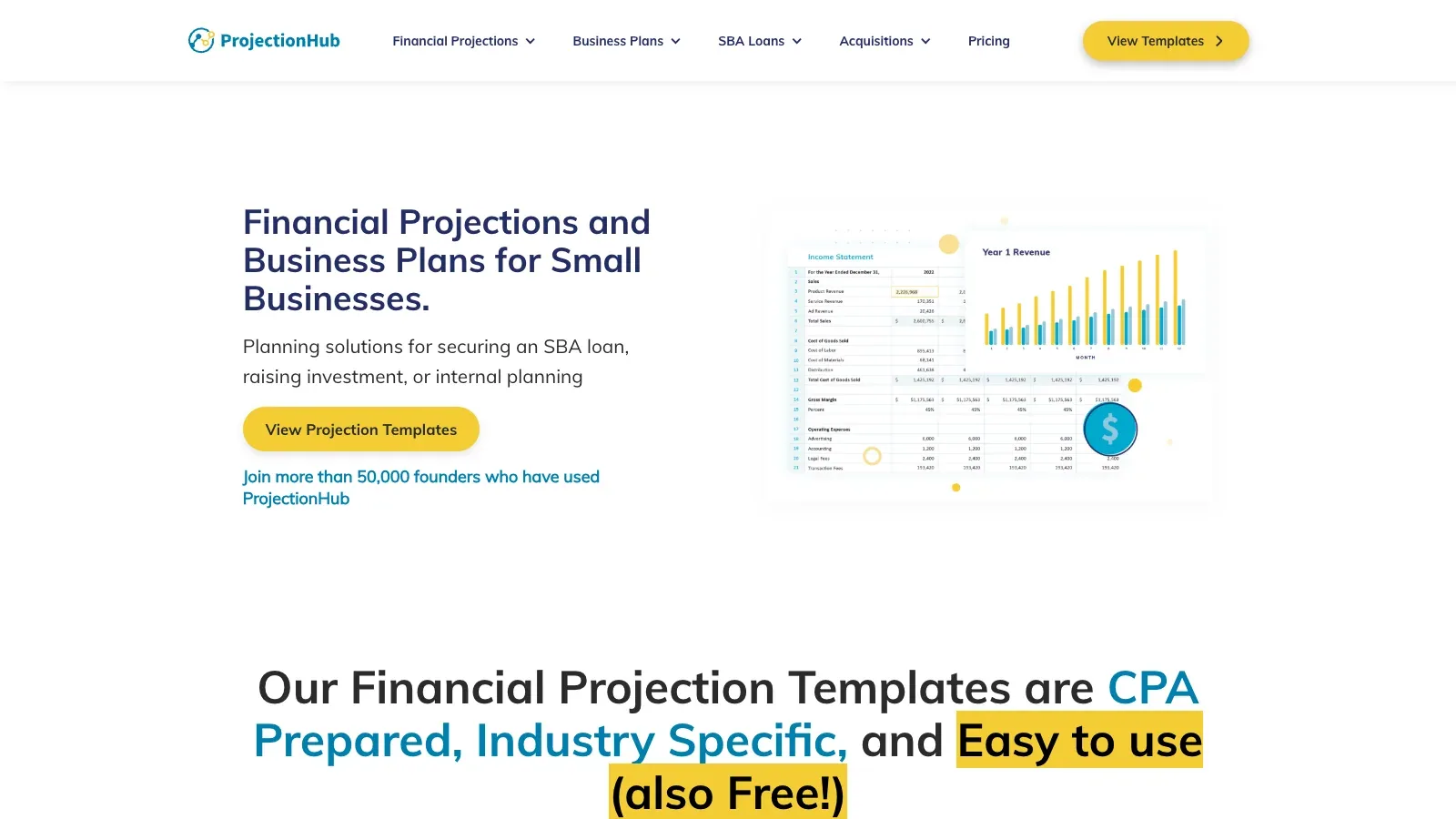
 ProjectionHub ProjectionHub | Projection templates | Business assumptions and template inputs | Financial projections and business-plan schedules | See the official pricing page for current plan scope | Reconcile a representative period and inspect formulas, mappings, and scenario changes. |
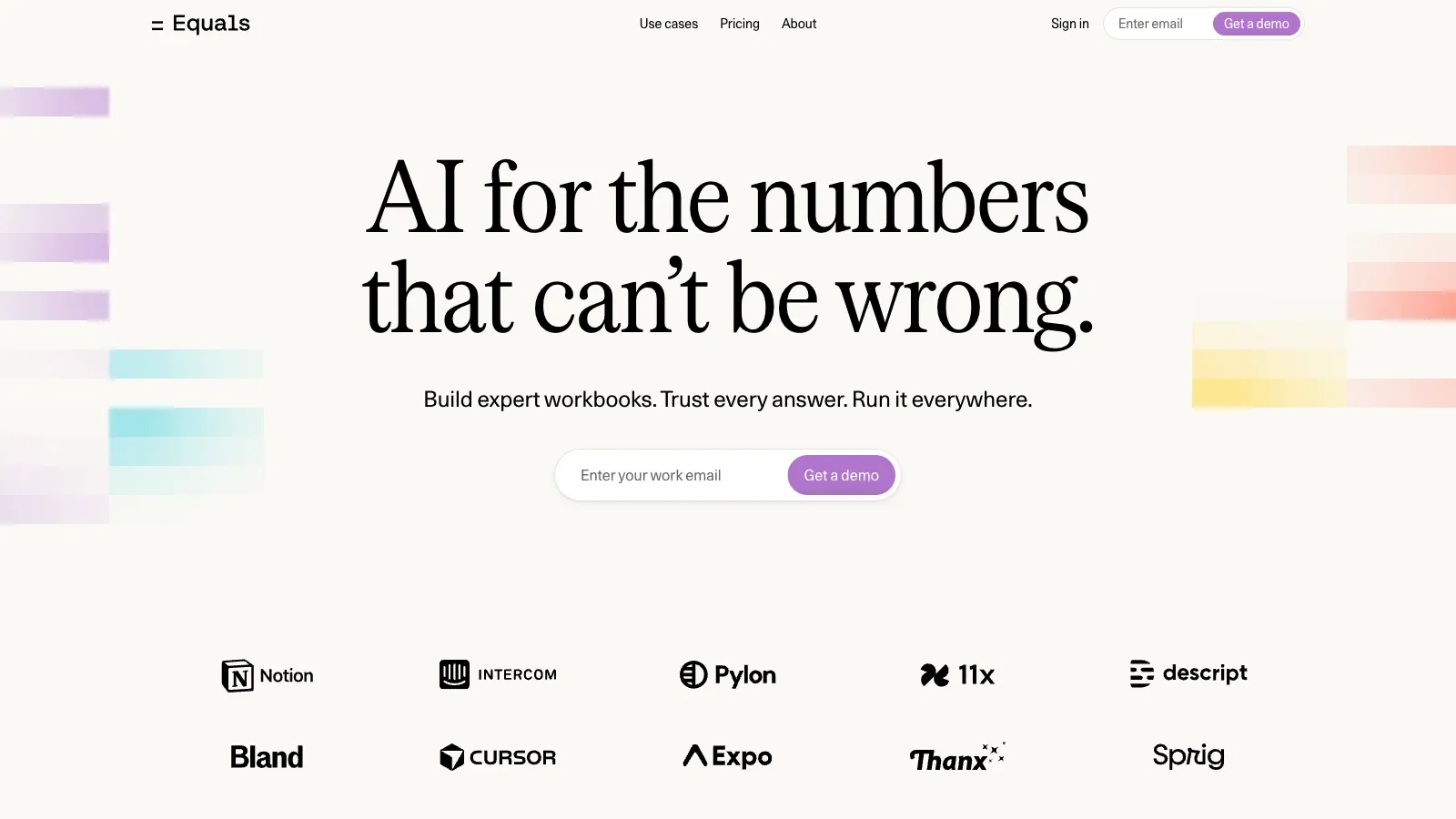
 Equals Equals | Auditable AI workbooks | Historical actuals, assumptions, and operating drivers | Forecasts, scenarios, dashboards, and reports | See the official pricing page for current plan scope | Reconcile a representative period and inspect formulas, mappings, and scenario changes. |
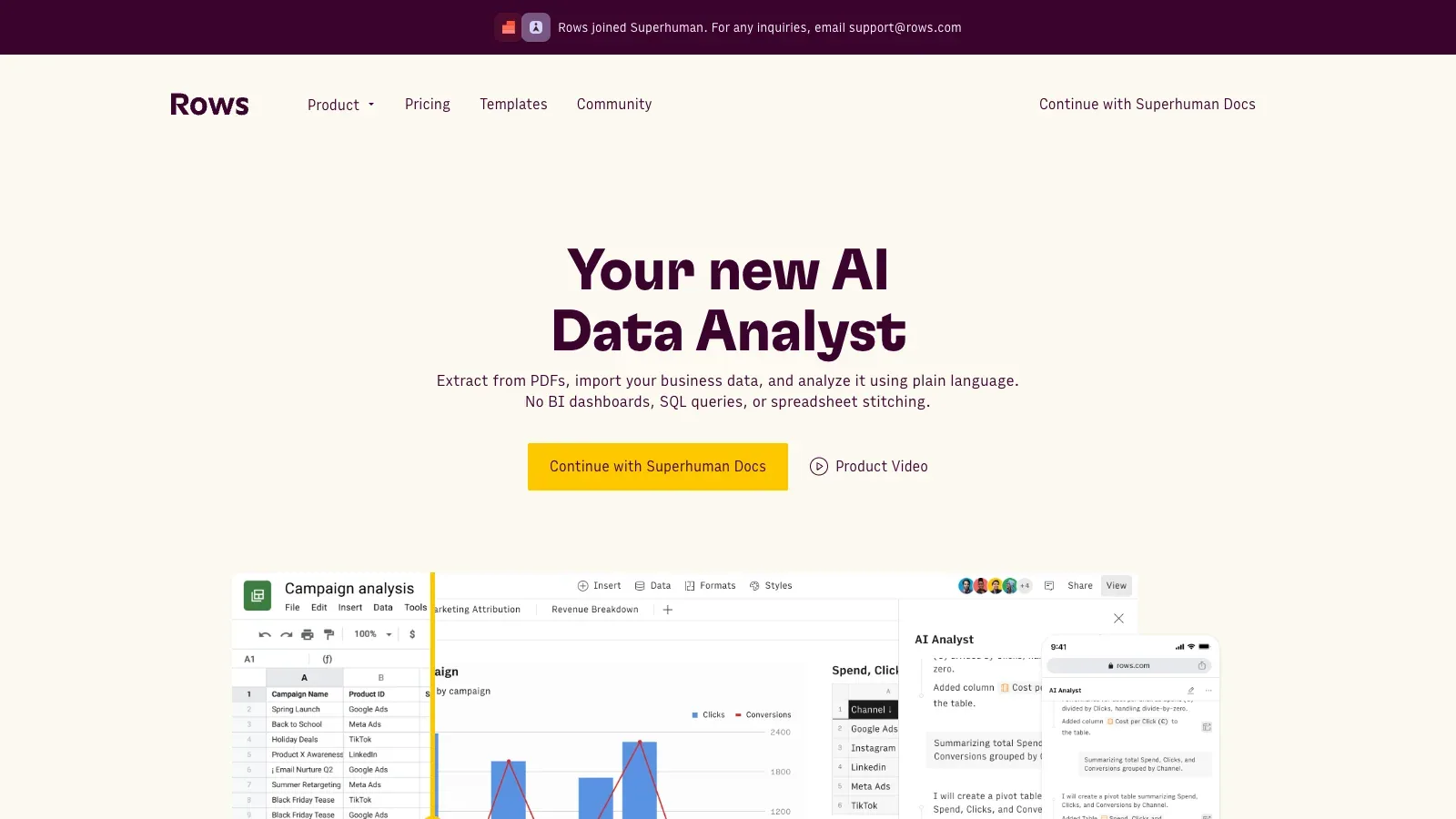
 Rows Rows | AI spreadsheet modeling | Historical actuals, assumptions, and operating drivers | Forecasts, scenarios, dashboards, and reports | Free, Plus, Pro, and Enterprise plans | Reconcile a representative period and inspect formulas, mappings, and scenario changes. |
A closer look at 8 financial modeling tools.
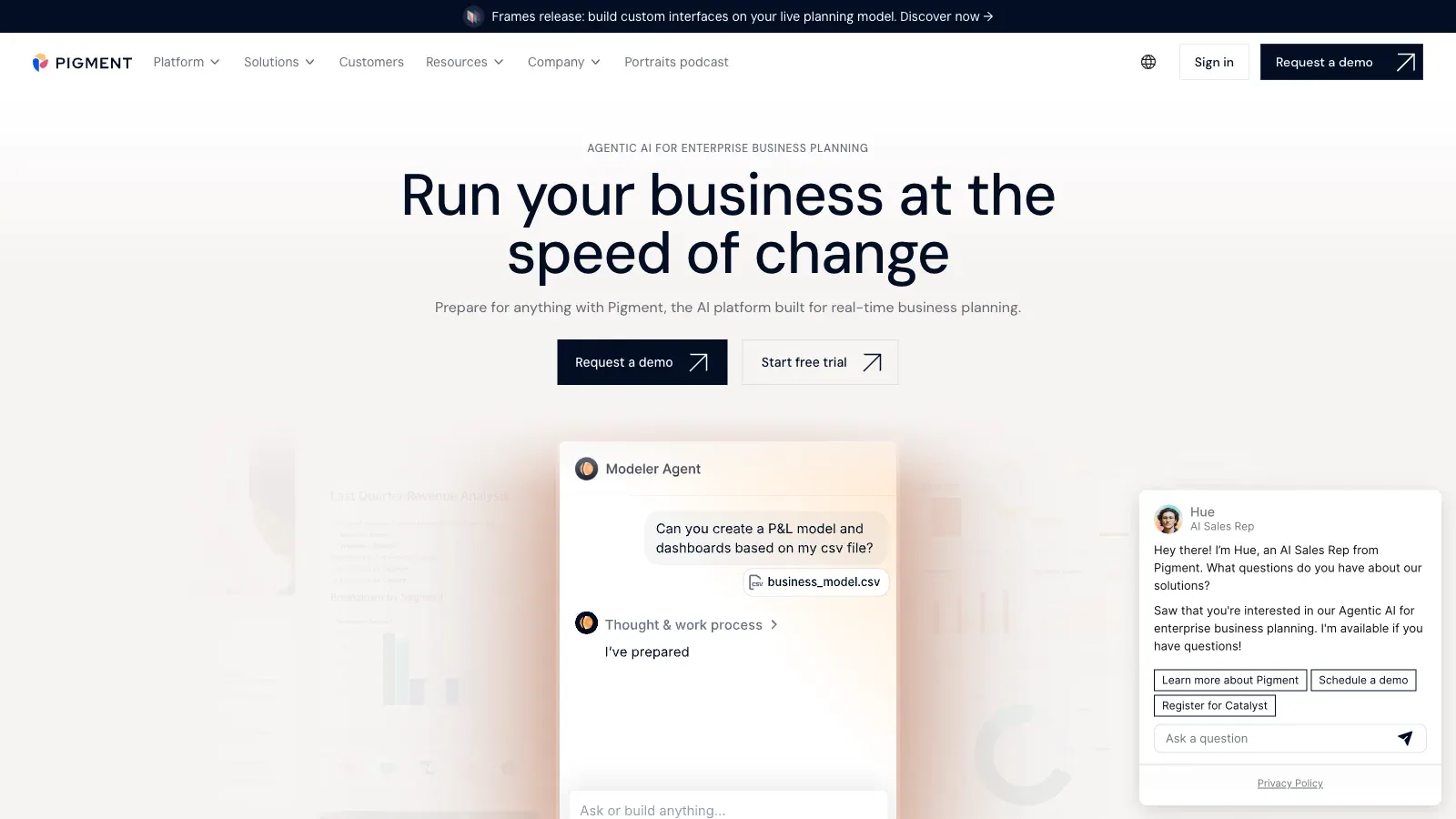
Pigment
- Custom pricing
- Choose it when
- A finance team coordinating a recurring planning cycle.
- Think twice when
- Confirm source connections, model logic, permissions, and plan scope before making the model operational.
- Before you start
- Reconcile a representative period and one scenario before expanding the model.
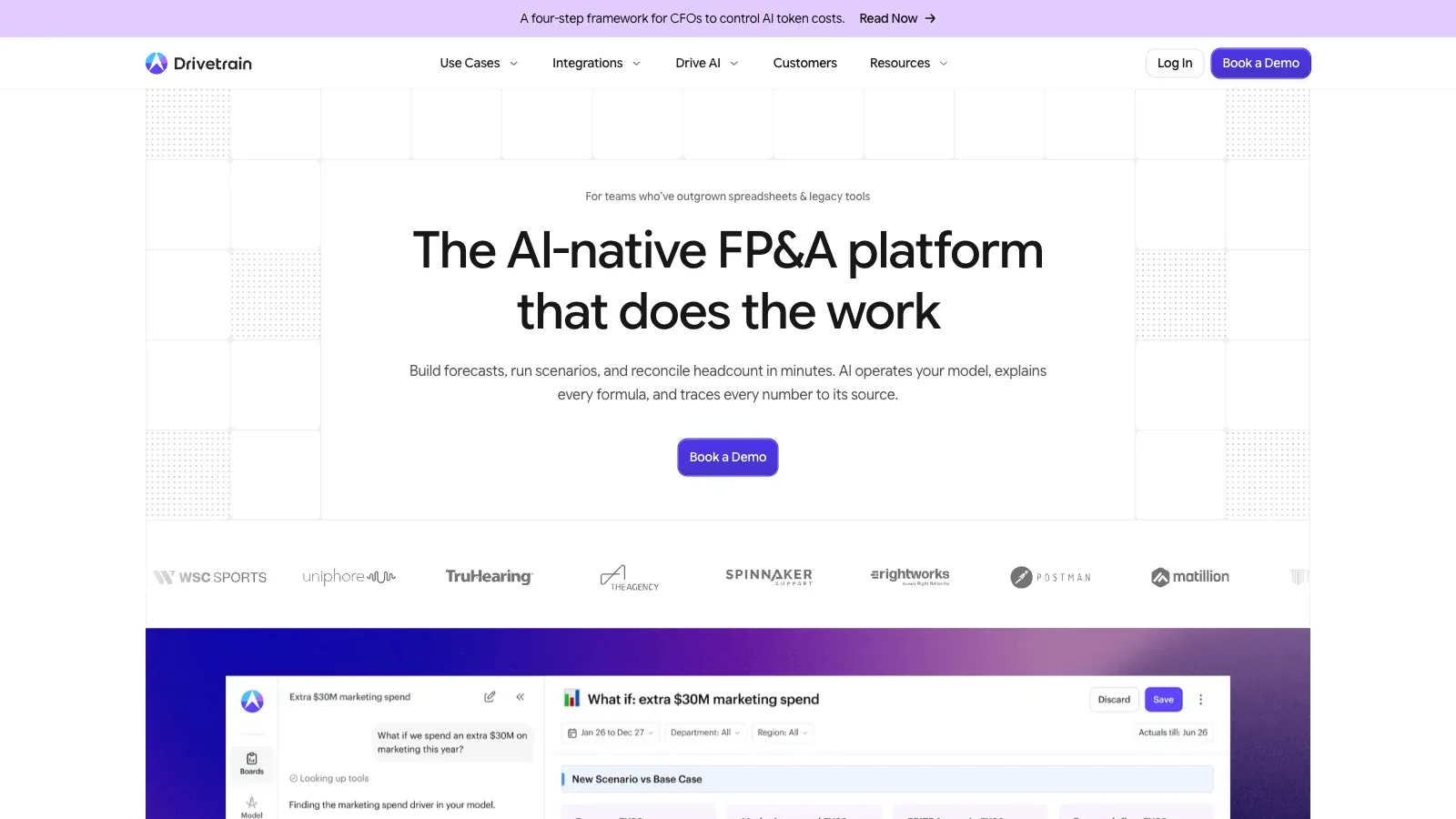
Drivetrain
- Custom pricing
- Choose it when
- A finance team coordinating a recurring planning cycle.
- Think twice when
- Confirm source connections, model logic, permissions, and plan scope before making the model operational.
- Before you start
- Reconcile a representative period and one scenario before expanding the model.
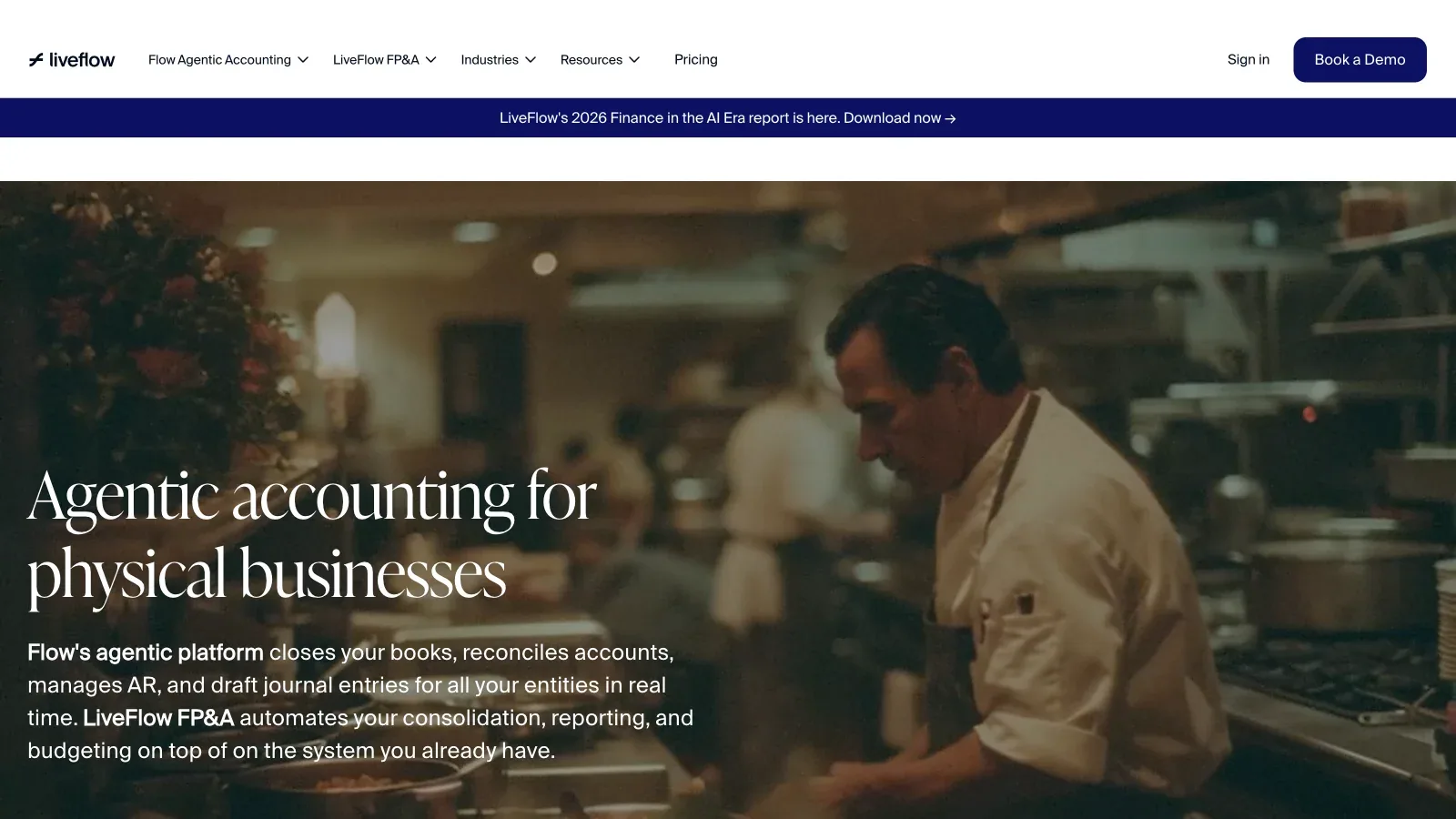
LiveFlow
- Custom pricing
- Choose it when
- A growing company replacing a fragile spreadsheet model.
- Think twice when
- Confirm source connections, model logic, permissions, and plan scope before making the model operational.
- Before you start
- Reconcile a representative period and one scenario before expanding the model.
Forecastr
- Custom pricing
- Choose it when
- A growing company replacing a fragile spreadsheet model.
- Think twice when
- Confirm source connections, model logic, permissions, and plan scope before making the model operational.
- Before you start
- Reconcile a representative period and one scenario before expanding the model.

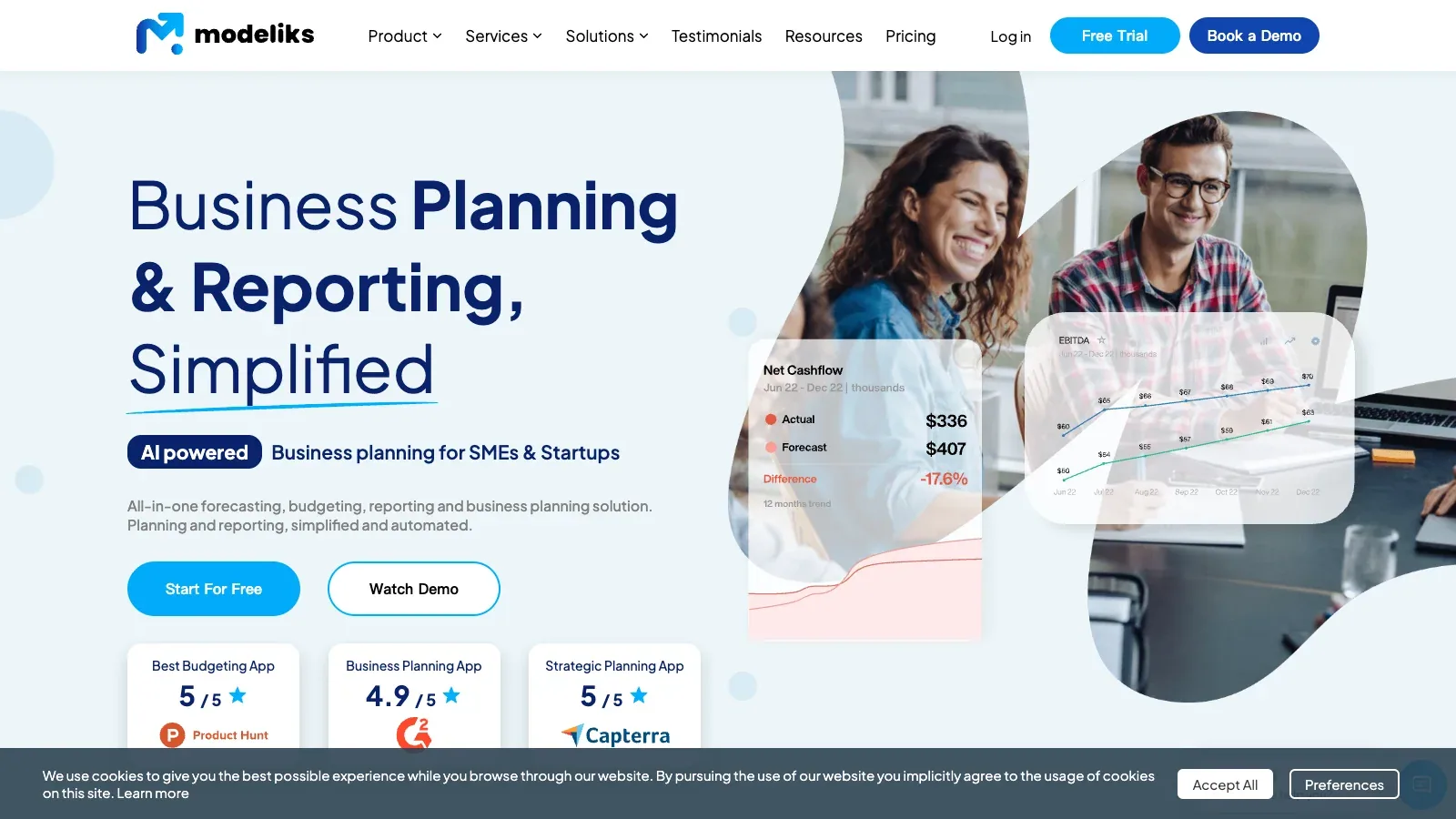
Modeliks
- Custom pricing
- Choose it when
- A growing company replacing a fragile spreadsheet model.
- Think twice when
- Confirm source connections, model logic, permissions, and plan scope before making the model operational.
- Before you start
- Reconcile a representative period and one scenario before expanding the model.
ProjectionHub
- Custom pricing
- Choose it when
- A team that wants a lighter, spreadsheet-oriented starting point.
- Think twice when
- Confirm source connections, model logic, permissions, and plan scope before making the model operational.
- Before you start
- Reconcile a representative period and one scenario before expanding the model.
Equals
- Custom pricing
- Choose it when
- A team that wants a lighter, spreadsheet-oriented starting point.
- Think twice when
- Confirm source connections, model logic, permissions, and plan scope before making the model operational.
- Before you start
- Reconcile a representative period and one scenario before expanding the model.
Rows
- Free
- $8/month
- $79/month
- Custom pricing
- Choose it when
- A team that wants a lighter, spreadsheet-oriented starting point.
- Think twice when
- Confirm source connections, model logic, permissions, and plan scope before making the model operational.
- Before you start
- Reconcile a representative period and one scenario before expanding the model.
From source actuals to a checked model.
Define the model boundary
Specify entities, periods, currencies, statements, operating schedules, and the decision the model must support.
Reconcile the base case
Load a representative period, map source accounts, and reconcile revenue, expenses, balance-sheet movements, and cash before forecasting.
Add drivers and scenarios
Separate controllable assumptions from calculated outputs. Keep base, upside, and downside cases distinct, then trace how each driver changes the statements.
Review and hand off
Test edge cases, permissions, refresh behavior, and exports. Document unresolved inputs and preserve a reviewed version for comparison.
Give the analysis a precise brief.
Use a small, non-sensitive sample to check that the fields are understood before uploading the full file.
QUESTION
[One decision or question]

DATA
File and sheets: [names]
One row represents: [unit]
Date range and currency: [definitions]
Key columns: [names and meanings]

RULES
Missing values: [leave unknown / exclude with counts / other]
Duplicates: [key and keep rule]
Refunds and cancellations: [treatment]

PROCESS
First report row counts, types, missing values, and duplicate keys.
Propose cleaning rules and wait before changing data.
Show the calculation and the rows excluded.
Return a grouped result table and a chart with units.
Keep observations separate from explanations of causes.
Provide an export and a short audit of changes.
Before using the result
Questions before uploading.
Should I upload a screenshot of the table?
Use the underlying CSV or financial model when you have it. A screenshot can hide rows, cut off labels, and make precise values harder to read.
Which tool should I use for survey comments?
Numerous fits cell-level labeling in Excel or Sheets. Define the label set and review ambiguous responses before applying the same instruction to the whole column.
Can I use an AI-generated formula immediately?
Try it on a small set with a known answer, including blanks and zero values. Check references and syntax in your actual financial model application.
Why do I need a row-count check?
Filtering, joining, and deduplication can change which records contribute to a total. A row-count audit helps you locate a mismatch before interpreting the result.
Were the tools run on this example?
No. Product capabilities were checked against official sources. The three-order example is an authored calculation for explaining the review process.
Sources
Official product pages used to support the comparison above.
- Pigment · Starting input, Working output
- Pigment · Access
- Drivetrain · Starting input, Working output
- Drivetrain · Access
- LiveFlow · Starting input, Working output
- LiveFlow · Access
- Forecastr · Starting input, Working output
- Forecastr · Access
- Modeliks · Starting input, Working output
- Modeliks · Access
- ProjectionHub · Starting input, Working output
- ProjectionHub · Access
- Equals · Starting input, Working output
- Equals · Access
- Rows · Starting input, Working output
- Rows · Access